Log into the Nice CXone portal and provide your credentials.
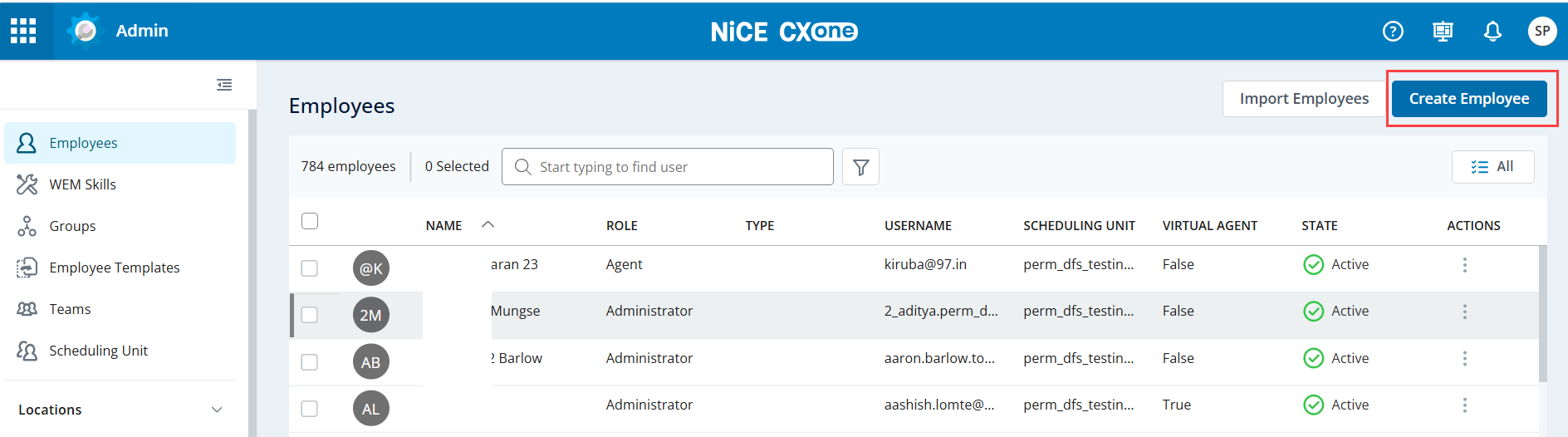
From the Admin screen, click Create Employee.
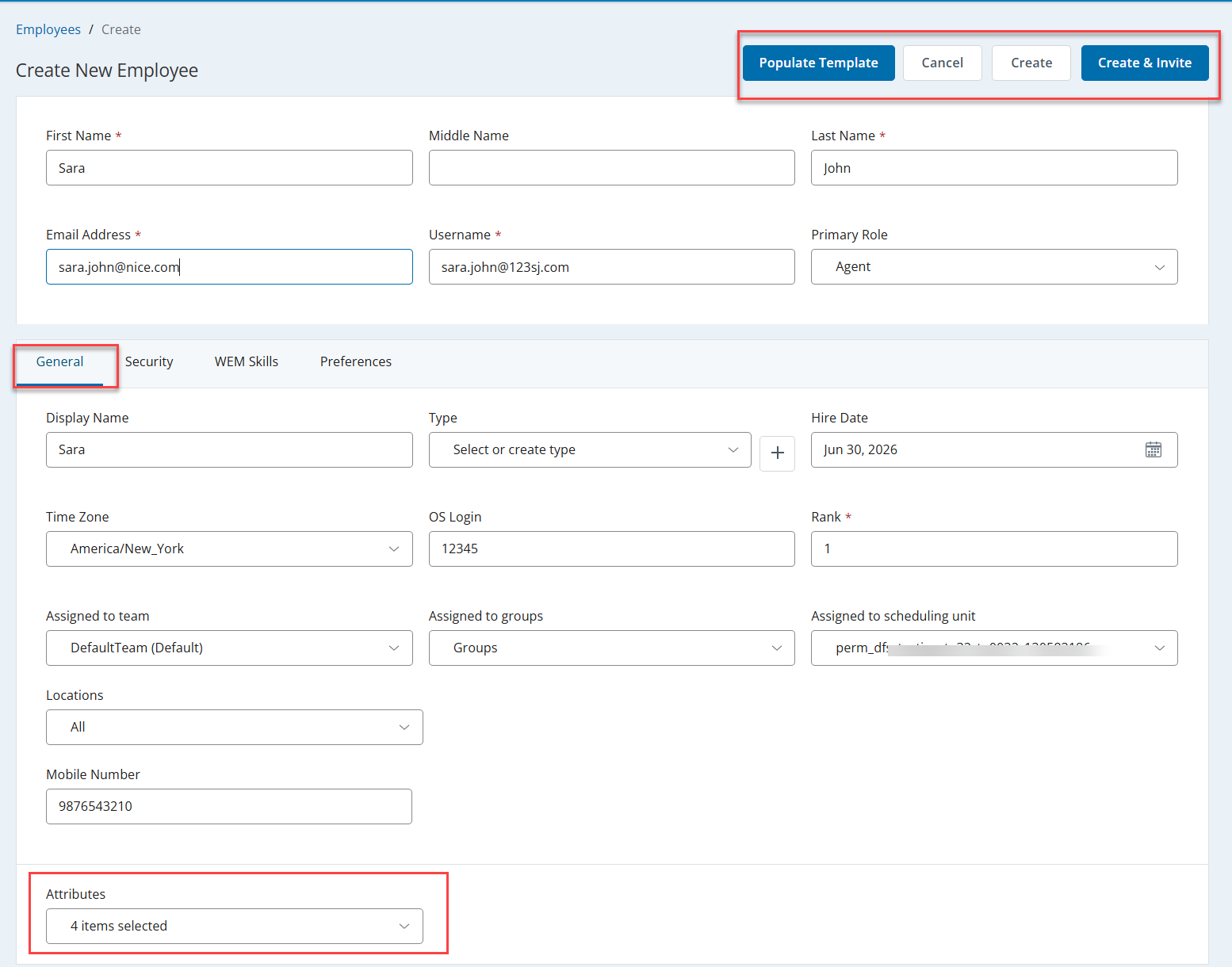
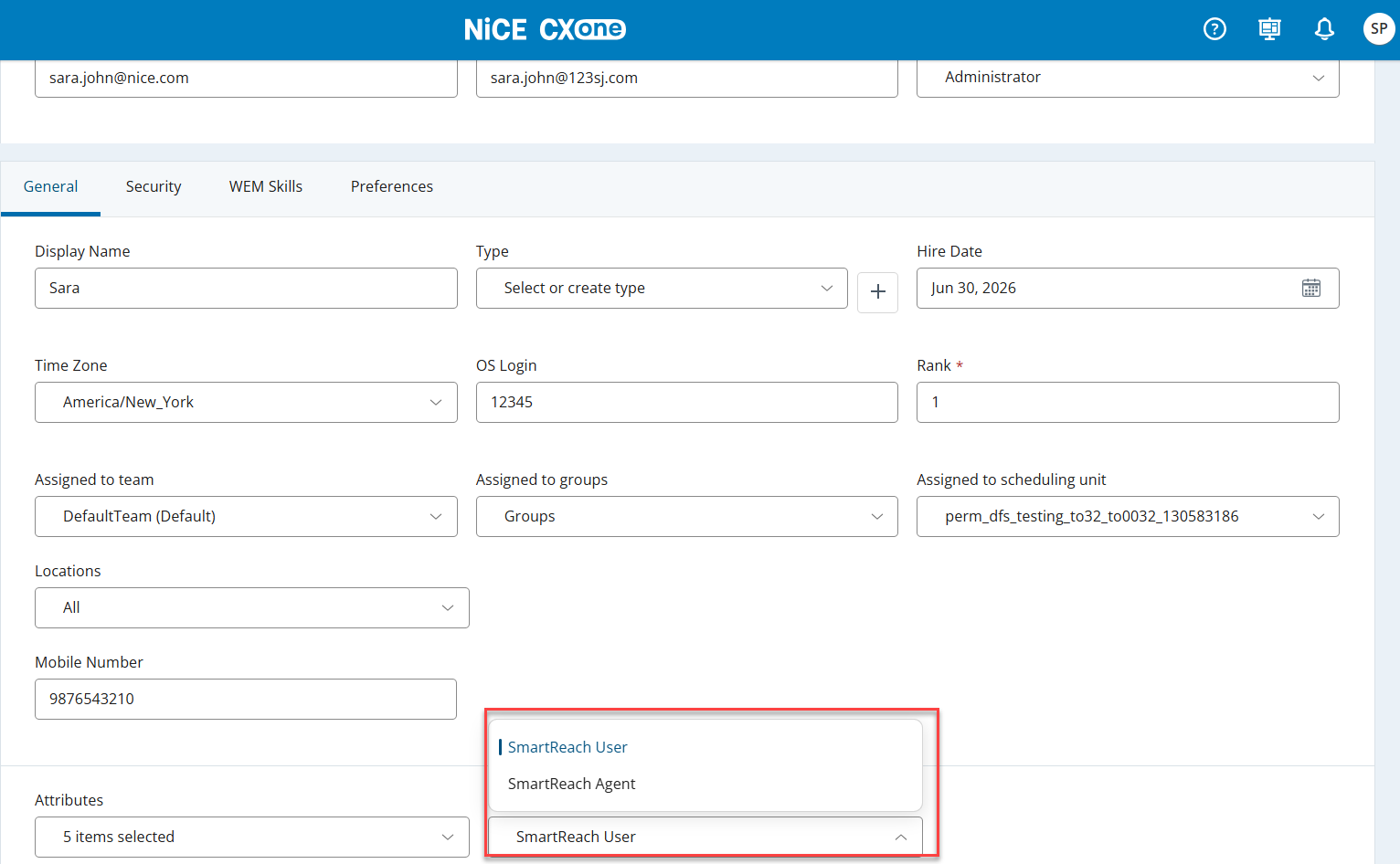
Specify the options in the fields under the Create New Employee section and provide details in the General, Security, WEM Skills, and Preferences tabs.
Monitor Outbound Engagement. See Monitor Dashboard for more information.
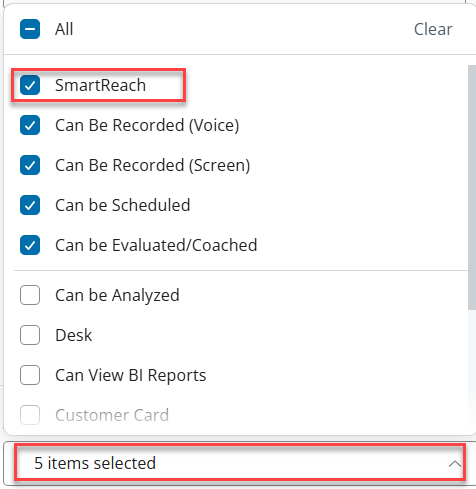
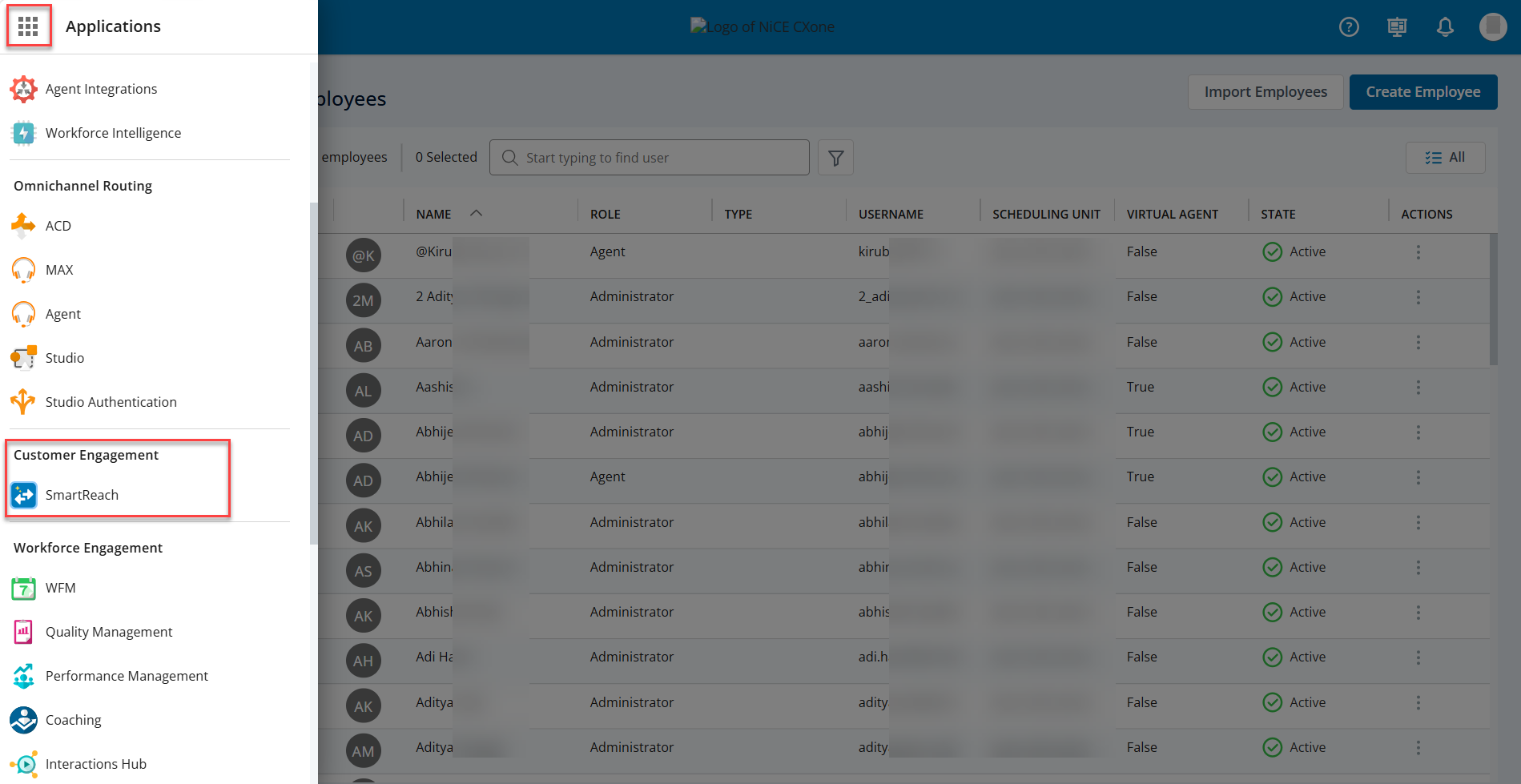
Configure and edit Services (CXone Skills). See Working with the Services Editorformoreinformation. When you create Skills on CXOne, a corresponding Service is created on SmartReach. Campaigns are created for services. Services are assigned to agents in the ACD portal.
Generate Reports. See Reports for more information.
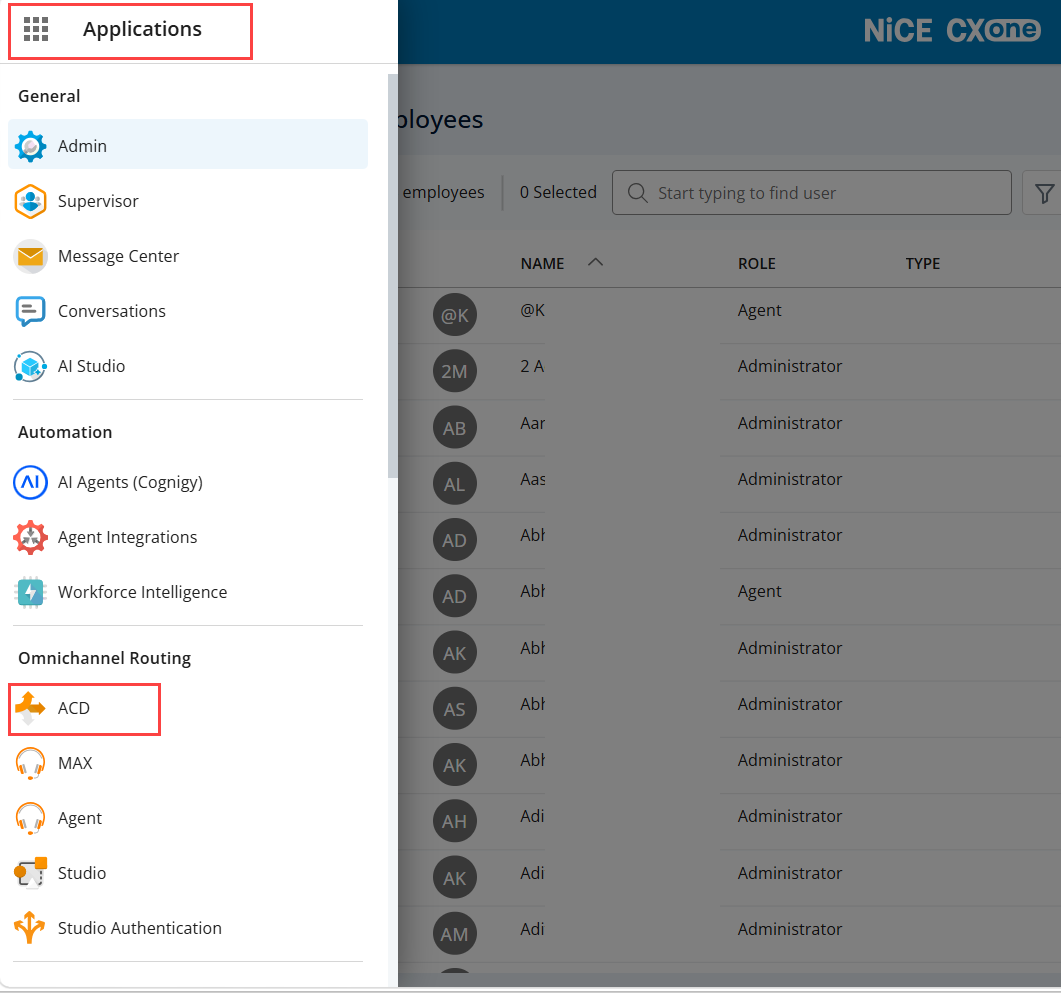
To manage agents, select ACD from the Applications menu.
See ACDfor more information on how to configure inbound and outbound interaction channels. Inbound channels include voice, chat, email, voicemail, SMS, and work items. Outbound channels include email, SMS, and voice. Outbound channels can be manual, such as an agent dialing a single contact.