Contact segmentation is the process of dividing your contact list into smaller lists (segments) based on common characteristics. This helps you to target your campaigns at the intended demographic.
Managing a Contact Segmentation
You can create or modify a contact segmentation through theSegmentationwindow in Contact Manager. To access theSegmentationwindow through Contact Manager:
On the Configure tab, click Contacts > Contacts. The Contacts window appears.
On the Contacts tab, click the ellipsis icon. TheSegmentationwindow displaying a table of contact segmentation templates appears.
For information about how to manage segmentation, seeSegmentation.
Previewing a Contact Segmentation
You can preview a contact segmentation through Contact Manager. To do so:
On the Configure tab, click Contacts > Contacts. The Contacts window appears.
On theContactstab, in the Segmentation Templates field, specify the segmentation template that you want to preview.
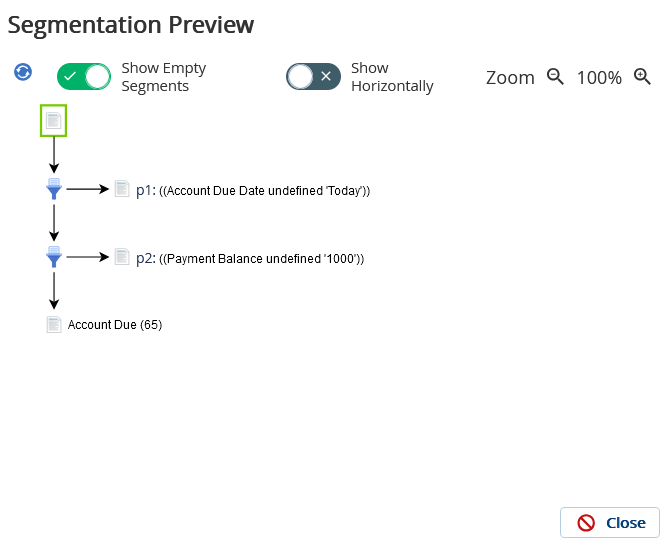
ClickPreview. TheSegmentation Previewwindow displaying a preview of the segmentation, along with the count of contacts in each segment (grouping rule), appears.
If you want to view the segments that do not contain any contacts, select thecheckbox.
If you have modified the segmentation template or contact data, click theForce Reloadbuttonto refresh the preview.