You can add LV Connect to the agent's Home Bar or as a component. When you add it as an icon in the Home Bar, the agent can view the notification at the click of a button.
To add LV Connect:
- Access the Designer
- Add Home Bar to the page.
- Click the gear icon on the Home Bar.
The Edit Component window appears.
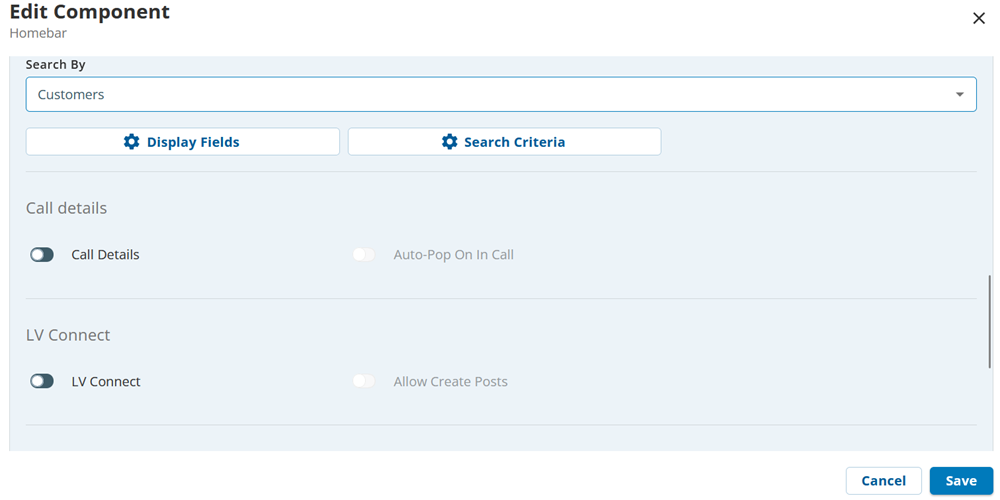
- Select LV Connect.
LV Connect appears as an icon in the Home Bar. - Enable Allow Create Posts if you want the agent to create posts.