You can define which components (elements) you want to be displayed on each page, how you want the components to be displayed, and the themes for the pages.
To design a Designer Desktop page:
Access Designer.
From the Desktops window, double-click the desktop that you want to design.
The Design subtab appears.
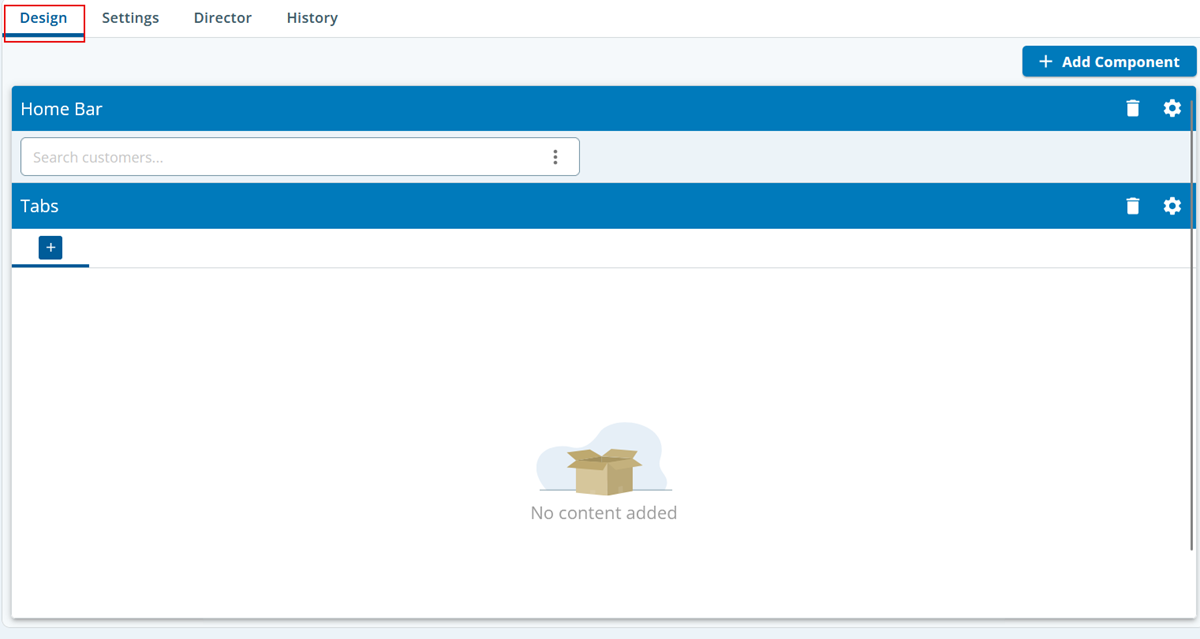
Click the Add Component button.
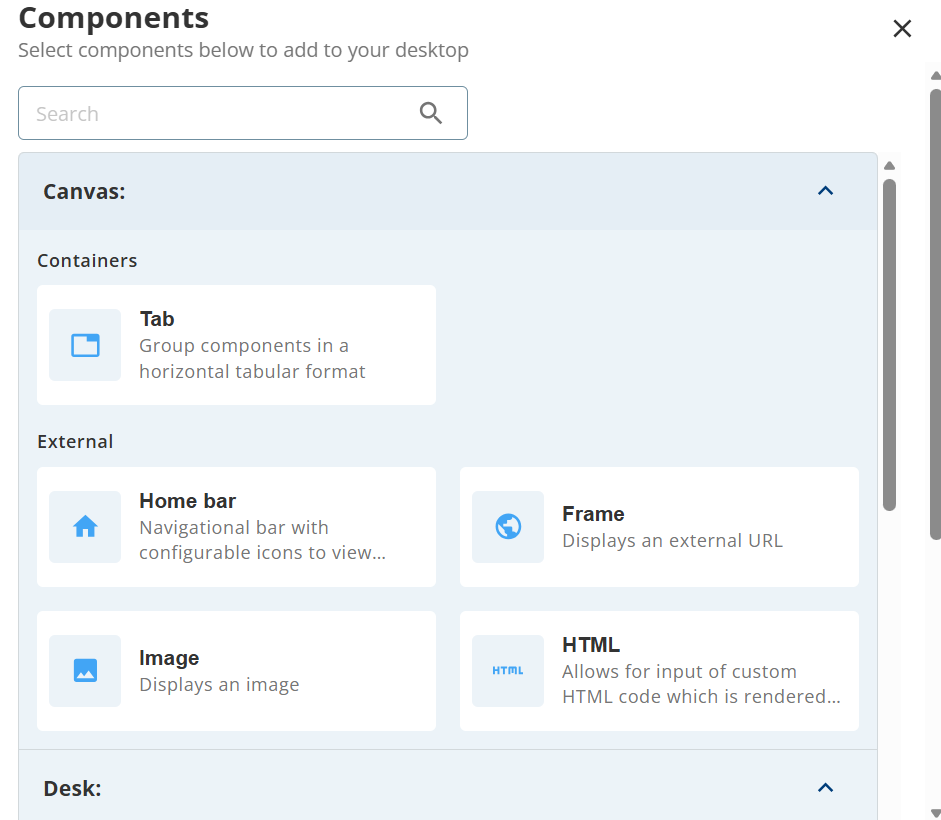
Click the component that you want to add to the layout.
- You can delete a component by using the delete icon.
- You can edit a component by using the gear icon.
Click Save.