You can enable SPC functionality on the Agent Panel (only for Voice Mode) or Agent Panel with Designer using the
To enable the functionality on the Agent Panel:
- Navigate to Configure > Agents > Agent Desktop.
- Double click the desktop (associated with the standard agent desktop service) from the desktop list.
- Select the Agent Panel + Extended Panel option from the Agent Panel drop-down list.
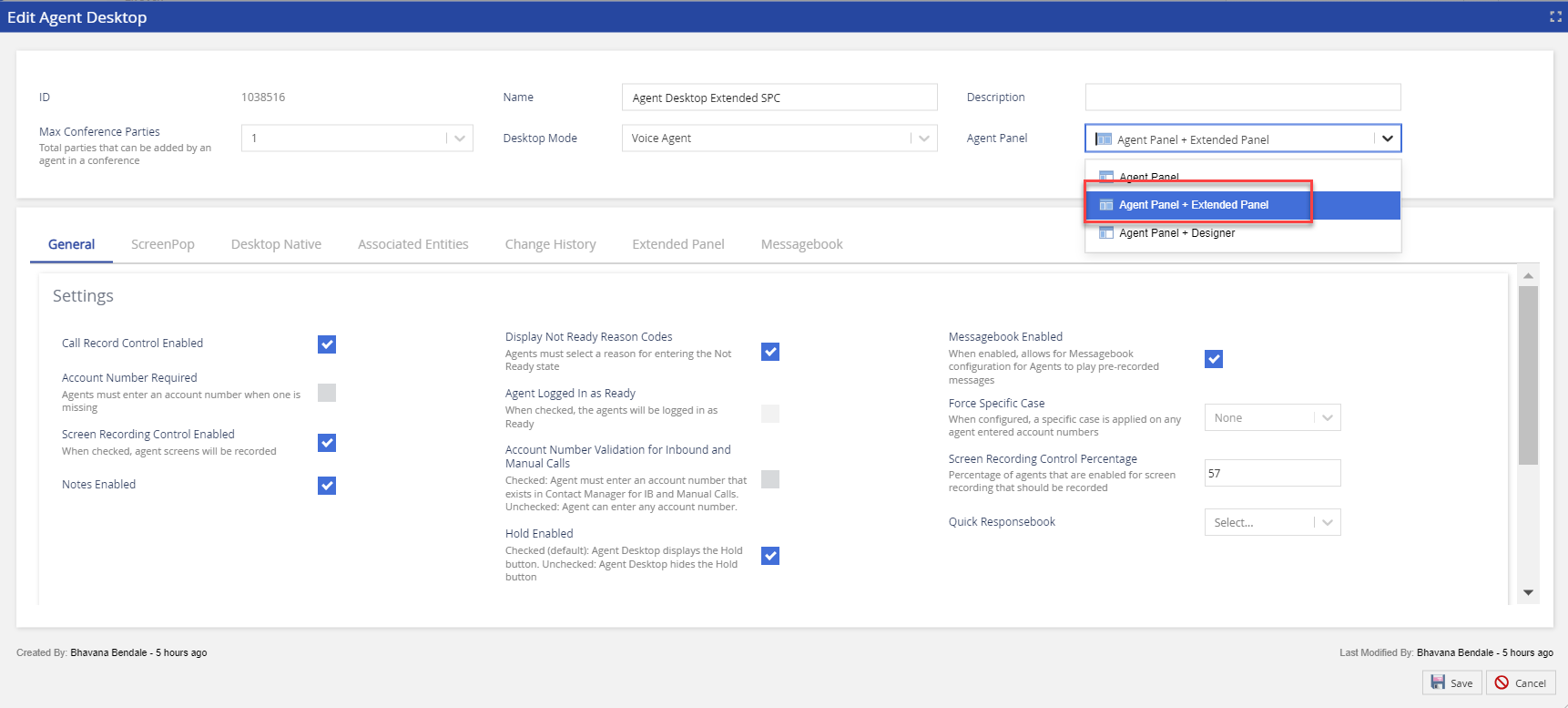
- Add the Secure Payment Capture widgets. For more information about adding widgets, see the Agent Desktop: Extended Panel Tab section.
- Click the Save button.
- Double click the same desktop (associated with the standard agent desktop service) from the desktop list.
- Select the Agent Panel option for the same desktop.
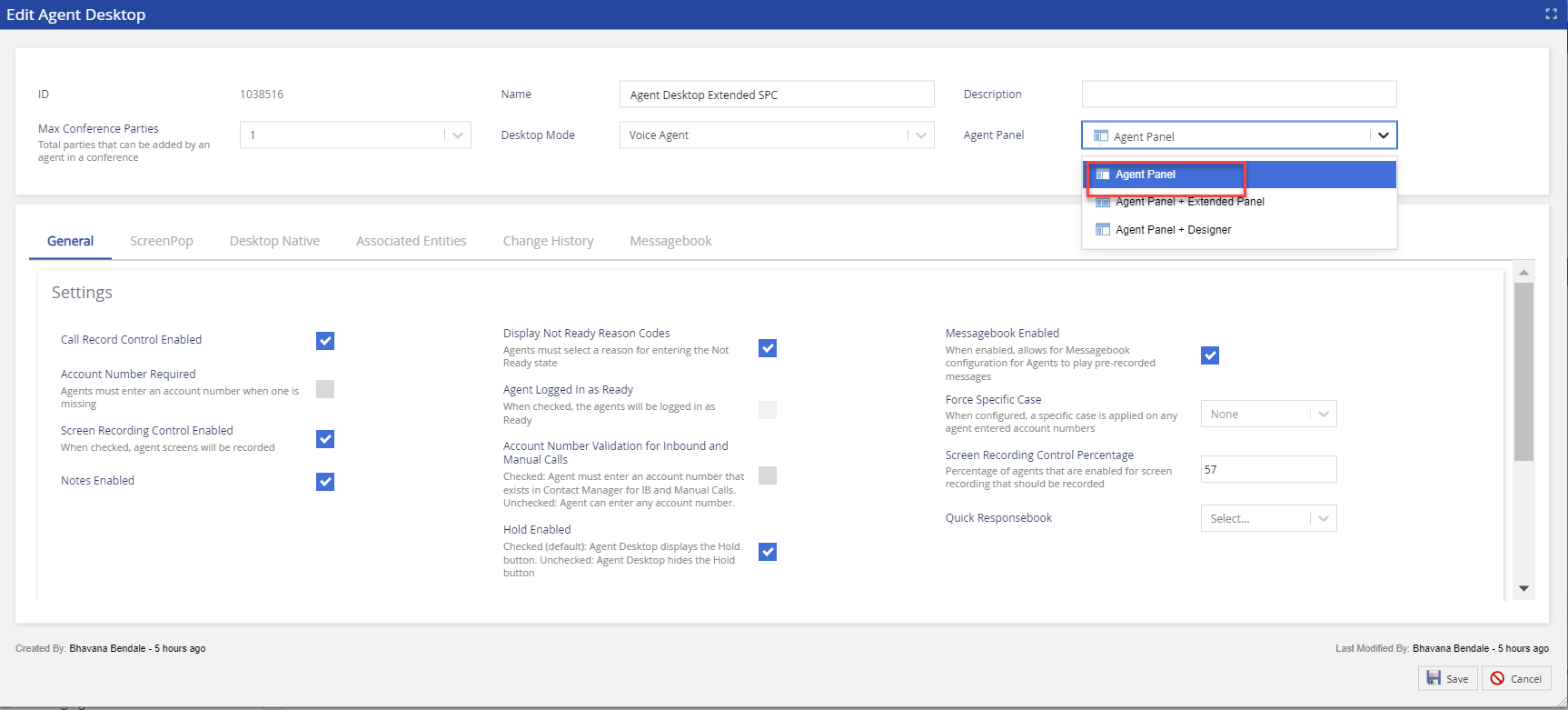
- Click the Save button to save all the changes.
To enable the functionality on the Agent Panel with Designer:
- Navigate to Configure > Agents > Agent Desktop.
- Double click the desktop (associated with the designer desktop service) from the desktop list.
- Select the Agent Panel + Extended Panel option from the Agent Panel drop-down list.
- Add the Secure Payment Capture widgets. For more information about adding widgets, see the Agent Desktop: Extended Panel Tab section.
- Click the Save button.
- Double click the same desktop (associated with the Designer Desktop service) from the desktop list.
- Select the Agent Panel + Designer option for the same desktop.
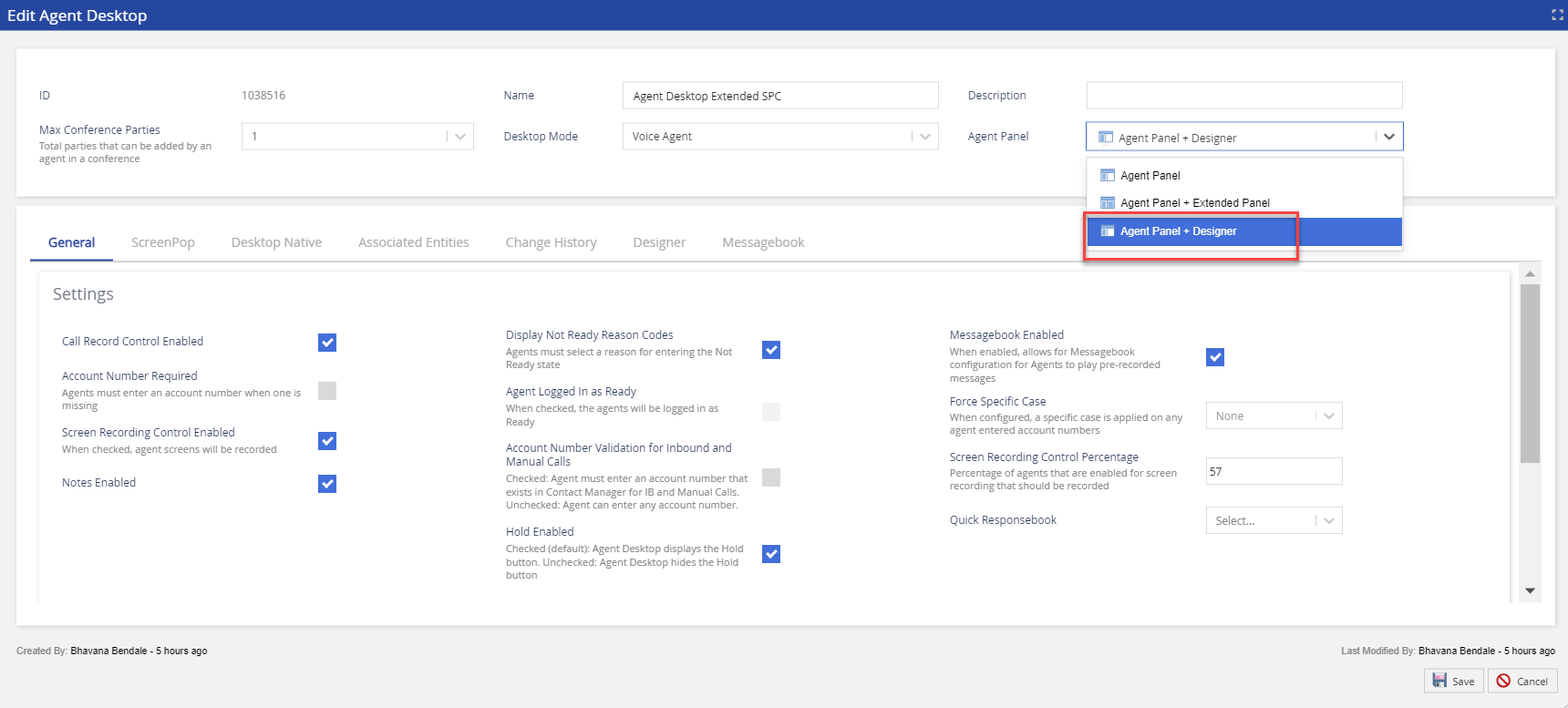
- Click the Save button.
- Navigate to the Designer tab.
- Select the required Designer Desktop from the Designer Desktop drop-down list.
- Click the Save button to save all the changes.