After you add an API method in the Designer > Functions > Functions Library, you can specify the URL parameters. A new option, Encode All Parameters, enables you to encode all the characters in the URL.

This option is available starting with the Fall 24 release.
The search functionality in the Contact Center CRM agent desktop has been enhanced to provide personalized . Using this enhancement, you can allow your agents to view specific information for an account.
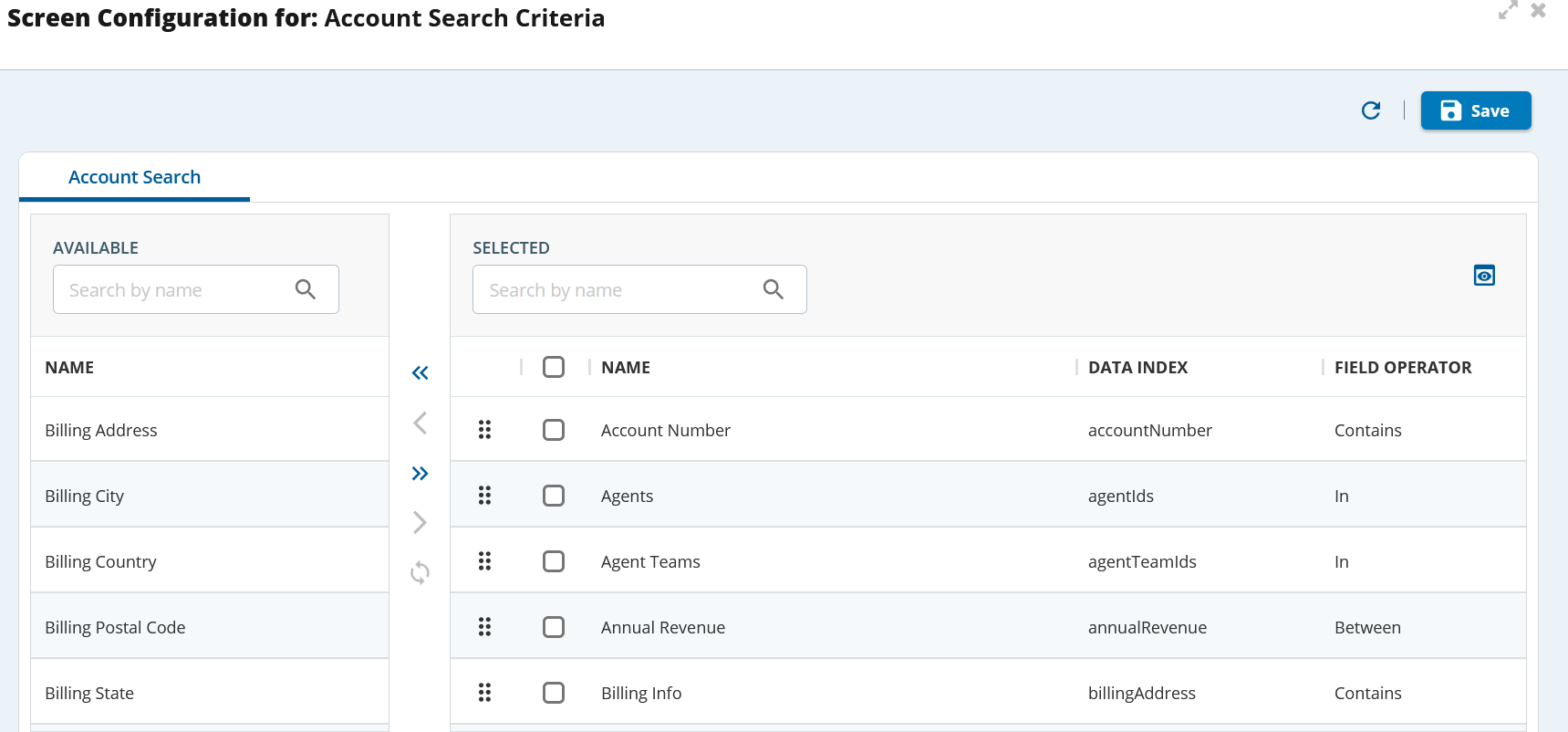
You can now enable specific columns for agents during a call and display account components to enhance the agent's ability to quickly and efficiently retrieve the information they need to serve the customer.
You can now enable or disable the search functions on the Account List. You can define the fields on which the agents can search for the results. The current day's records are, by default, displayed on the agent's desktop. The agent can add or remove the customer account fields using the available operators.

This release enables you to preview the search criteria before applying the changes.
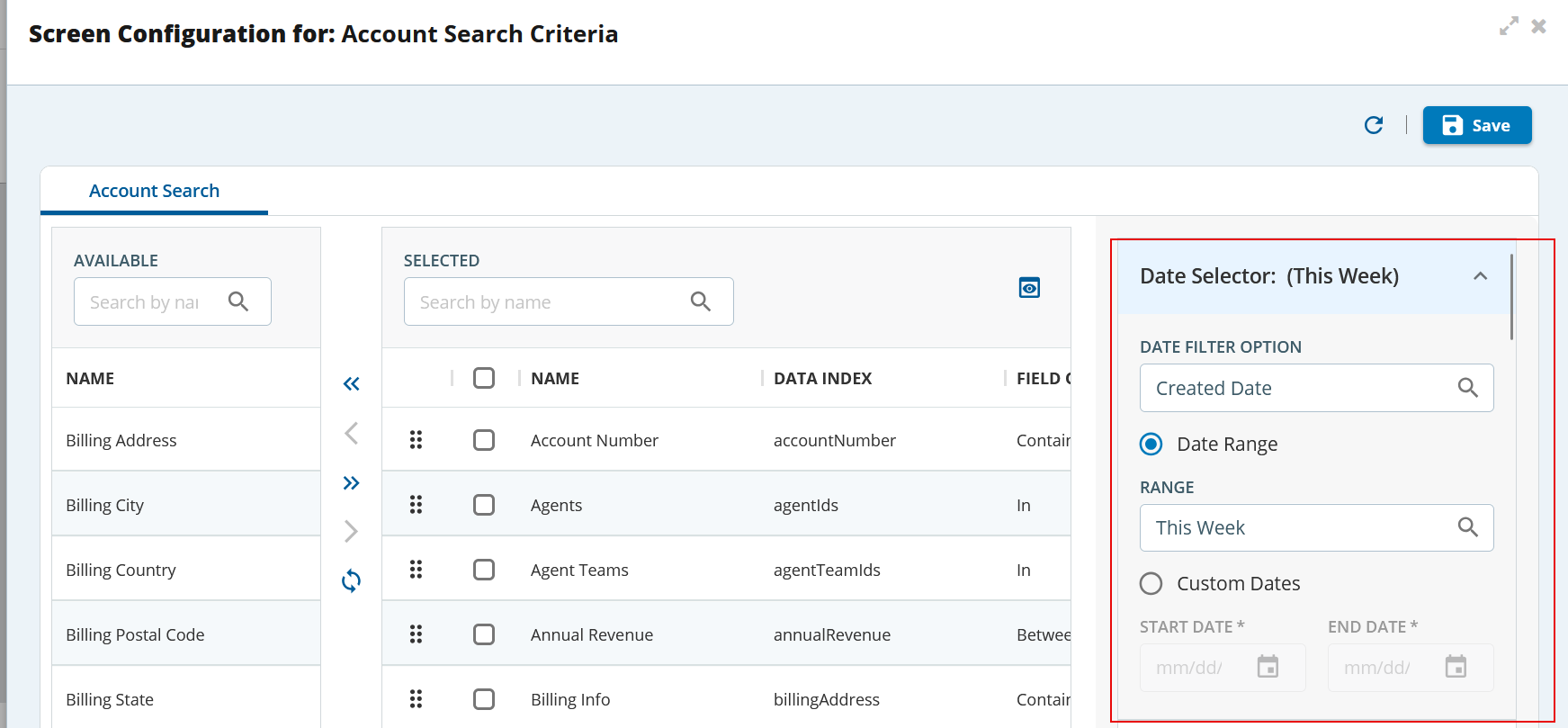
This option is available starting with the Fall 24 release.
You can configure the Interaction List Screen and Interaction Detail Screen for accounts, contacts, and tickets.
The Interactions List screen allows you to define what columns you want agents to see when the agents are looking at an interaction list. You can also include
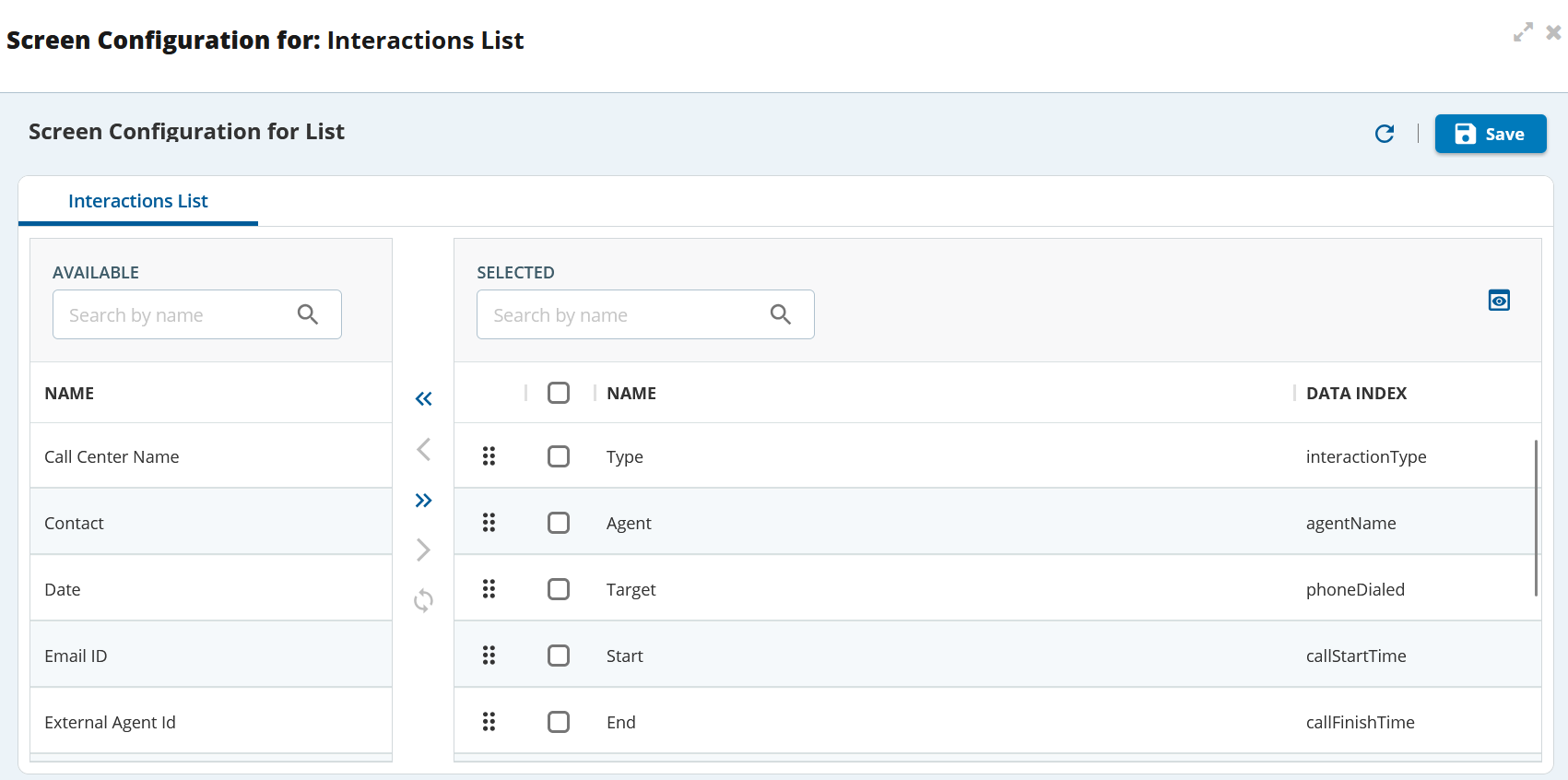
The Interaction Detail screen allows you to define the inter
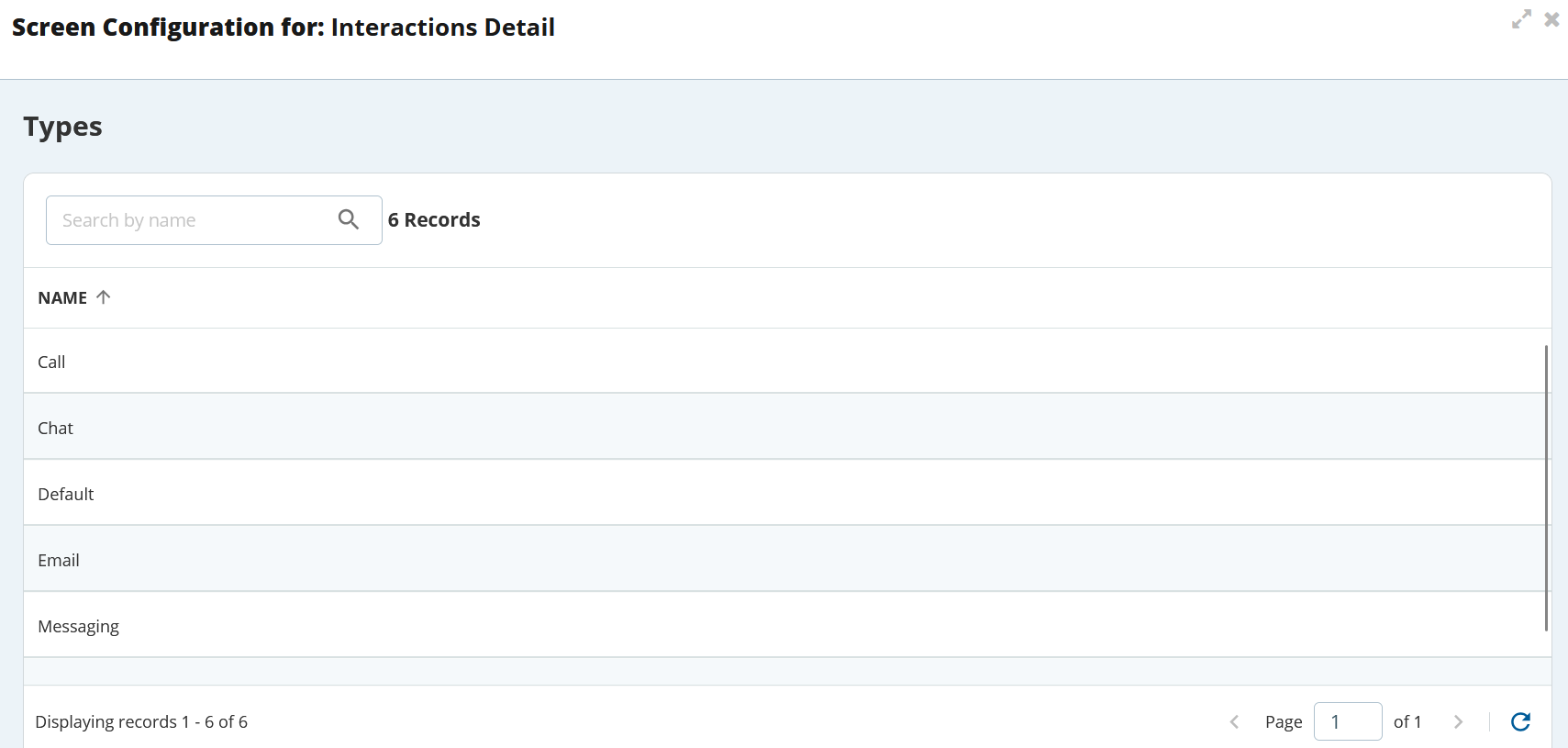
The Screen Configuration section in now includes Interaction List Screen and Interaction Detail Screen options.

The Screen Configuration section in Contacts now includes Interaction List Screen and Interaction Detail Screen options.

The Screen Configuration section in Tickets now includes Interaction List Screen and Interaction Detail Screen options.

This option is available starting with the Fall 24 release.
