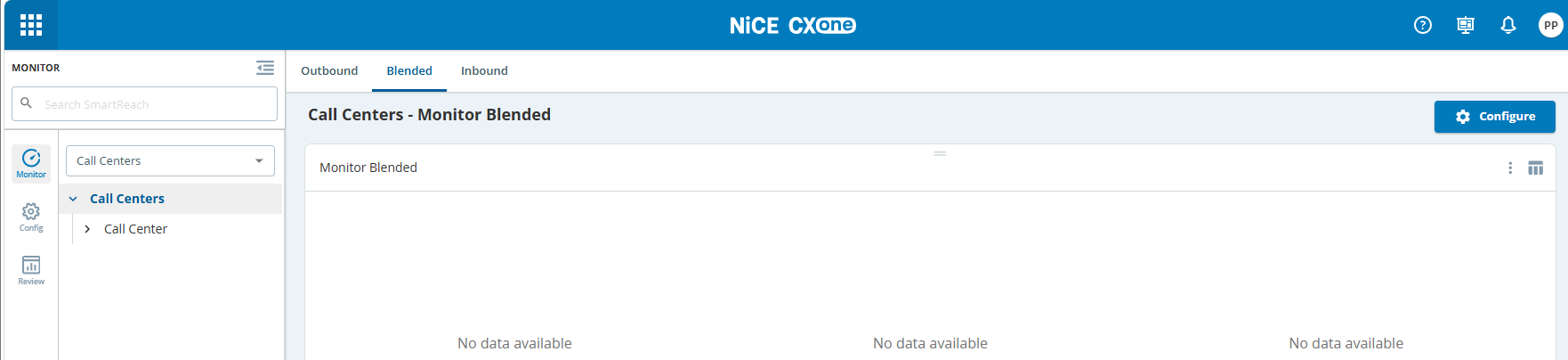
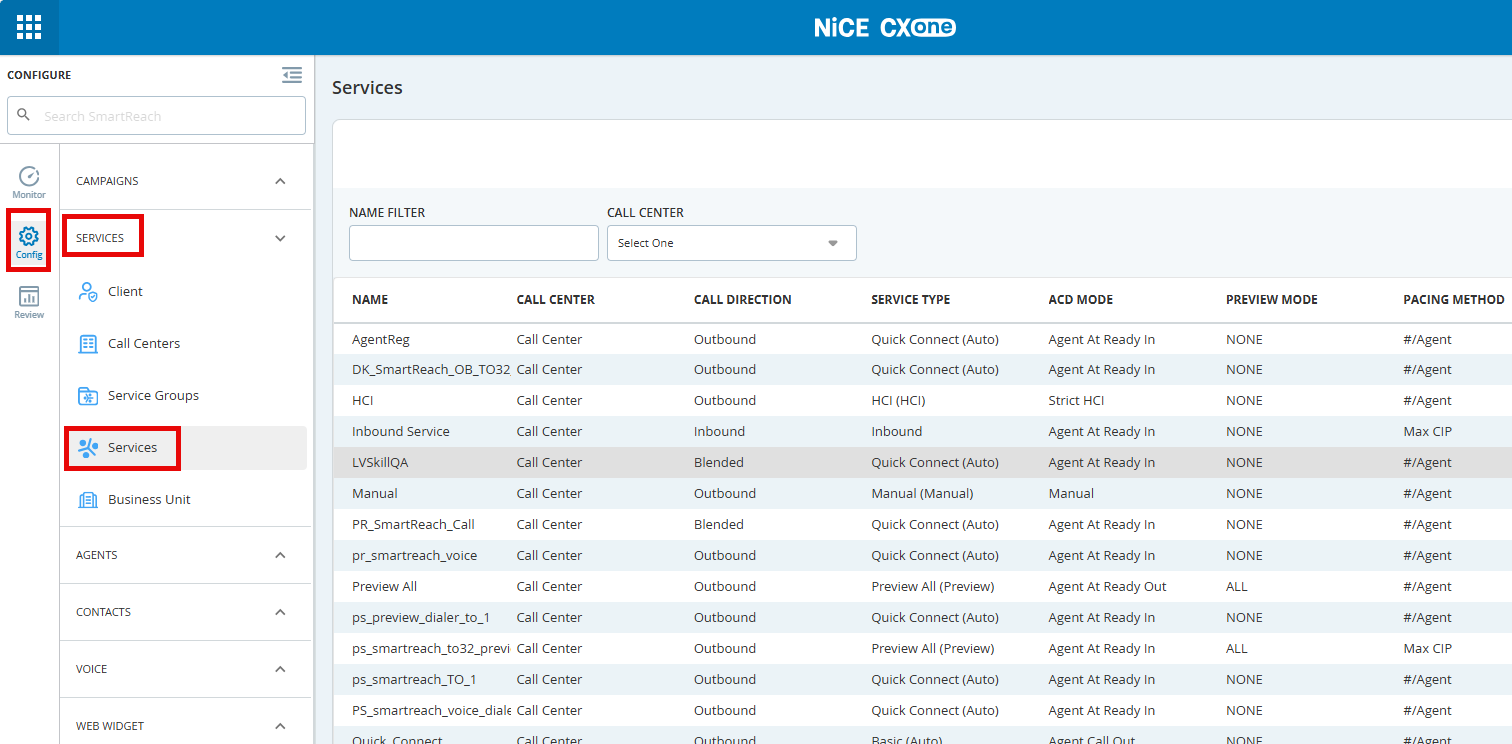
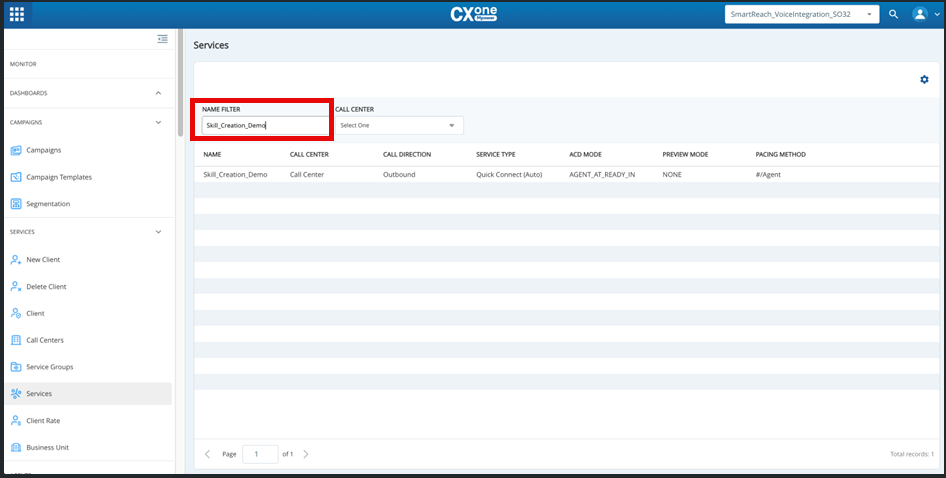
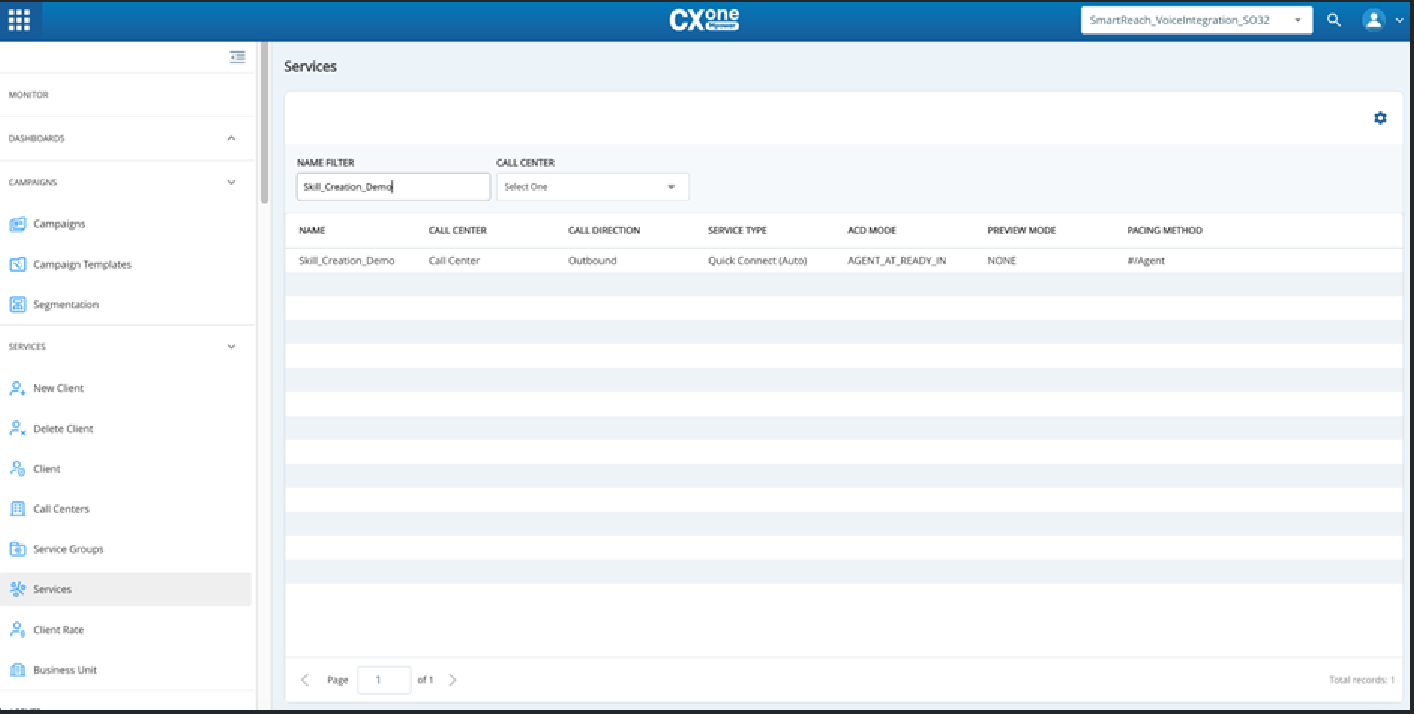
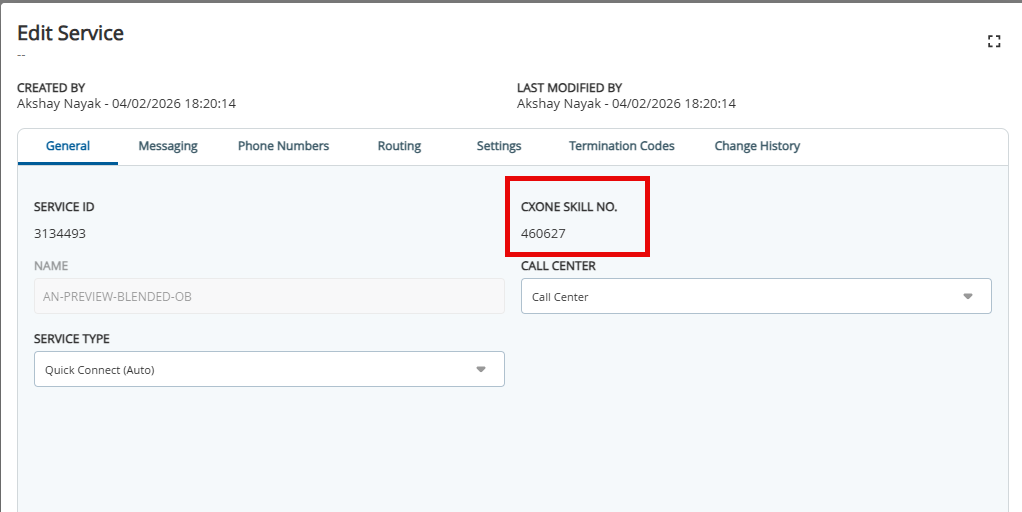
Outbound Engagement and CXone Integration Guide Admin Guide Getting Started Current: Verifying an Outbound Engagement Service PDF Download PDF Download page Verifying an Outbound Engagement Service. Current page All pages Verifying an Outbound Engagement Service From the Applications menu, click SmartReach.Click Config > SERVICES > Services.In the Name filter, enter the Skill name that you created on the CXone side.The skill that you created on the CXone side will be displayed in the service list. Double click on the Service (Skill) name. The Edit Service page is displayed. For more information see Navigating the Services Editor.Verify that the following settings are configured correctly. ×