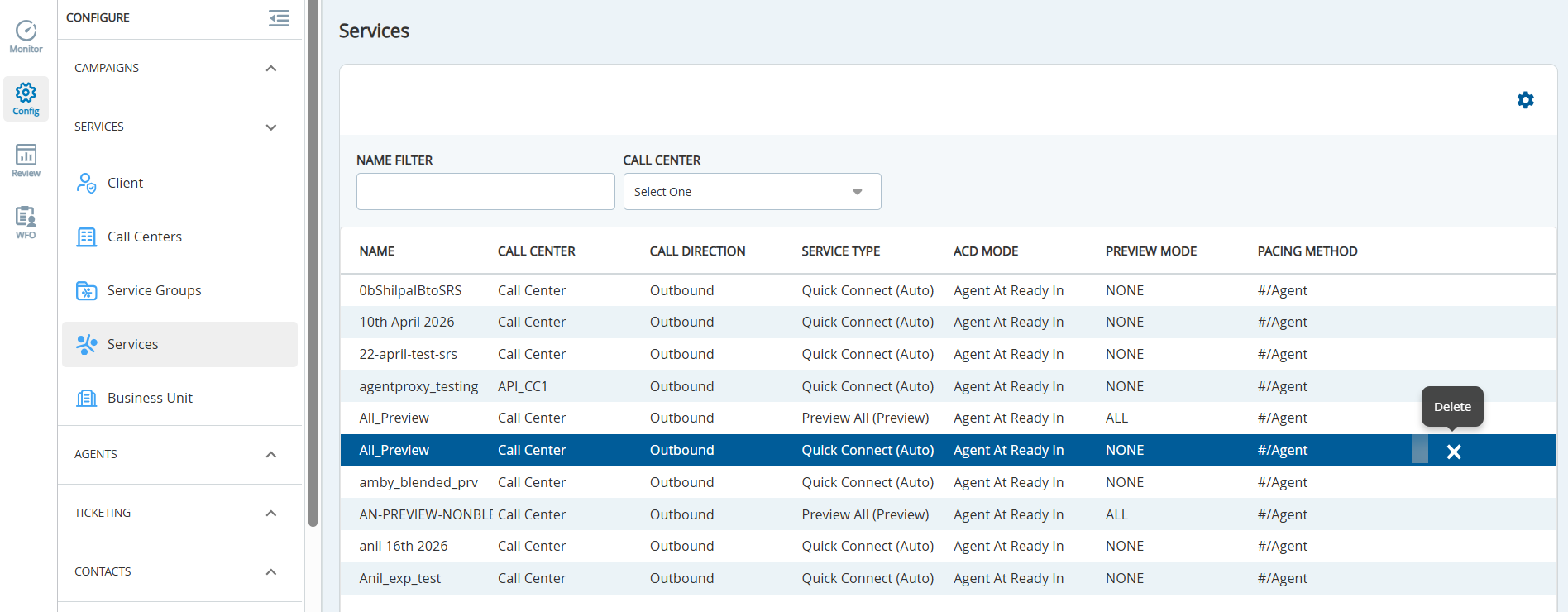
The Services window under Configure > Services displays the list of configured services. The name of the service, Call Center, Call Direction, Service Type, ACD Mode, Preview Mode, and the Pacing Method is listed for each configured service.
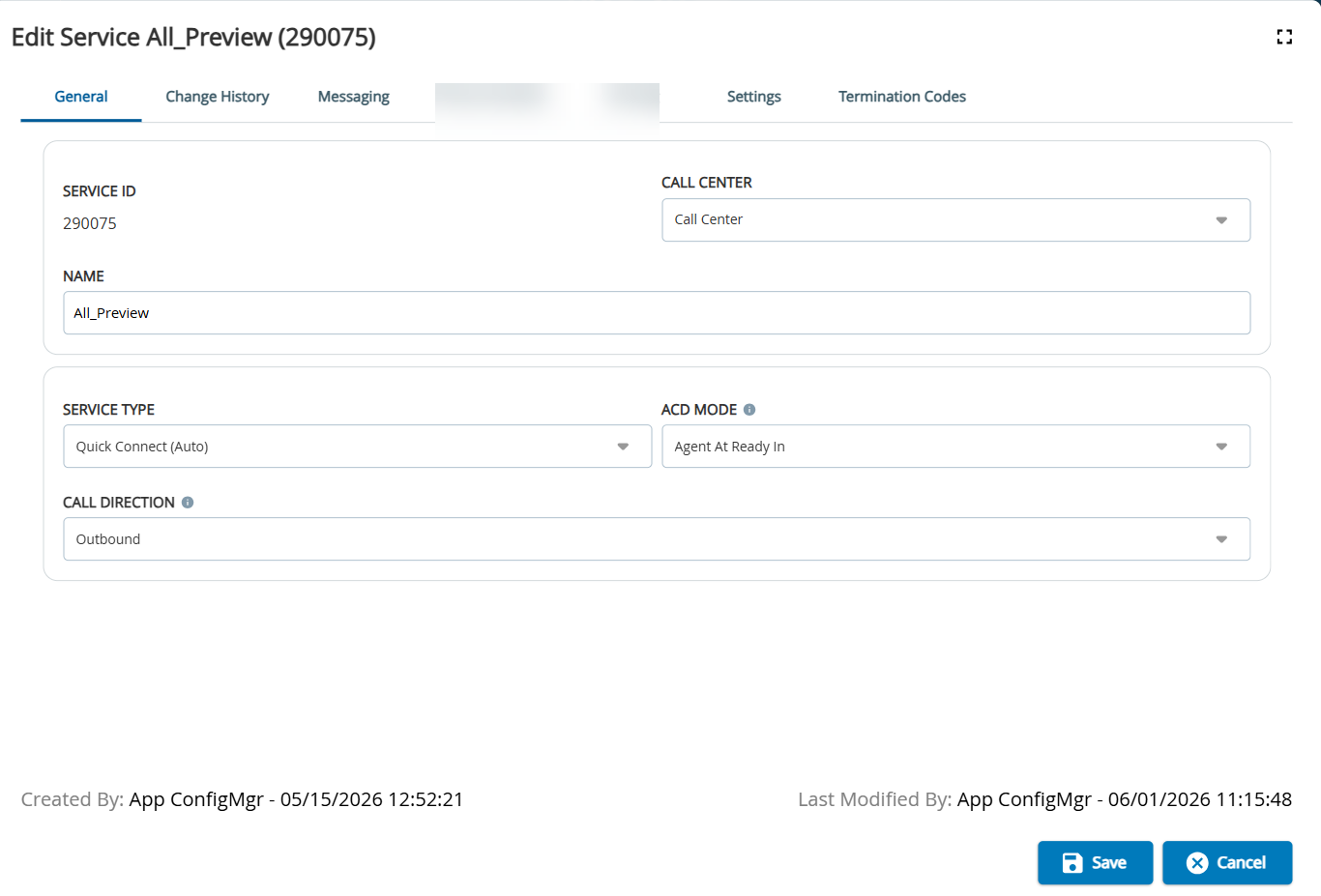
To access the Services editor, go to Configure > Services. Double-click the required service to access the service editor.
Buttons
Delete: Enables you to delete the service. For more information, see the Deleting Services section.
Tabs
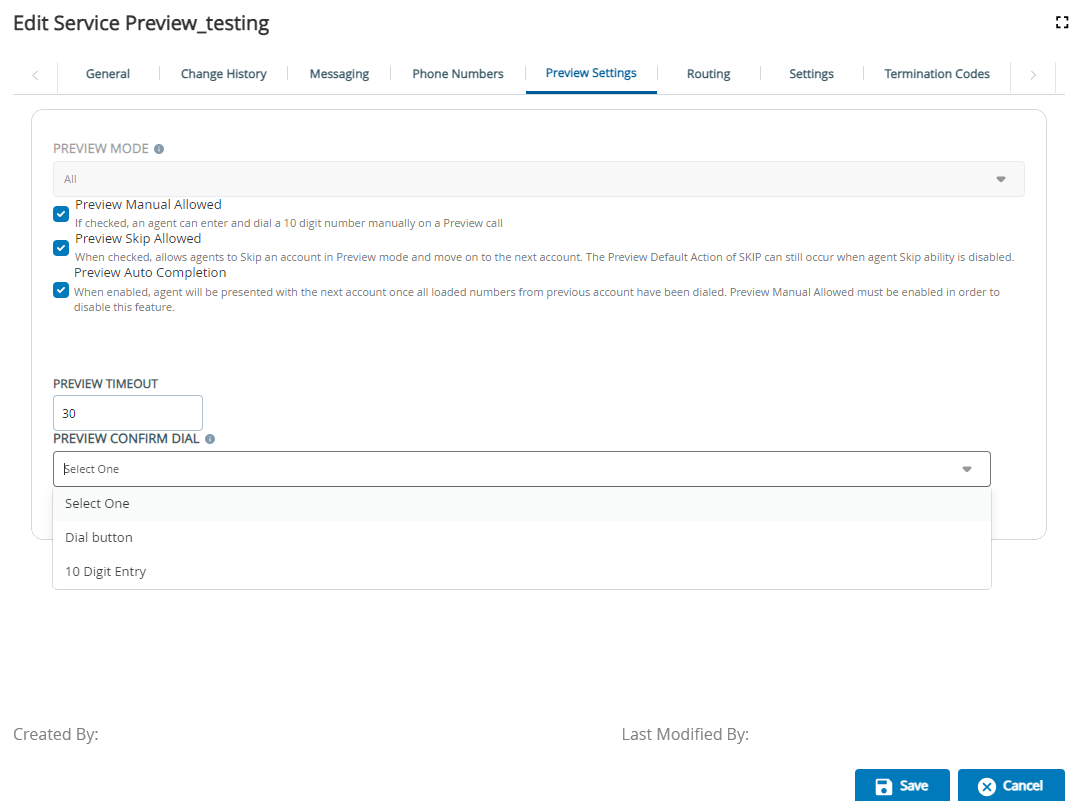
The Services editor has the following tabs:
General:Contains the basic settings for the service (that is, the value specified in theServicefield). For more information, see the Services Editor General Tab section.
Change History:Contains a history of the changes made to the service. For more information, see the Services Editor Change History Tab section.
Messaging:Contains the default input filter and properties. For more information, see the Services Editor Messaging Tab section.