Download page Creating an Outbound Engagement Service (Skill) in CXone.
Creating an Outbound Engagement Service (Skill) in CXone
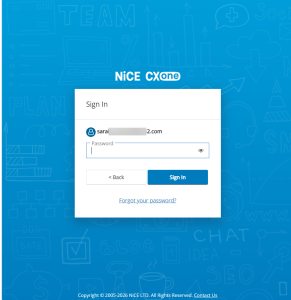
Log into the Nice CXone portal and provide your credentials.
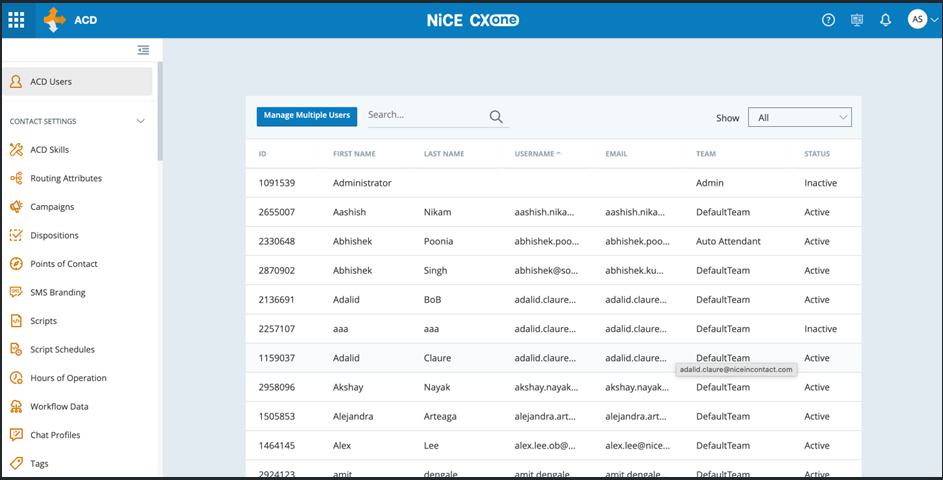
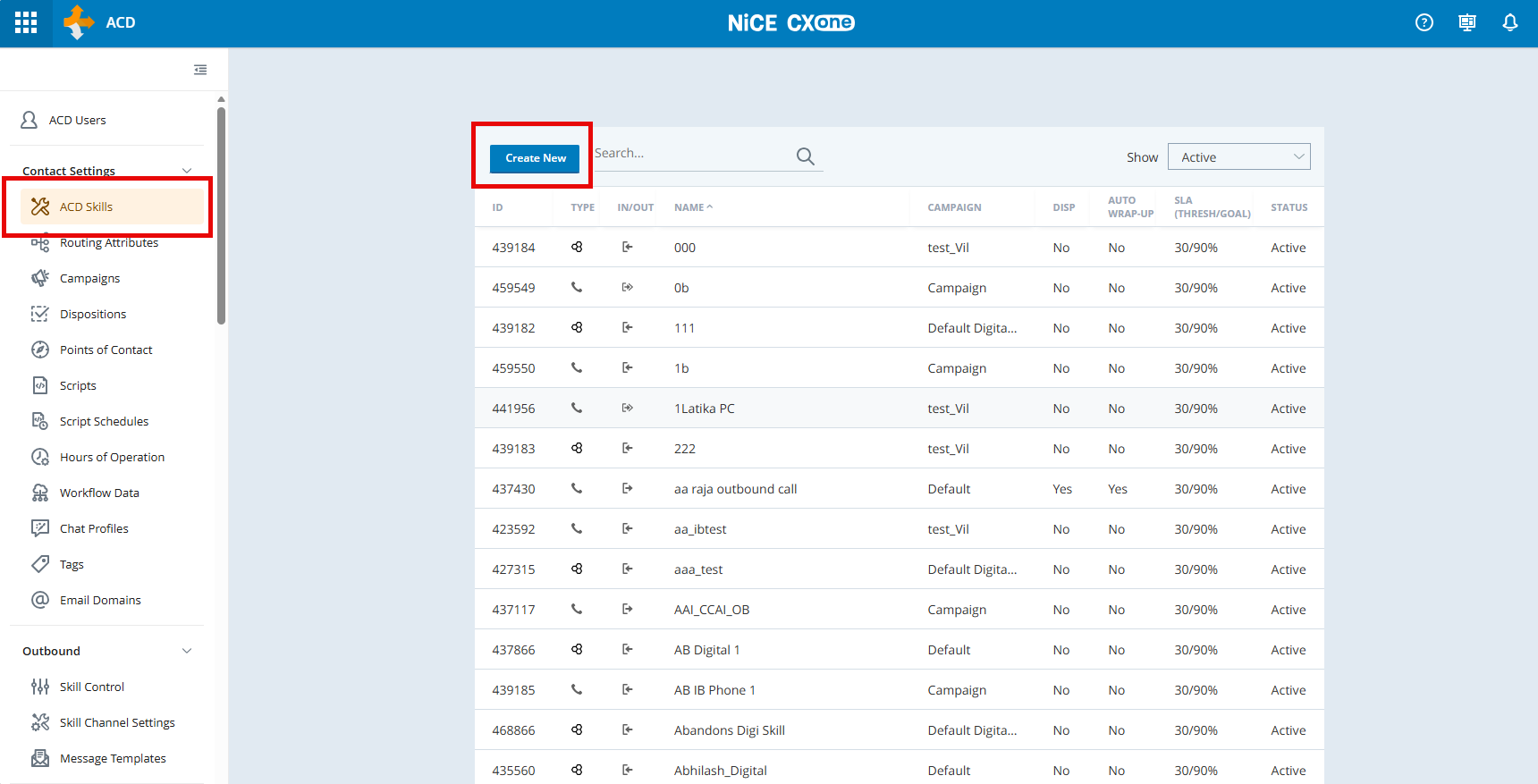
From the Admin screen, click ACD Skills and then Create New.
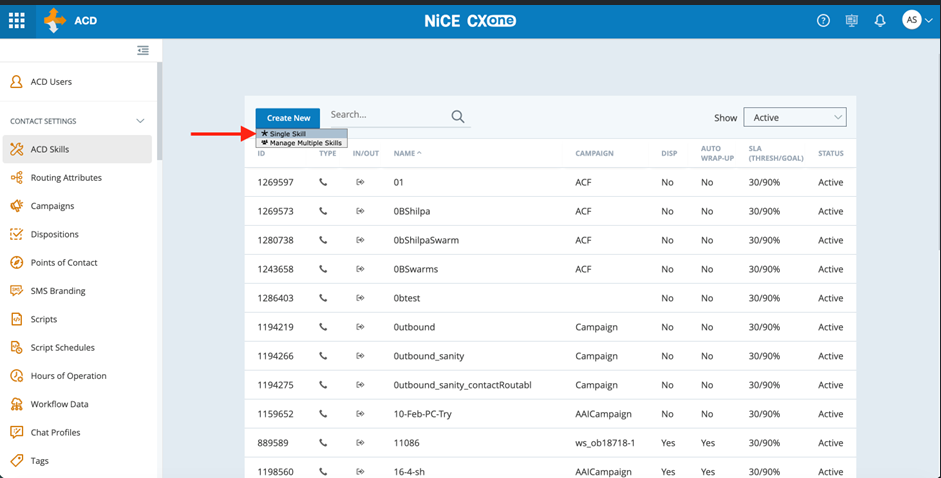
From the Create New menu, select Single Skill.
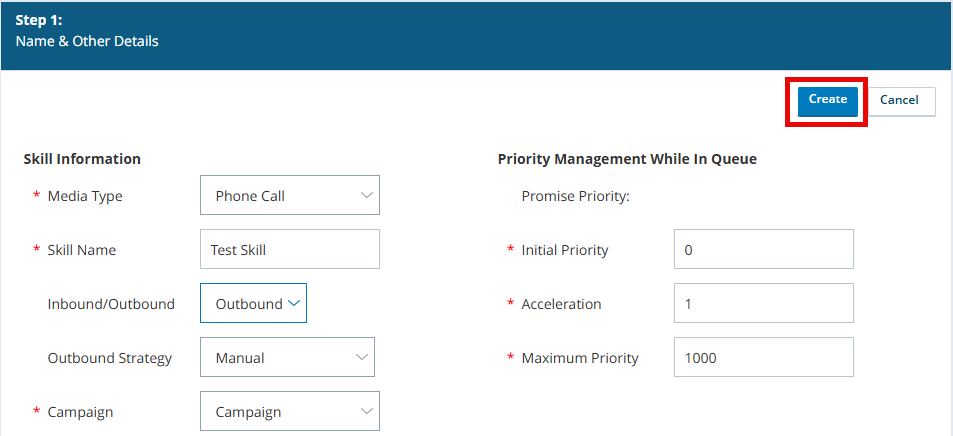
From the Create Skill page, complete the fields as follows:
Media Type: Phone Call
Skill Name: Provide a name for the skill you are creating.
Inbound/Outbound: Outbound
Outbound Strategy: Manual Arlan's says to select SmartReach but that was not available in the dropdown.
Campaign: Select a campaign.
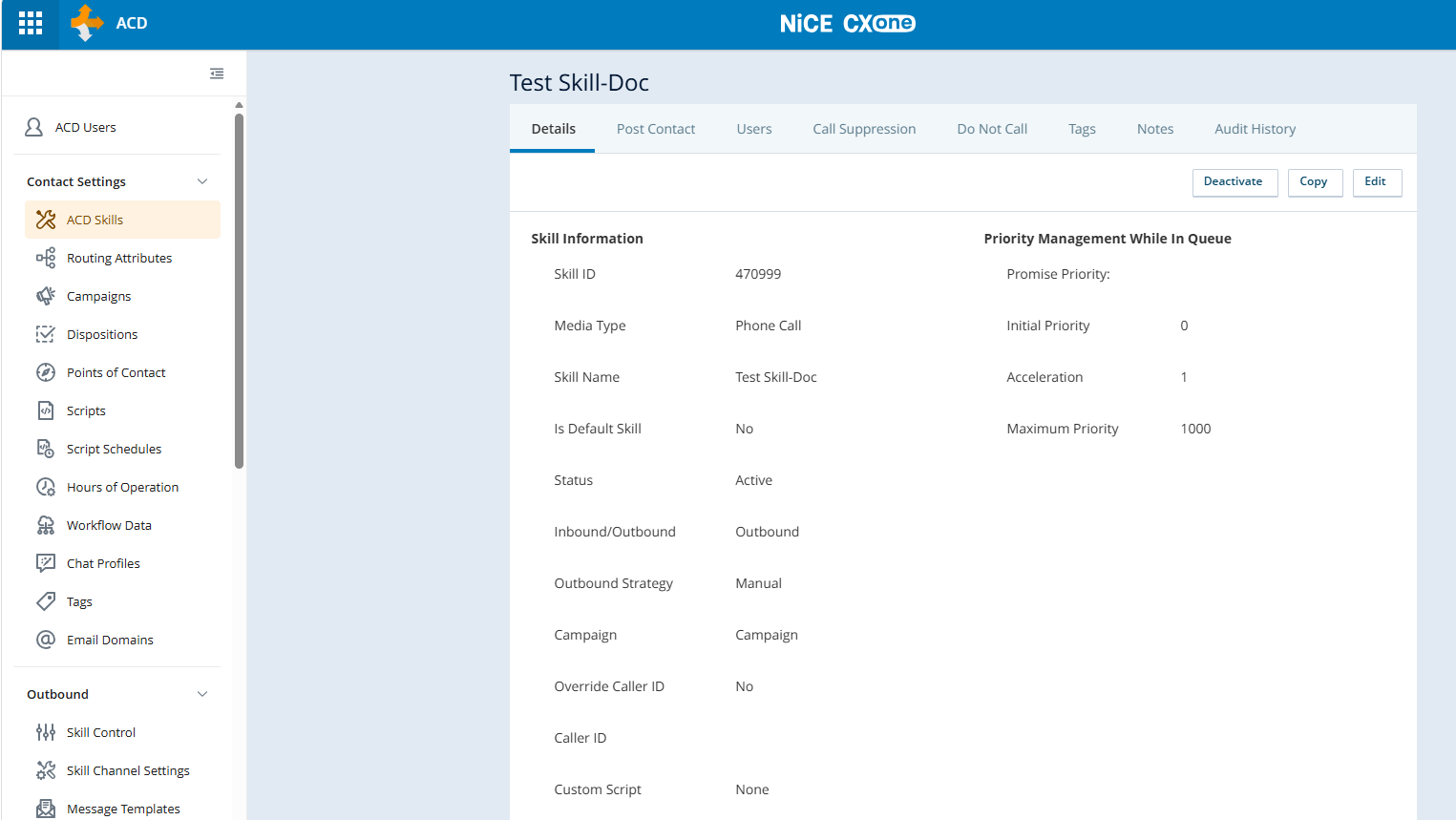
Click Create. The new skill is displayed with the Skill ID
You now need to go to Outbound Engagement to verify that a service has been created for that skill and update any settings. See Verifying an Outbound Engagement Service for more information.