Download page Accessing and Logging in to Outbound Engagement From CXone.
Accessing and Logging in to Outbound Engagement From CXone
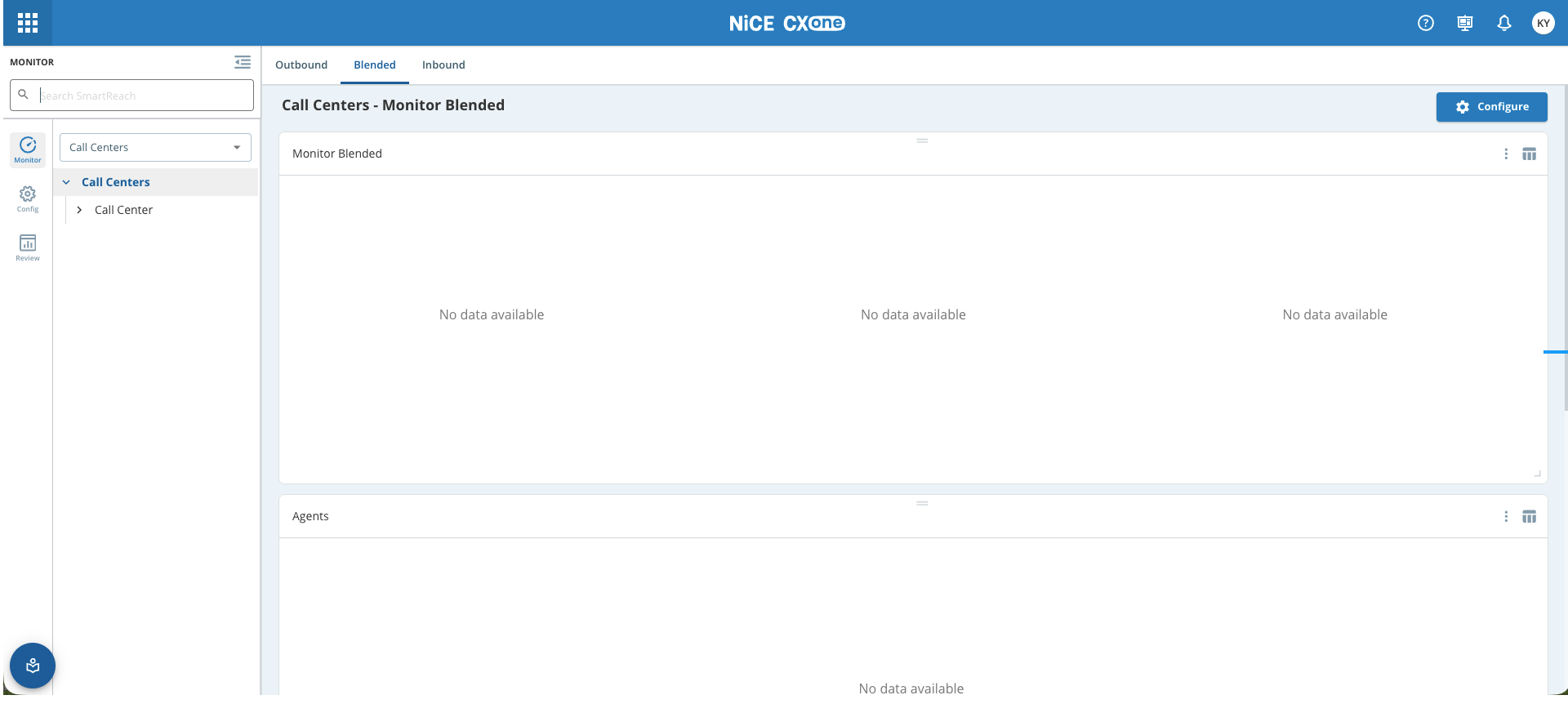
CXone Outbound Engagement (SmartReach) is a proactive customer engagement solution. It allows you to seamlessly manage outbound communication across multiple channels, including Voice, SMS, Email, and WhatsApp.
Before you can use Outbound Engagement (SmartReach), your NiCE CXone system must meet these requirements: • Outbound Engagement (SmartReach) enabled for your system. Your account representative can help with this. • The Outbound Engagement (SmartReach) employee profile attribute enabled for your agents.
Accessing Outbound Engagement/SmartReach on Nice CXone
To access Outbound Engagement from Nice CXone, follow the steps given below:
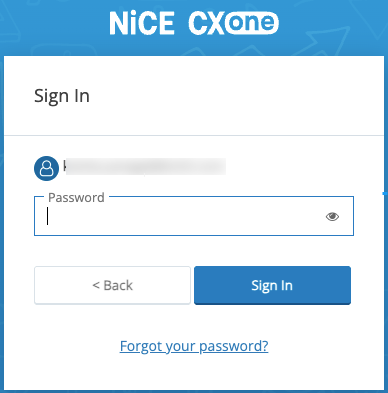
Log on to the CXone application as an administrator.
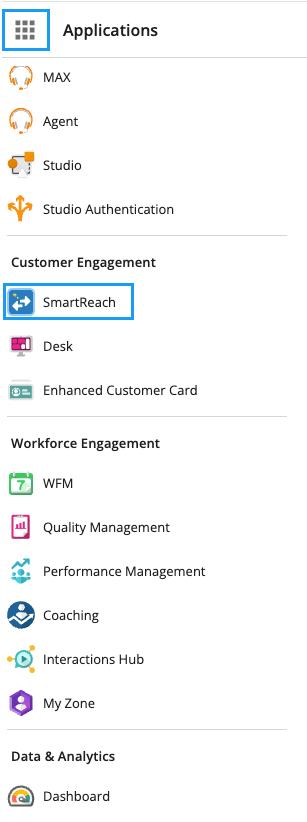
Click theApplicationsmenu and under Customer Engagement, select SmartReach.