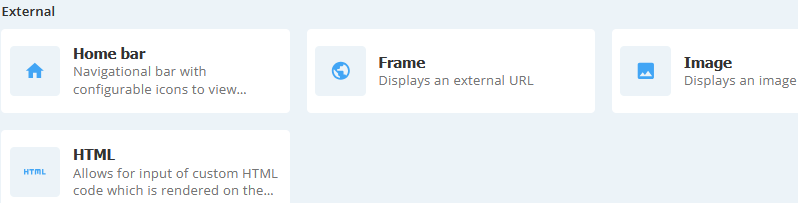
The HTML component enables you to include an HTML page or a webpage that is rendered on the agent desktop.
To configure and set the HTML component:
- From the Desktops window, open the desktop in which you want to add the HTML component.
- Click the Add Component icon.
The Components window appears. - Double-click the HTML component to add the components to the canvas.
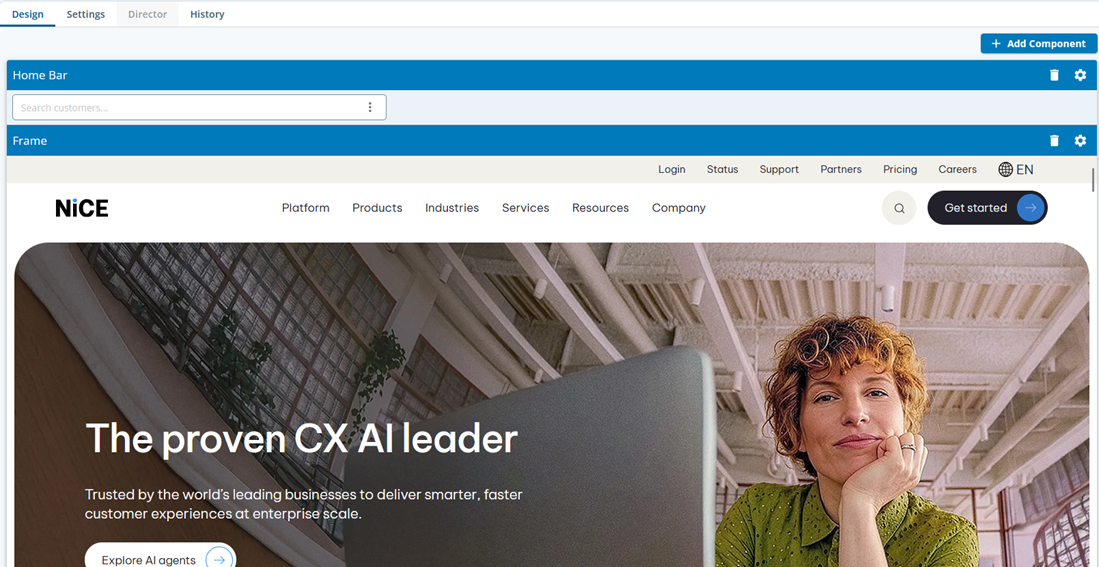
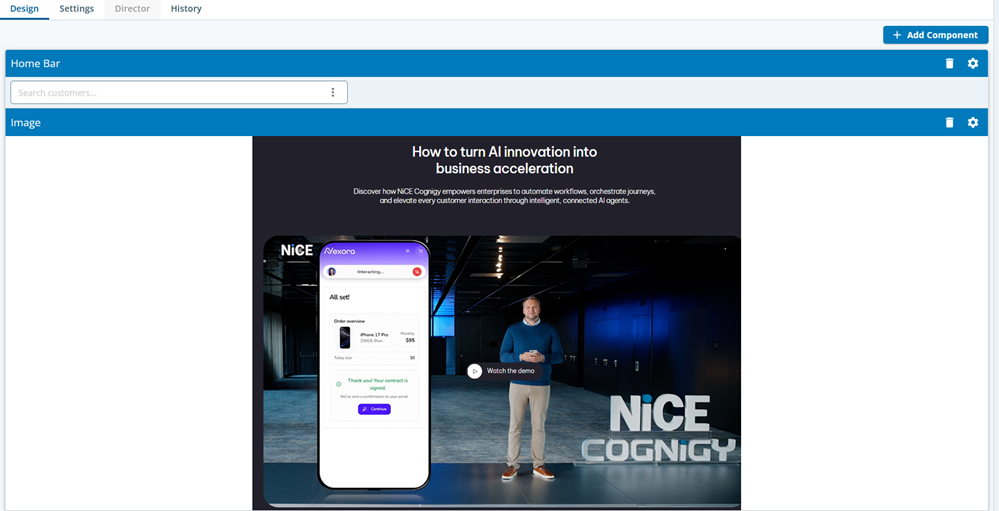
The HTML component appears.

- After updating the required changes, Save the desktop.