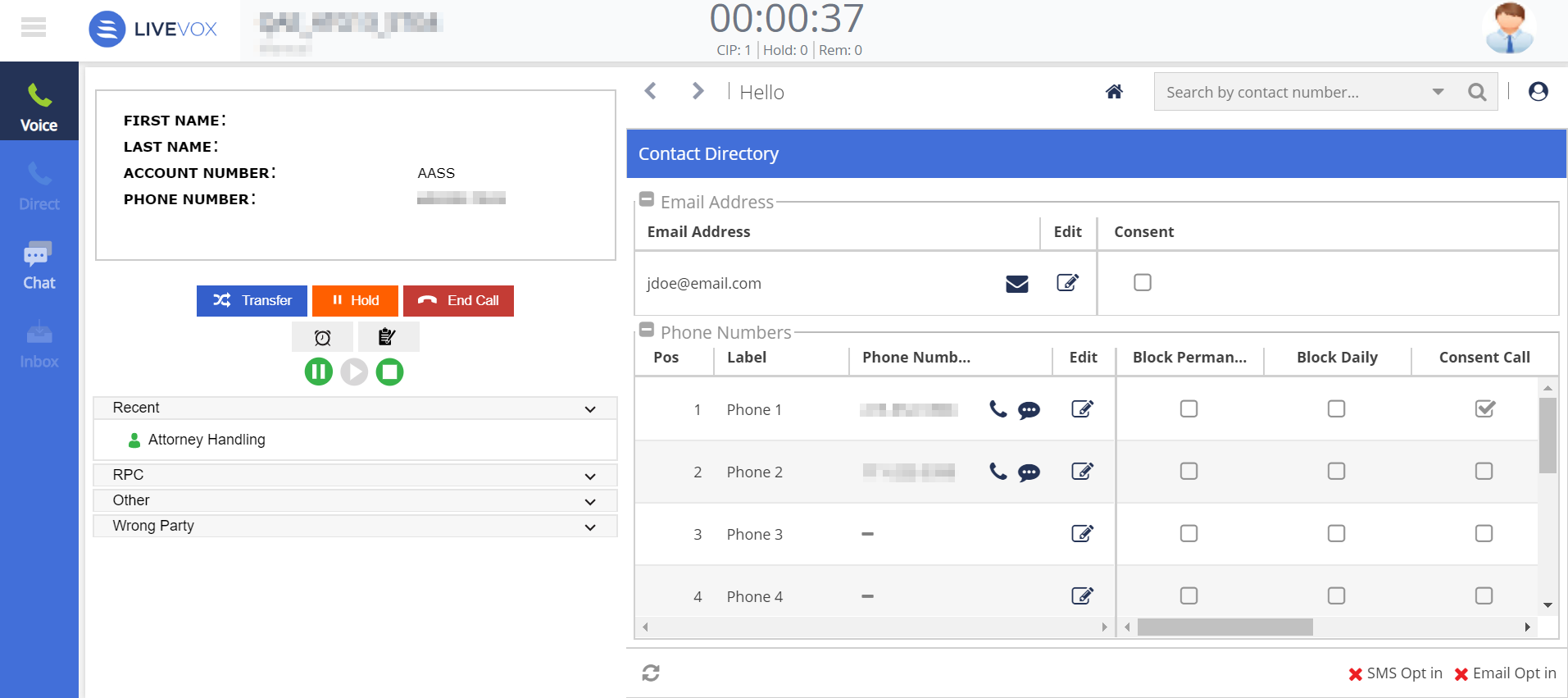
Outbound Engagement (SmartReach) Agent Guide Agent Desktop with Designer Panel Contacts Current: Contact Directory Contact Directory The Contact Directory section enables you to view the phone numbers and the email addresses associated with a contact. You can add or modify a phone number, including its consent status, by using the pencil icon in the Edit column.You can add up to 10 phone numbers for each account.You can add or modify an email address by using the pencil icon in the Edit column. This feature must be enabled by your manager. ×