If you are a knowledge worker agent who is using the Knowledge Worker desktop mode, you can share your screen when you are in a direct voice or video call with another agent.
To share a screen:
- Log in to the agent desktop as a knowledge worker.
You are automatically placed in Ready mode. - Go to Voice > Agents or Chat > Agents and find the required agent from the Agents list.
- Make a voice call.
- Once the voice call is accepted by another agent and click the share screen icon, the following screen appears:
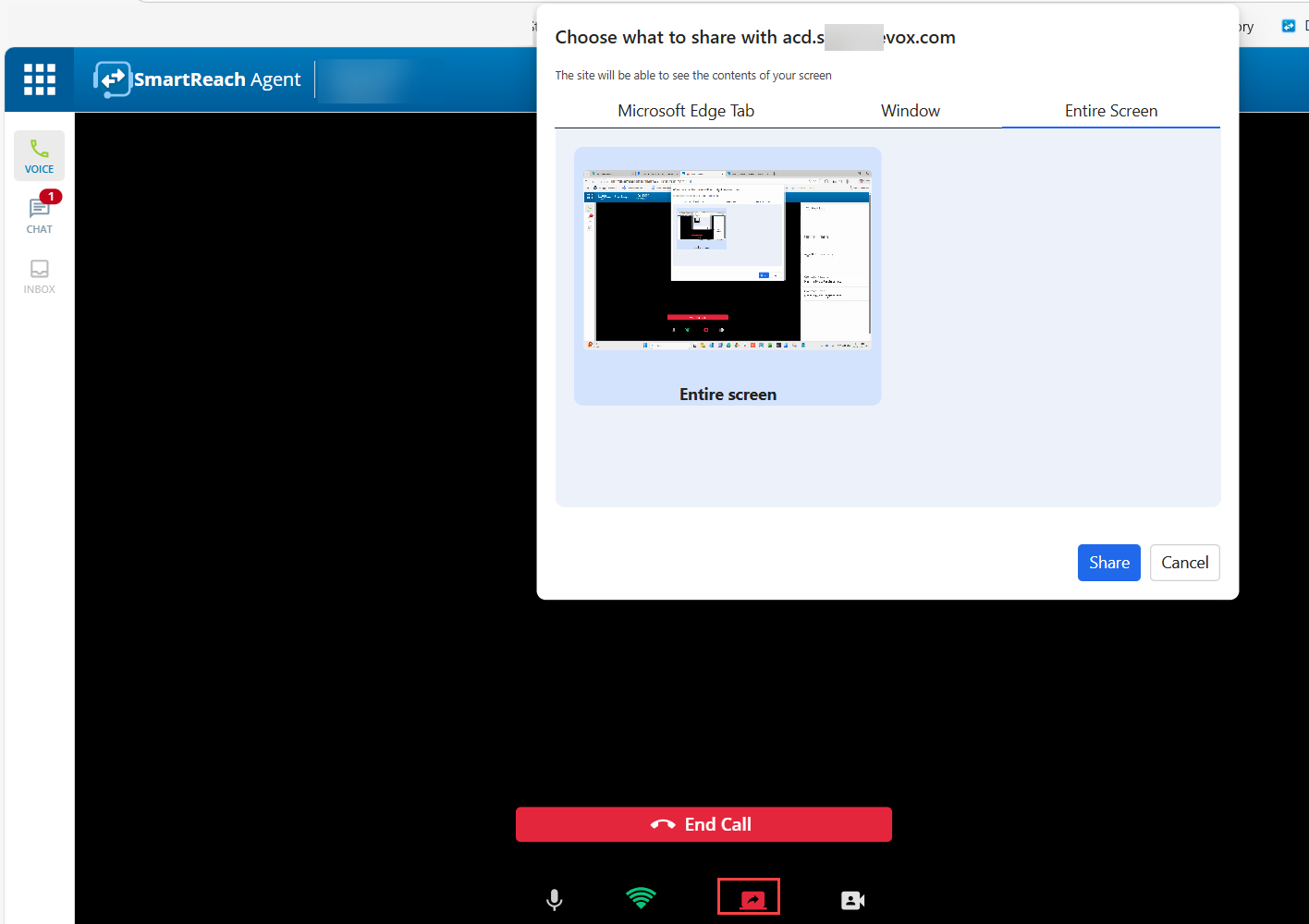
- You can share your entire screen or a specific window. Select the required option to share and click Share.
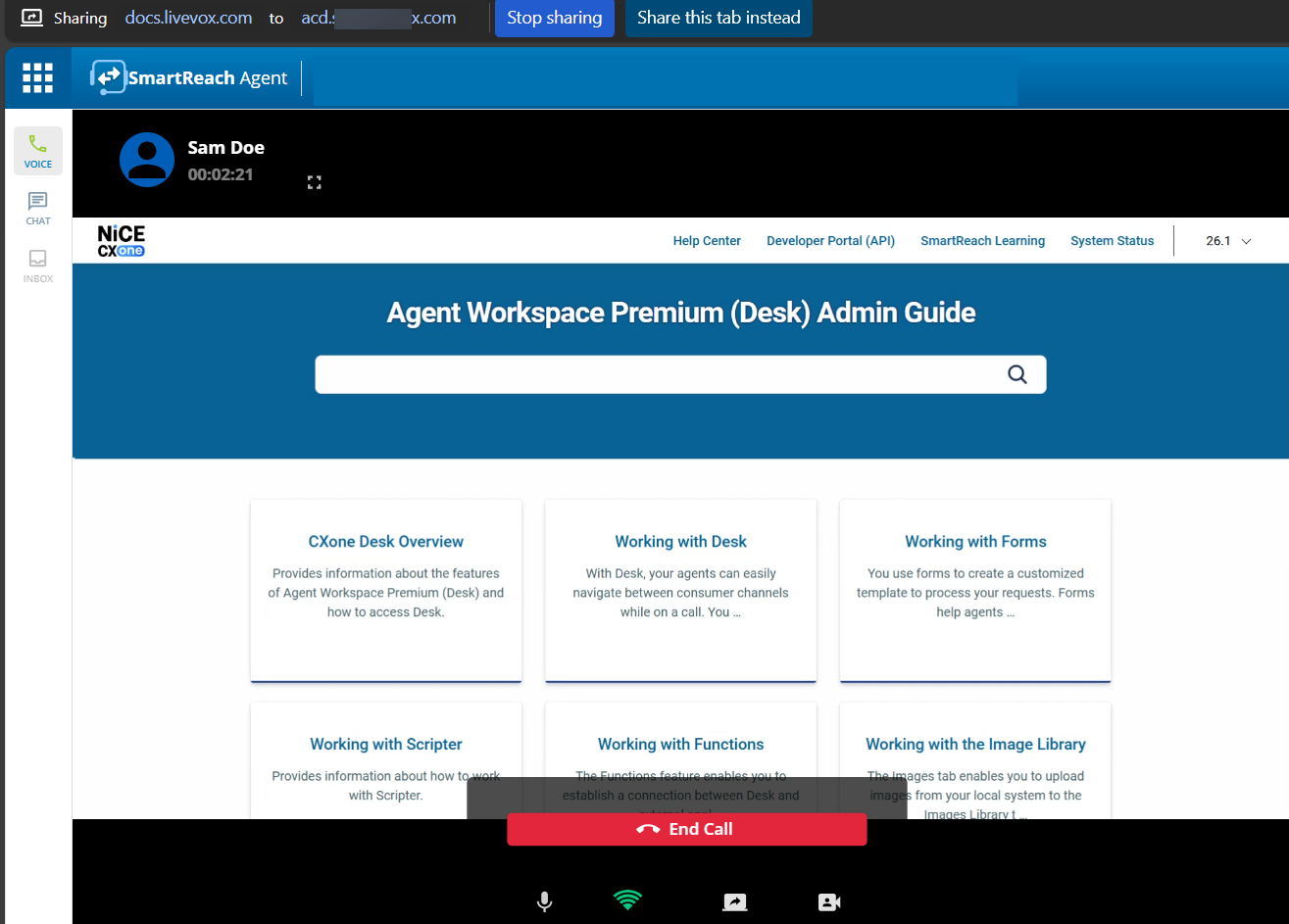
- The system starts sharing your screen with the agent. The following screen shows a sample of a shared screen.