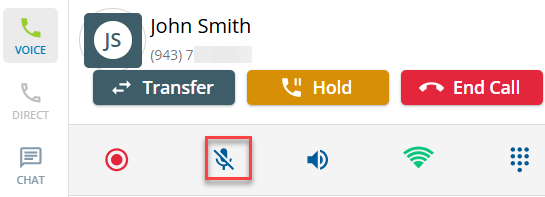
You can adjust volume levels from the Agent Desktop. When enabled, it will show on the pop-up while you are "In Call" status.
- Click the speaker slider to adjust the volume control levels.
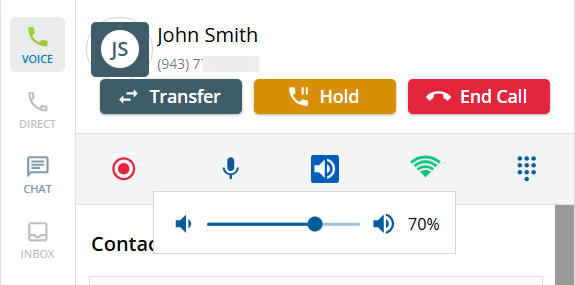
In the Volume Control UI, the microphone adjusts your volume, and the speaker adjusts the volume of the customer.
- You can also mute your microphone by selecting the microphone icon.