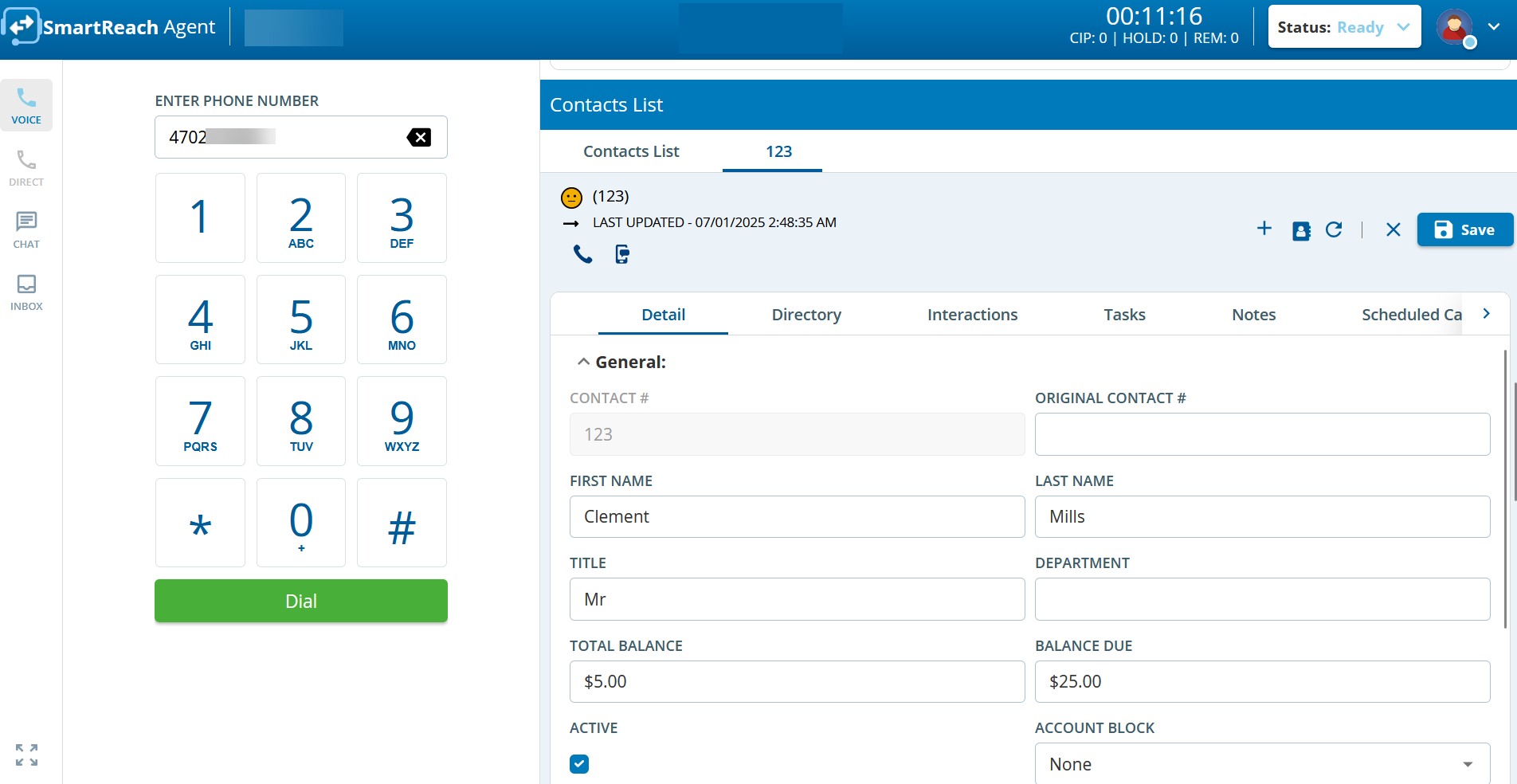
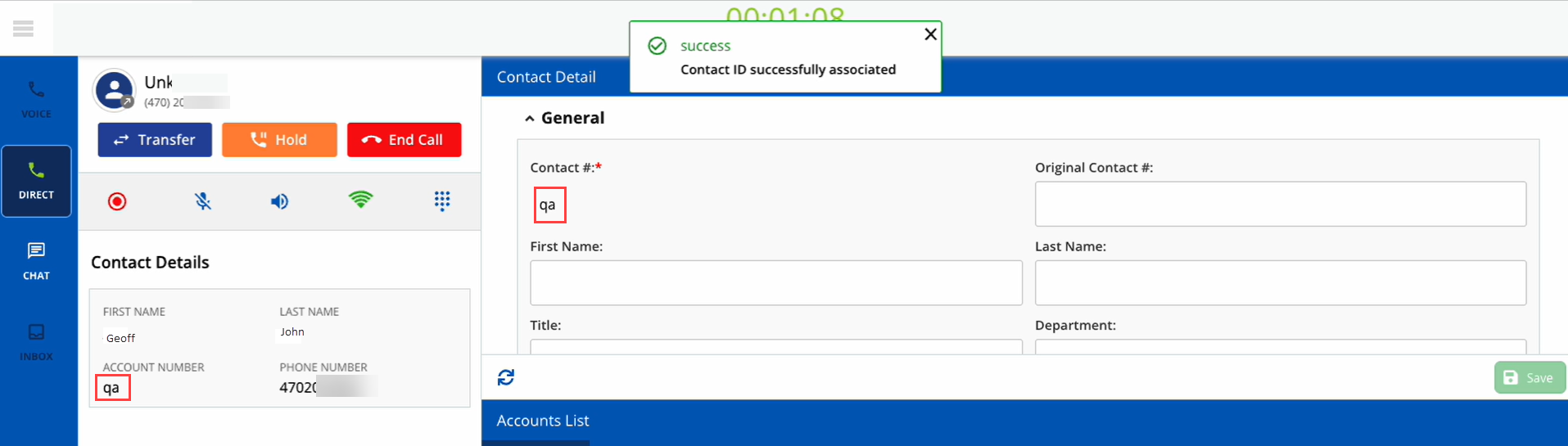
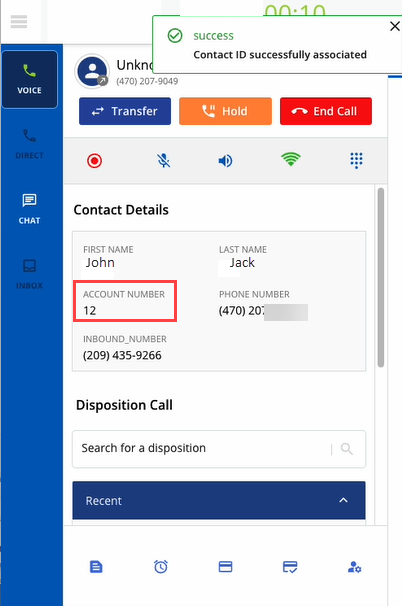
The Contact Detail section enables you to view the values in the fields of a contact record. Depending on the configuration of your desktop, you can modify the values in the fields.
You can also see the Happiness Index for the specific contact.
This feature must be enabled by your manager.
Associating or Re-associating an Active Inbound Caller to a NewContact ID
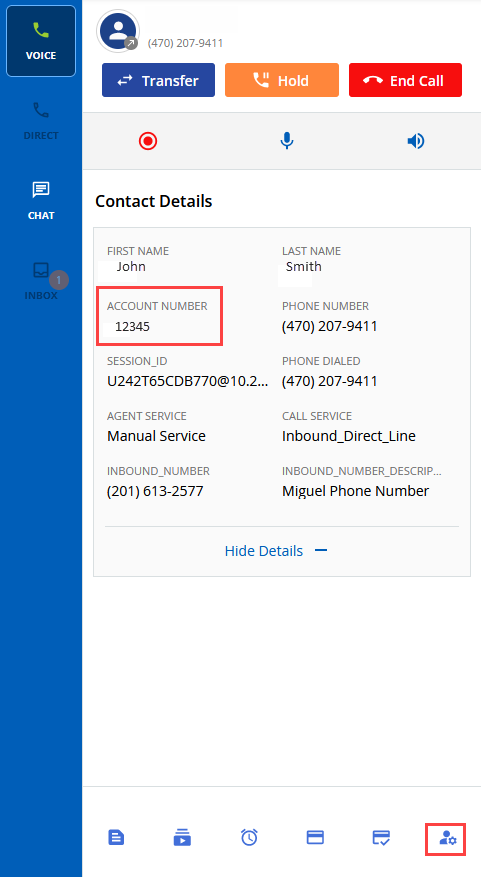
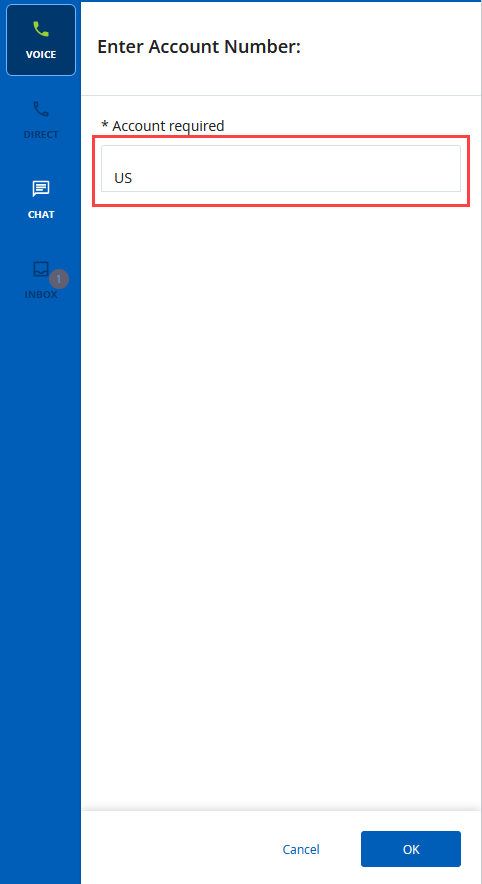
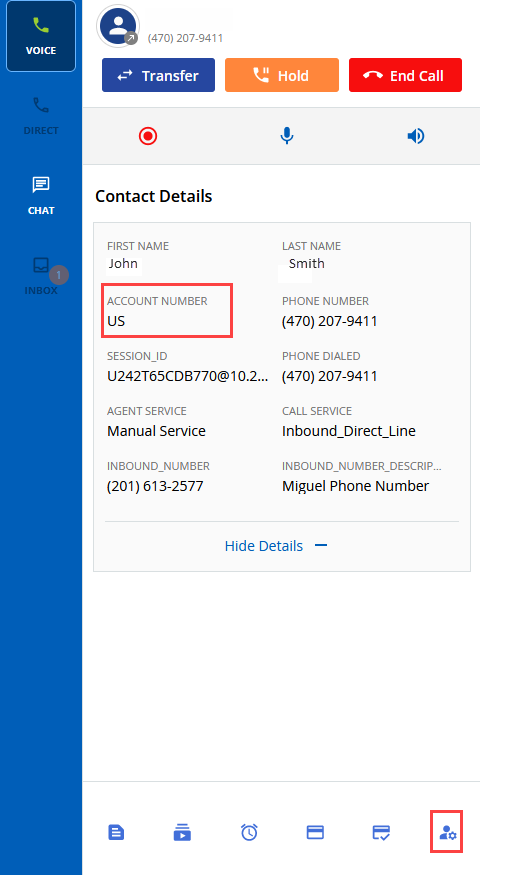
You can now associatea customer with a new contact ID (or the account number) during an active inbound call from a new customer. You can also re-associate the Contact ID (or the account number) during an active inbound call if there is an incorrect match.
The Contact ID Association / Re-Association button can trigger the following possibleoutcomes:
On the Designer Desktop: After associating a new Contact ID to a customer, the customer's contact information is displayed on the desktop enabling you to have immediate access to the data.
On Agent Panel Only Enabled: The agent panel opens a new flyout panel. You must enter the new Contact ID in the designated field and confirm the value.
Contact Information on Second and Extension Lines
You can now view the customer contact details on the screen pop or agent desktop when receiving calls from the second or extension lines. With a successful contact lookup, you can view the contact information, such as the customer's first and second names, account numbers, and phone numbers.
Screen pop or Agent Desktop: Agents can view customer details on the screen pop or any agent desktop.
Multi-Match: You can access the multi-match option for calls from the second or extension lines.
Interaction and Transaction: The contact details appear during an interaction or a transaction scenario with a customer.