If you are a Knowledge Worker agent using the Knowledge Worker desktop, you can make direct calls to another agent.
Adding a Contact
To add a new contact to your agent desktop:
Log in to the agent desktop as a Knowledge Worker. You are automatically placed inReady mode.
Go to Voice > Phonebook.
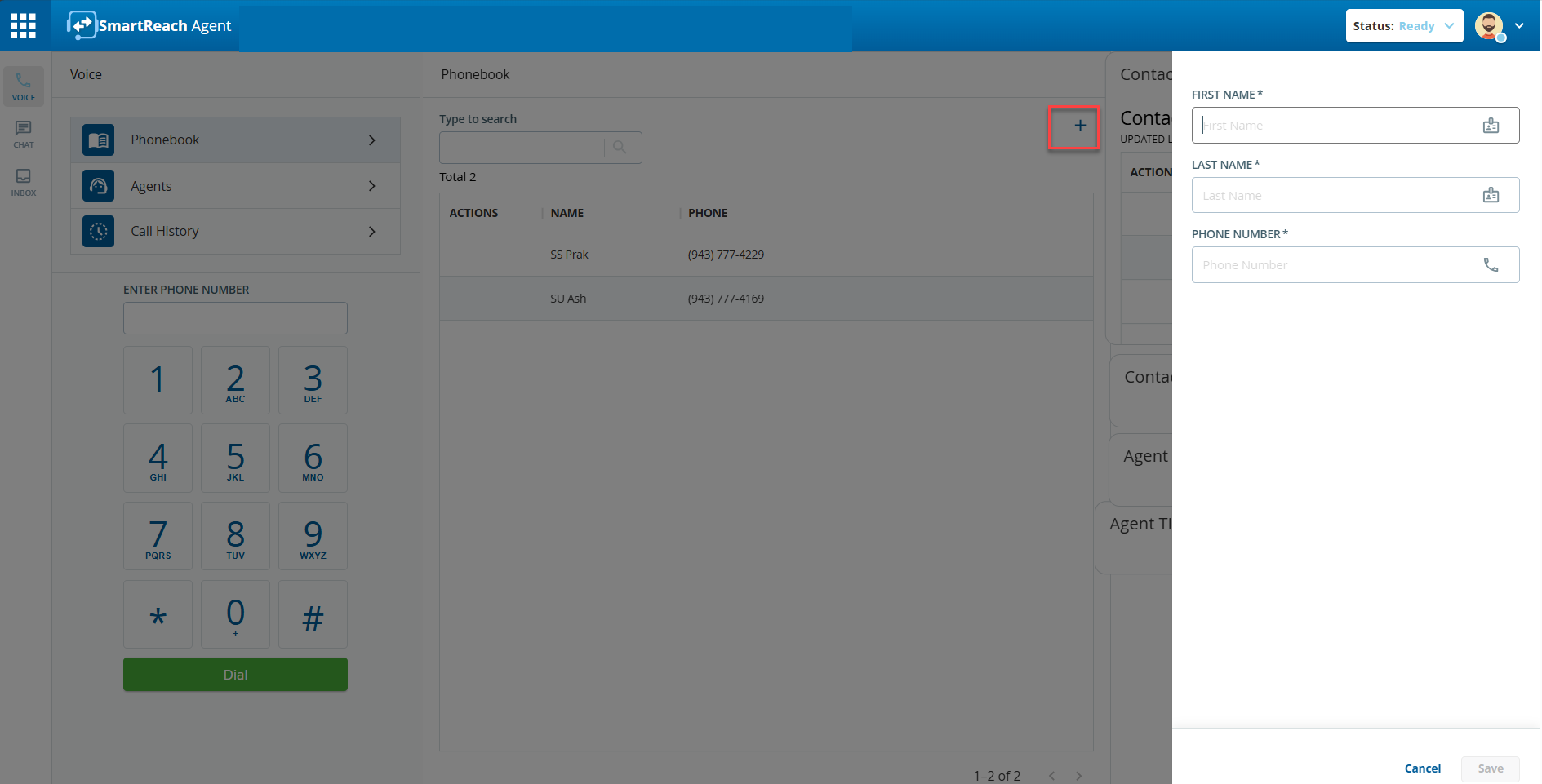
Click the add icon (). The Add Contact window appears.
Enter the contact information in the First Name, Last Name, and Phone Number fields, and click Save. The contact is listed under Phonebook.
Deleting a Contact
To delete a contact from your agent desktop:
Log in to the agent desktop as a Knowledge Worker. You are automatically placed inReady mode.
Go to Voice > Phonebook.
Hover over the contact you want to delete to view the action items.
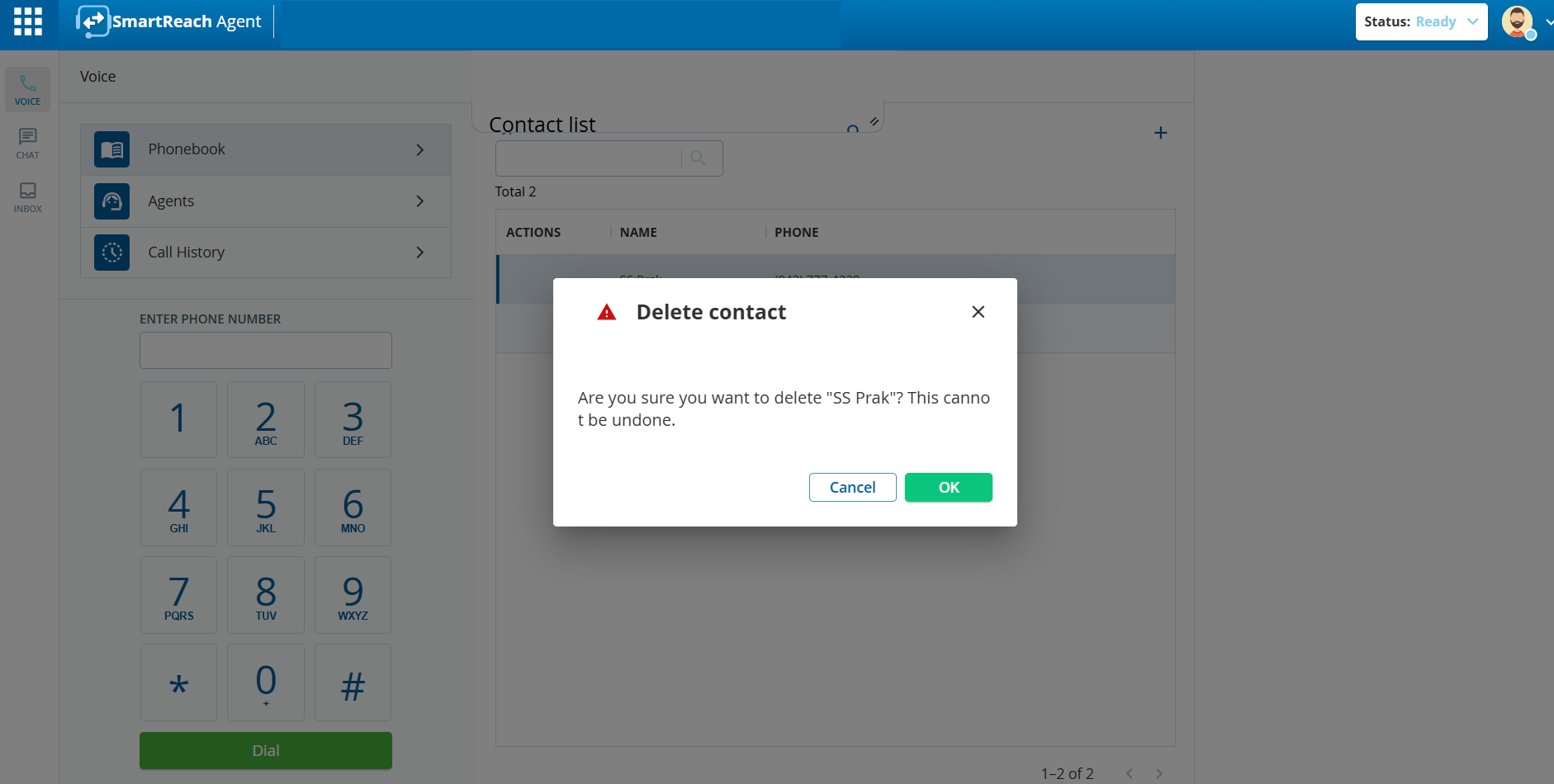
Click the delete icon (). A confirmation window appears.
Click OK to delete the contact.
Calling an Agent
To call another agent from your agent desktop:
Log in to the agent desktop as a Knowledge Worker. You are automatically placed inReady mode.
Go toVoice > Agents and find the required agent from the Agents list.
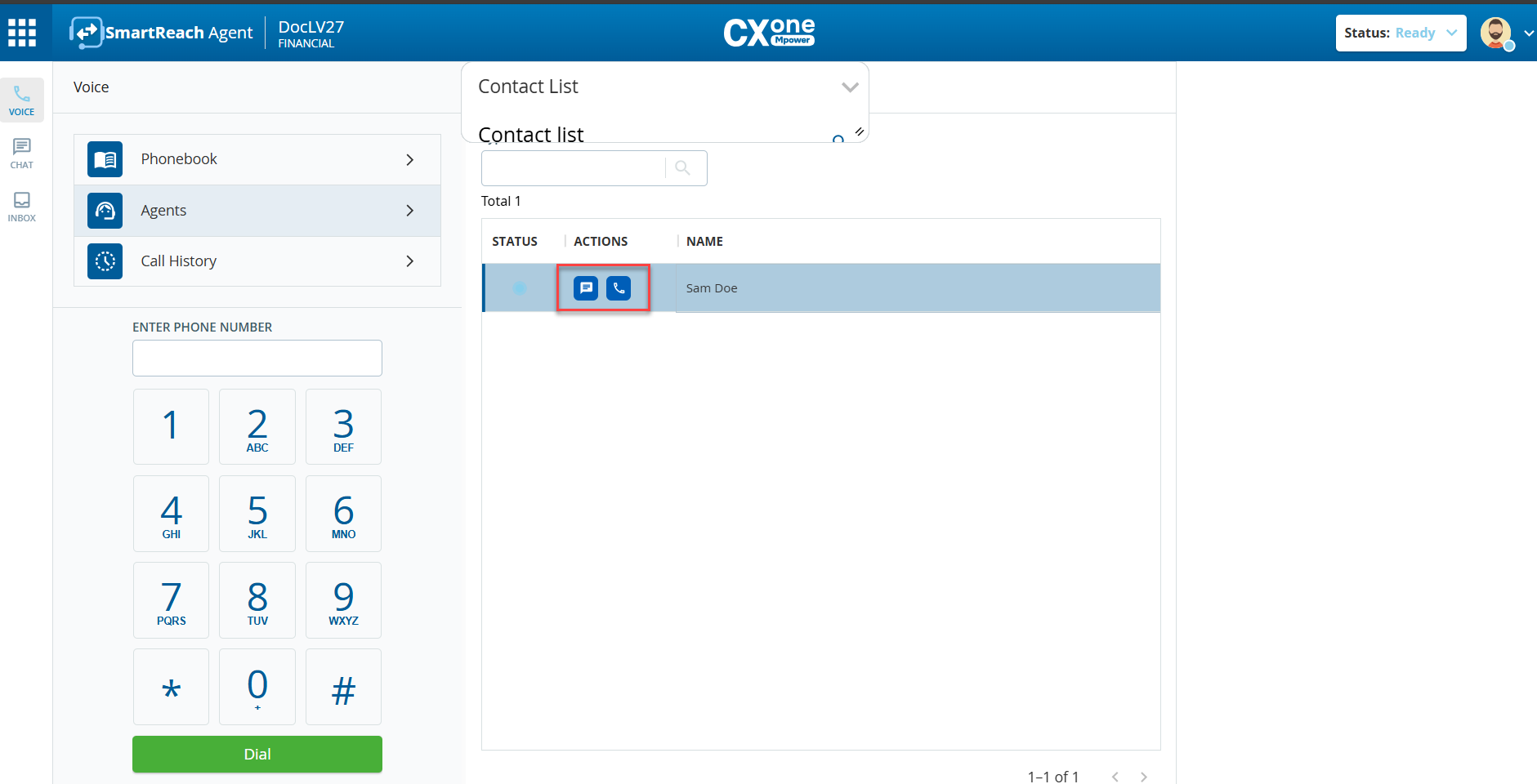
Hover over the agent you want to call. The Chat and Phone icons appear in the Actions column.
To call another agent, that agent must be in the Ready state.
Click the phone icon (). A voice call is initiated.
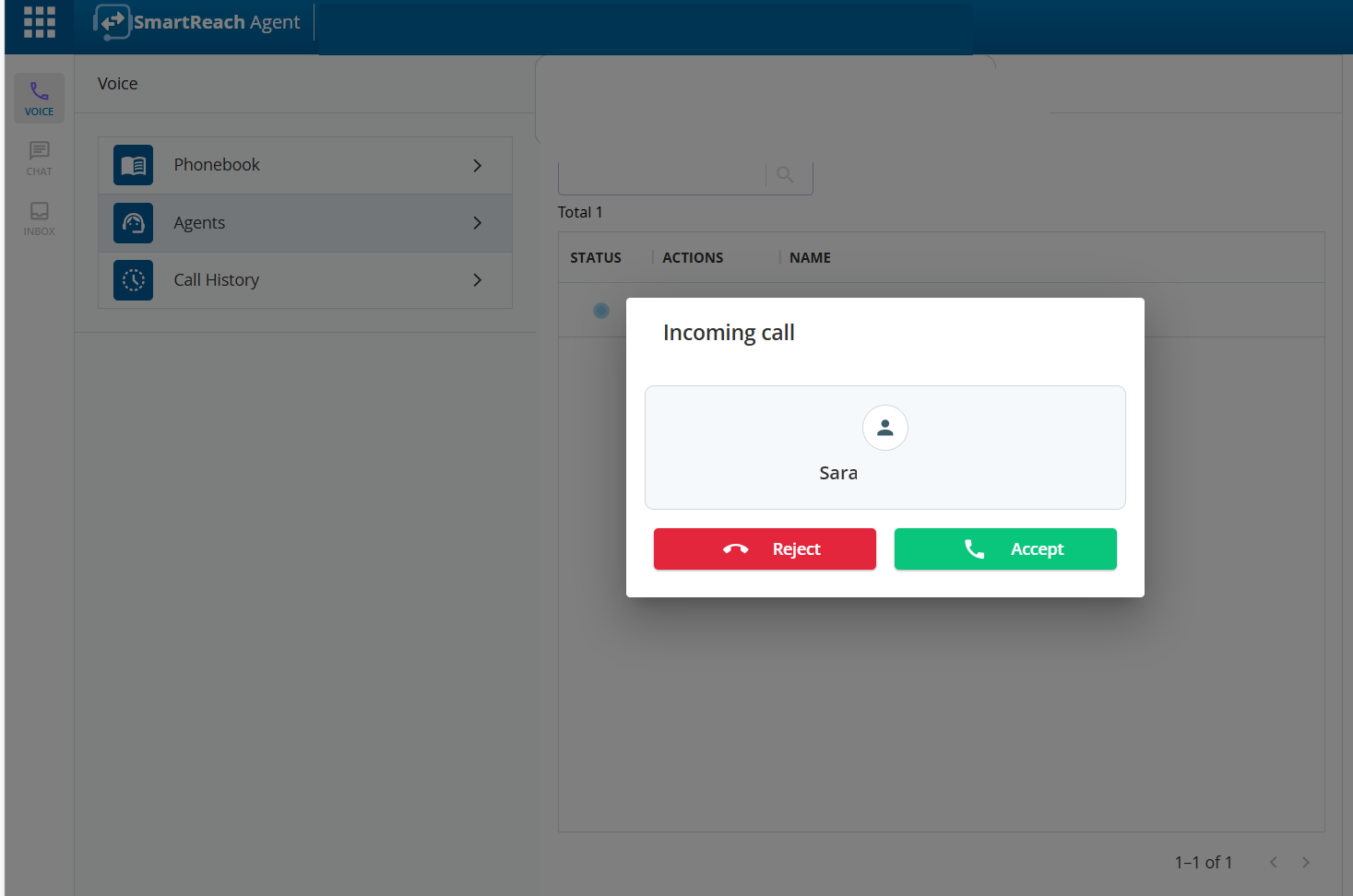
Once the call is initiated, the Incoming Call pop-up appears on the called agent's desktop.
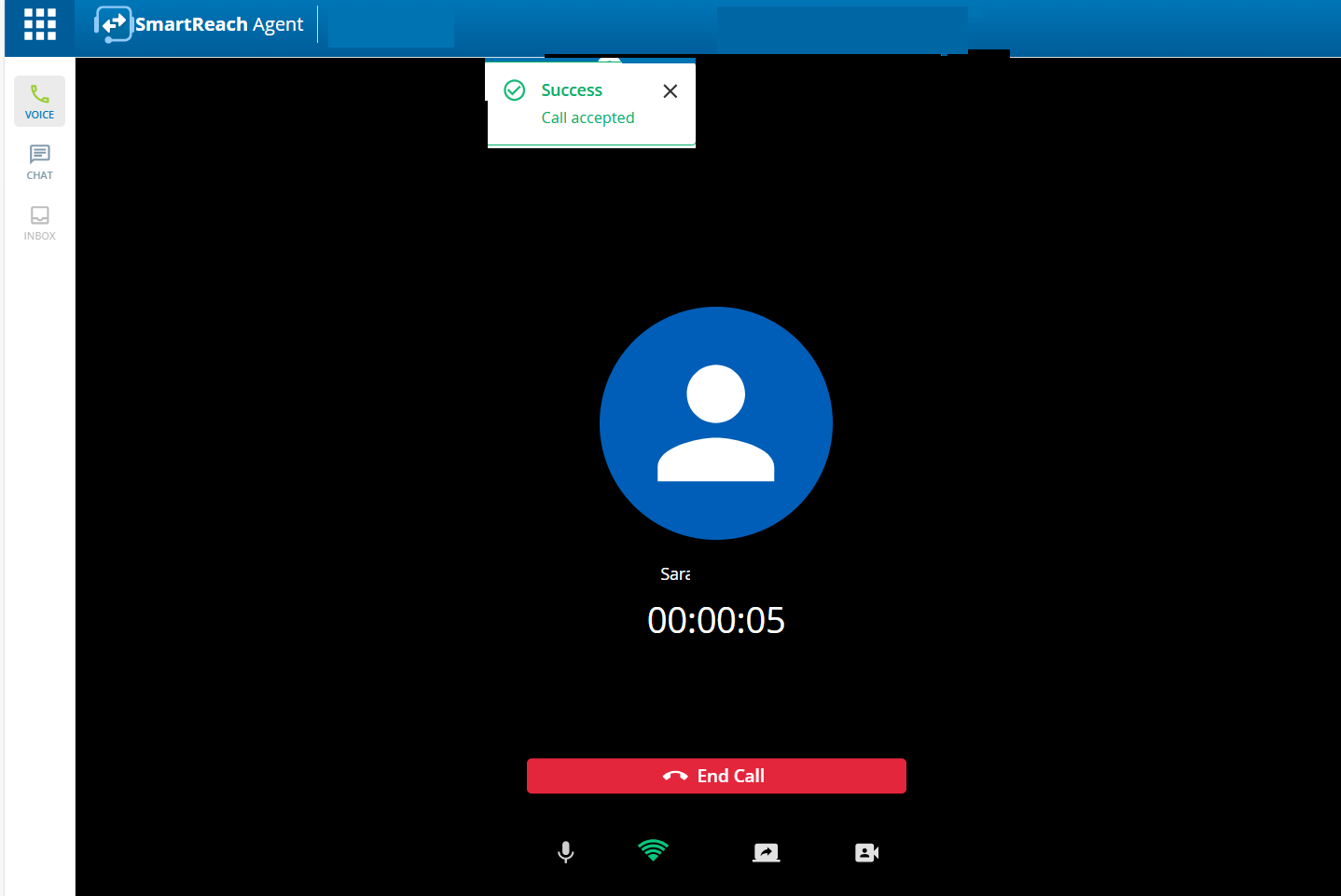
After another agent accepts the call by clicking on the Accept button, the voice call is connected.
When the call is in progress, use the following icons:
The Mic On icon () to mute/unmute the audio.
The Bandwidth strength icon () appears when you log in using the Call using Computer option. Hover on the icon to see information about bandwidth and packet loss.
The Share Screen icon () to share your screen with another agent.
The Video Call icon () to start a video call.
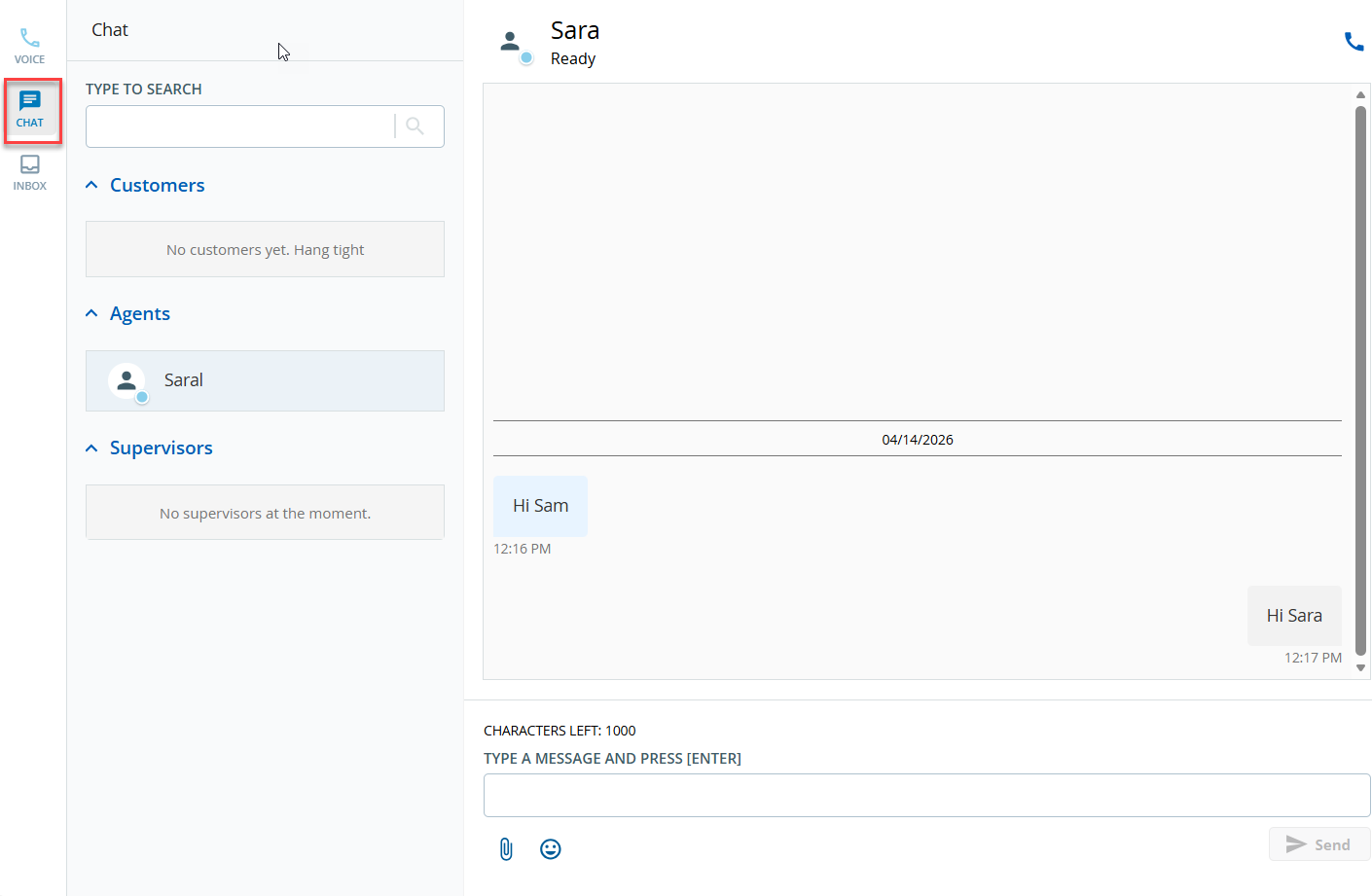
Also, you can make the call by using the phone icon in theChatwindow.
Go toChat>Agents.
Select the required agent from the chat history.
Click on the phone icon in the top right of theChatwindow. A voice call is initiated.