You can transfer calls to either another phone number or a phone number with an extension. This feature is typically used when sending a caller to a supervisor, an agent that is not signed into LiveVox, or another party that can provide assistance in handling the call.
To initiate a manual transfer:
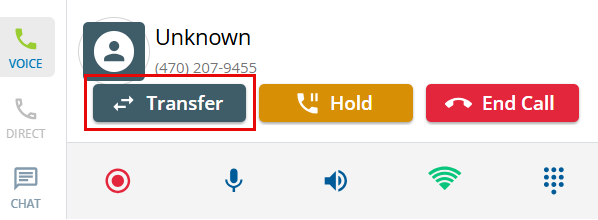
- Click the Transfer button to display the Call Transfer window.
- Select the Manual option from the Transfer Call window.
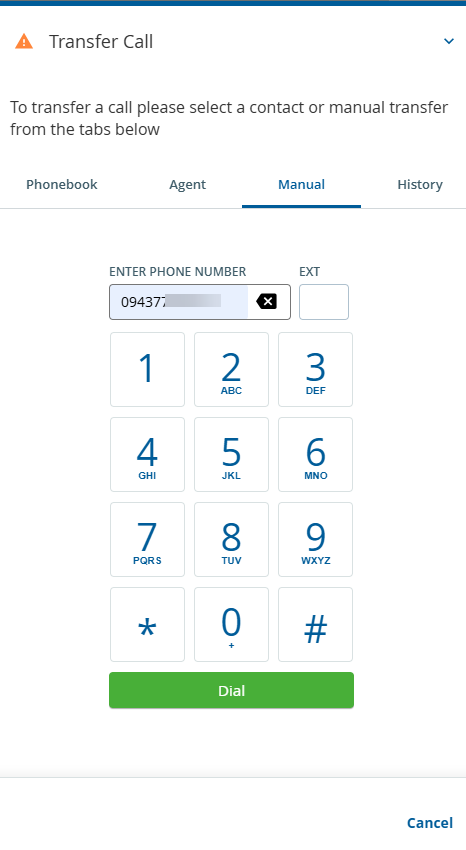
- Enter the phone number or a phone number with an extension (no dashes) to transfer the call and click the Dial to initiate the call.
Call transfer supports three or more digit extensions.
