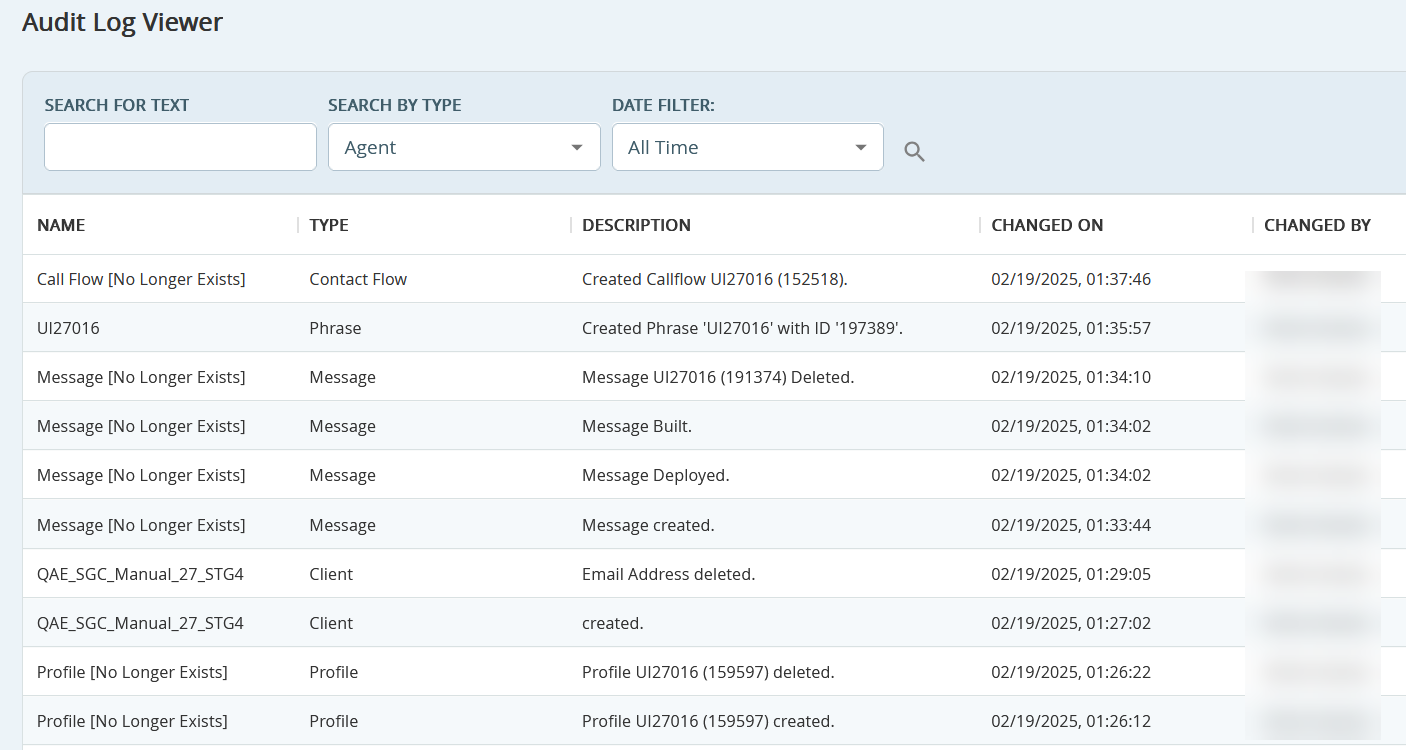
The Audit Log Viewer tracks changes made by users across the SmartReach Portal. To access the Audit log Viewer section, navigate to Config > System > Audit Log Viewer.
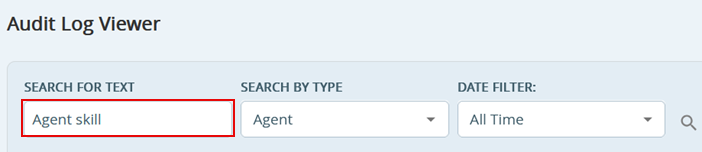
You can search the logs for specific text, such as username, by typing in the Search for Text box.
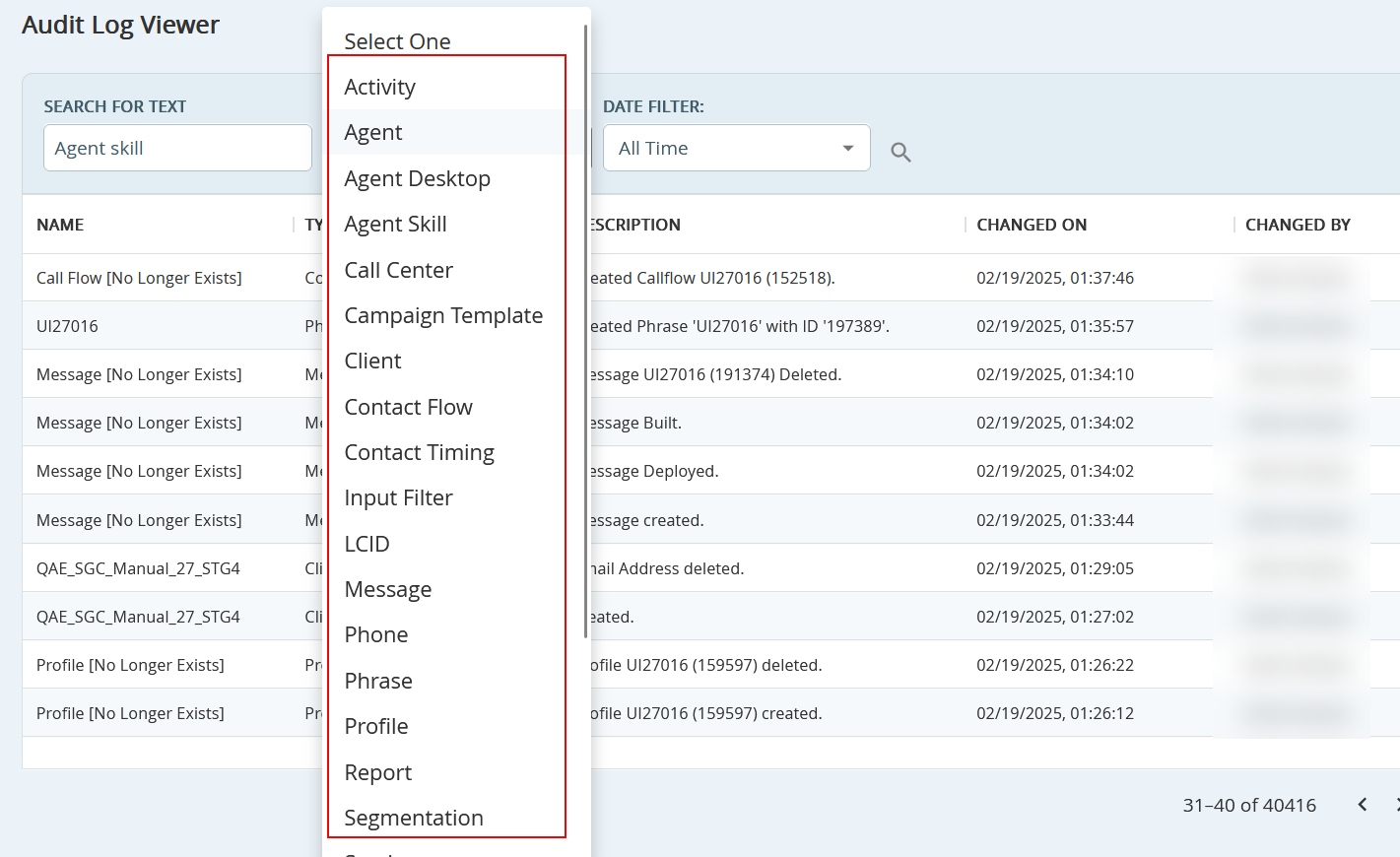
You can filter these logs by specific areas of the SmartReach through the Search By Type drop-down menu.
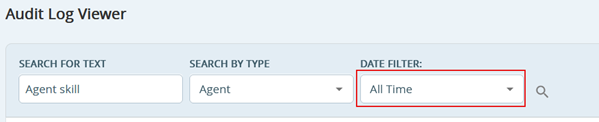
You can filter the logs by certain date ranges from the Date Filter drop-down menu.