To delete an existing export format:
- Select the required editor from the Editor drop-down list.
- Select the required format from the Format drop-down list.
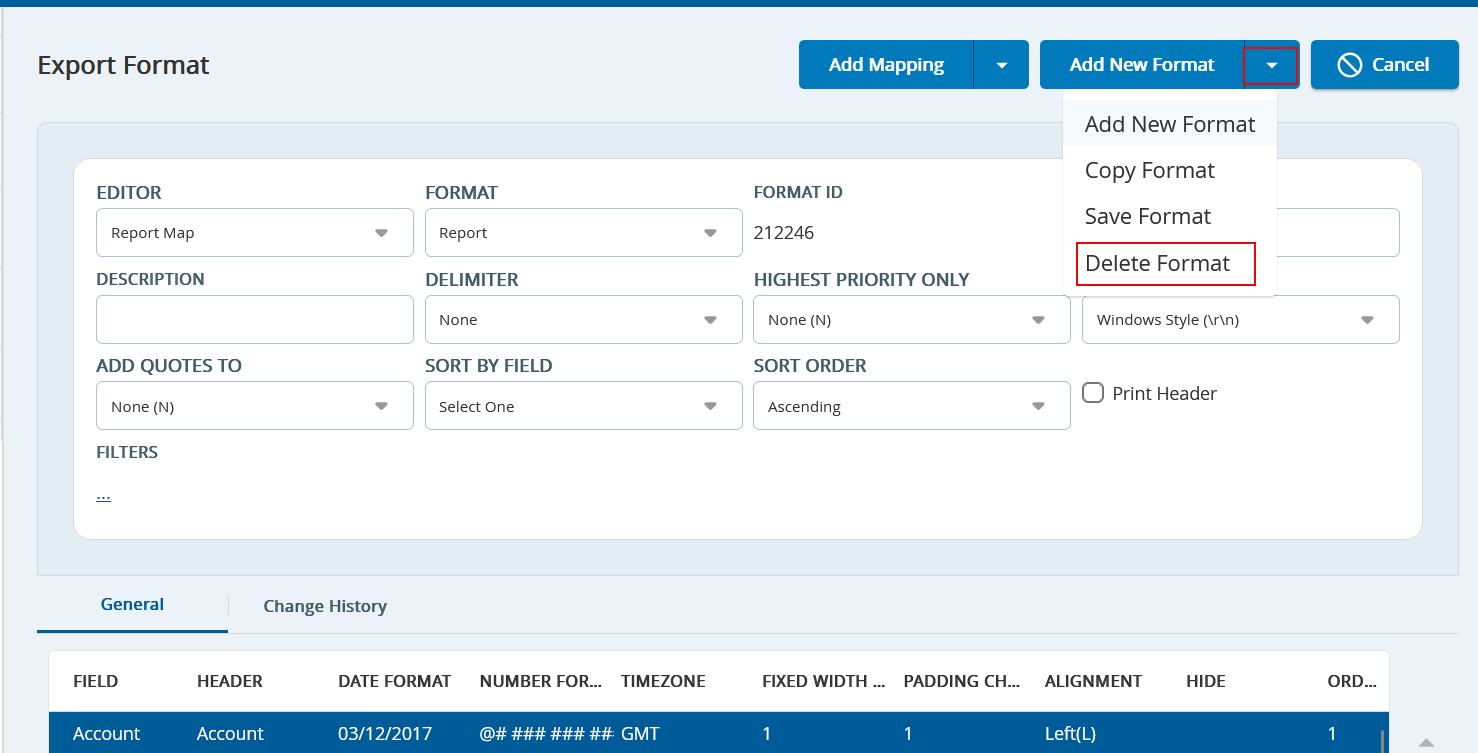
- Click Add New Format drop-down, and then select Delete Format. A confirmation pop-up window appears.
- Click Yes to confirm deleting the format.