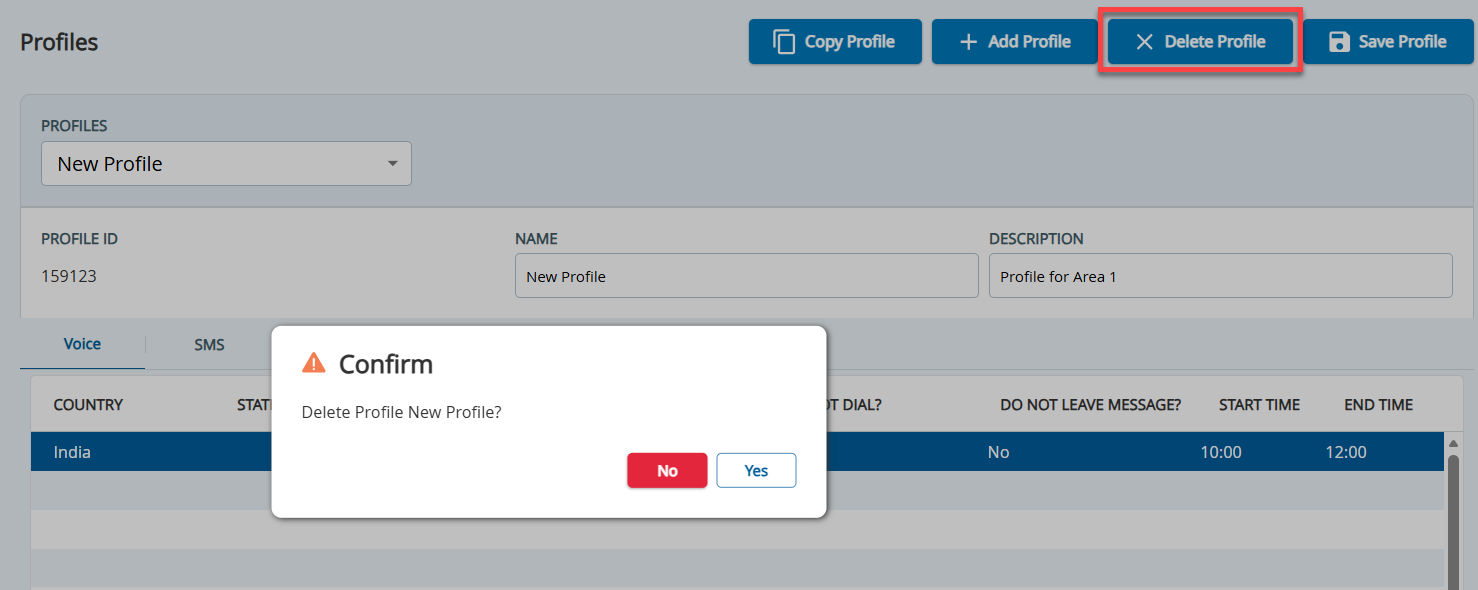
Outbound Engagement (SmartReach) Admin Guide Voice Voice Editor Profiles Current: Deleting a Profile Deleting a Profile Deleting a Profile You cannot restore a deleted profile. To delete a profile:On the Configure tab, click Voice > Profiles.The Profiles window appears.In the Profiles field, select the profile that you want to delete, and then click Delete Profile.The Confirm window appears.Click Yes.The profile is deleted. ×