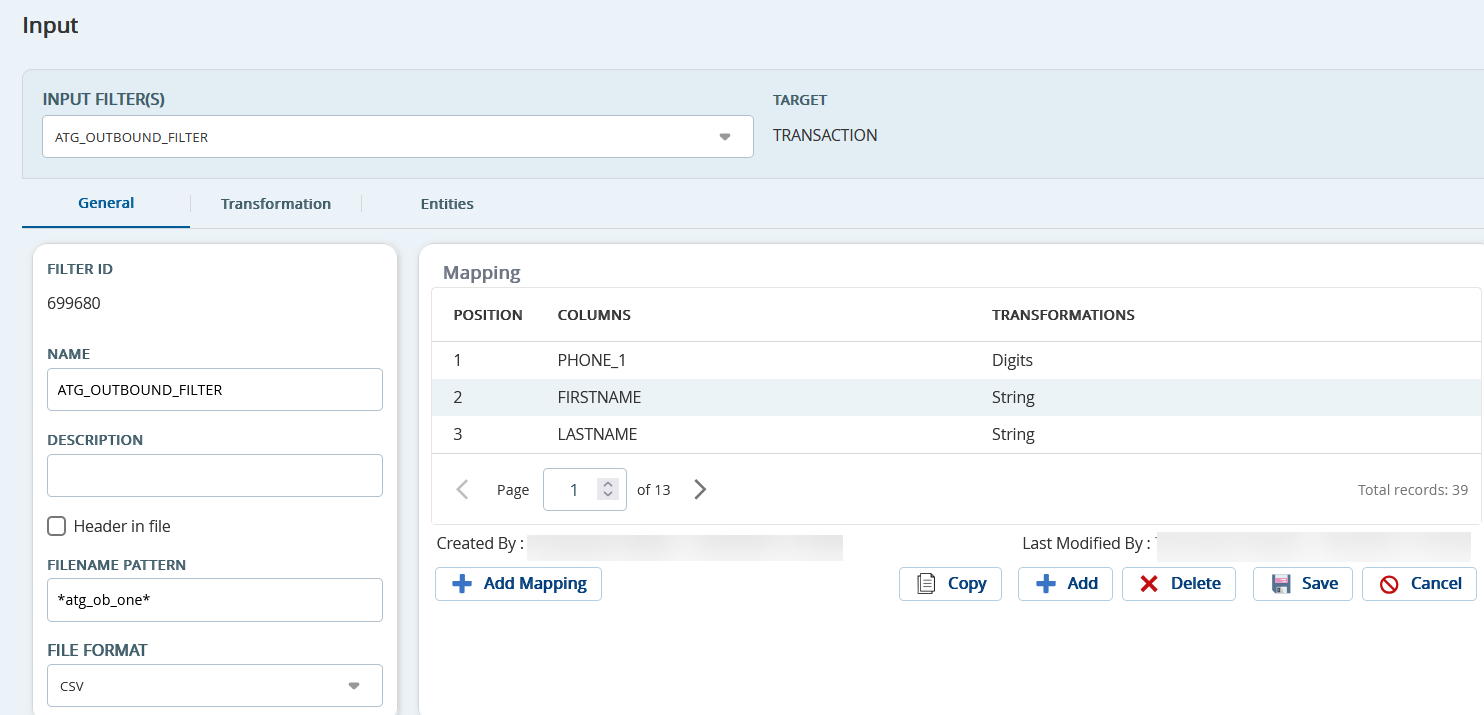
Outbound Engagement (SmartReach) Admin Guide Contact Management Configuring Data Input and Output Formats Input Filter Current: Accessing an Input Filter Accessing an Input Filter To access an input filter:On the Config tab, click Input / Output > Input.The Input window appears.From the Input Filter(s) dropdown, select an input filter.The input filter details appear. To associate the entities with the filter, go to Config > Services > Client > Messaging > Default Input Filter. ×