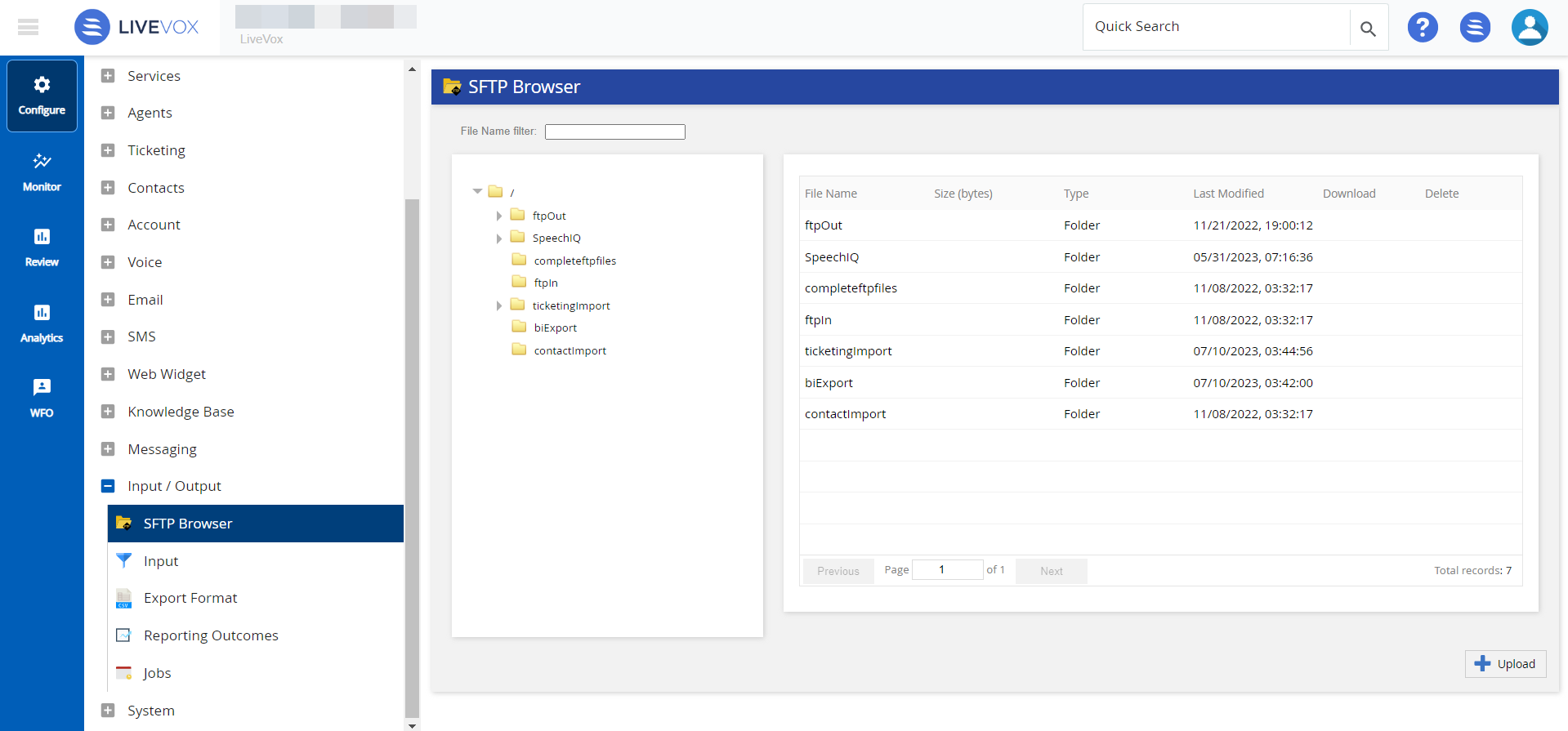
Outbound Engagement (SmartReach) Admin Guide Contact Management Configuring Data Input and Output Formats SFTP Browser Current: Accessing SFTP Browser PDF Download PDF Download page Accessing SFTP Browser. Current page Include child pages All pages Accessing SFTP Browser To access the SFTP browser configuration, on the LiveVox Portal, go to Configure > Input/Output > SFTP Browser.From the SFTP browser you can perform the following actions:Upload File: Upload the selected campaign file.Download Call Result File: Downloads the call result file, unless it is picked up and deleted automatically by your system.Delete Call Result File: Click the red cross from the Delete column next to your file name and the result file is removed/deleted. ×