The Change History tab tracks and displays the changes made to the Agent Desktop. Navigate to Configure > Agents > Agent Desktop > Change History tab.
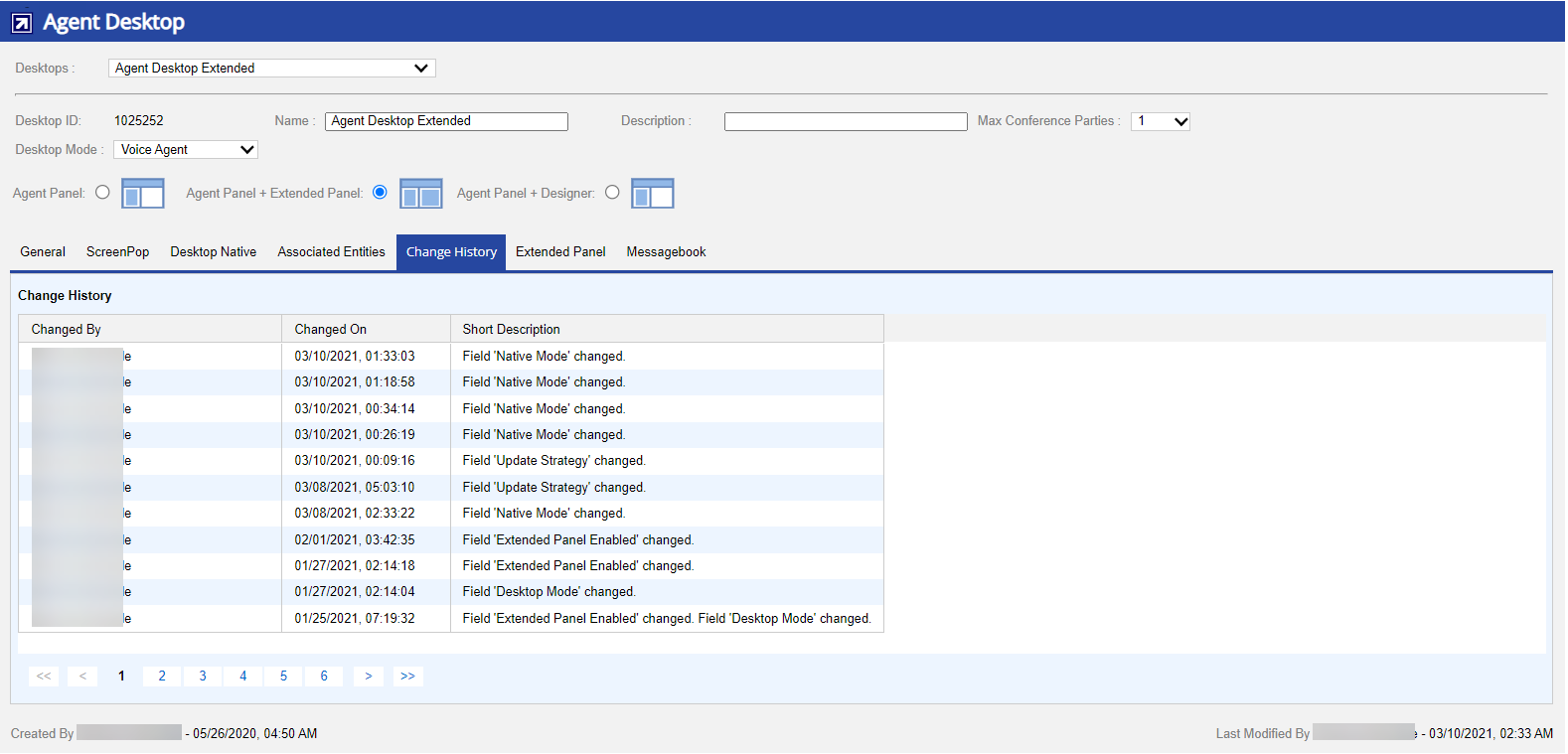
The following fields are available in the Change History tab:
| Field | Description |
|---|
| Changed By | Displays the last resource that made changes to Agent Desktop. |
| Changed On | Displays the date and time when the changes were made. |
| Short Description | Displays the brief description of the changes made. |