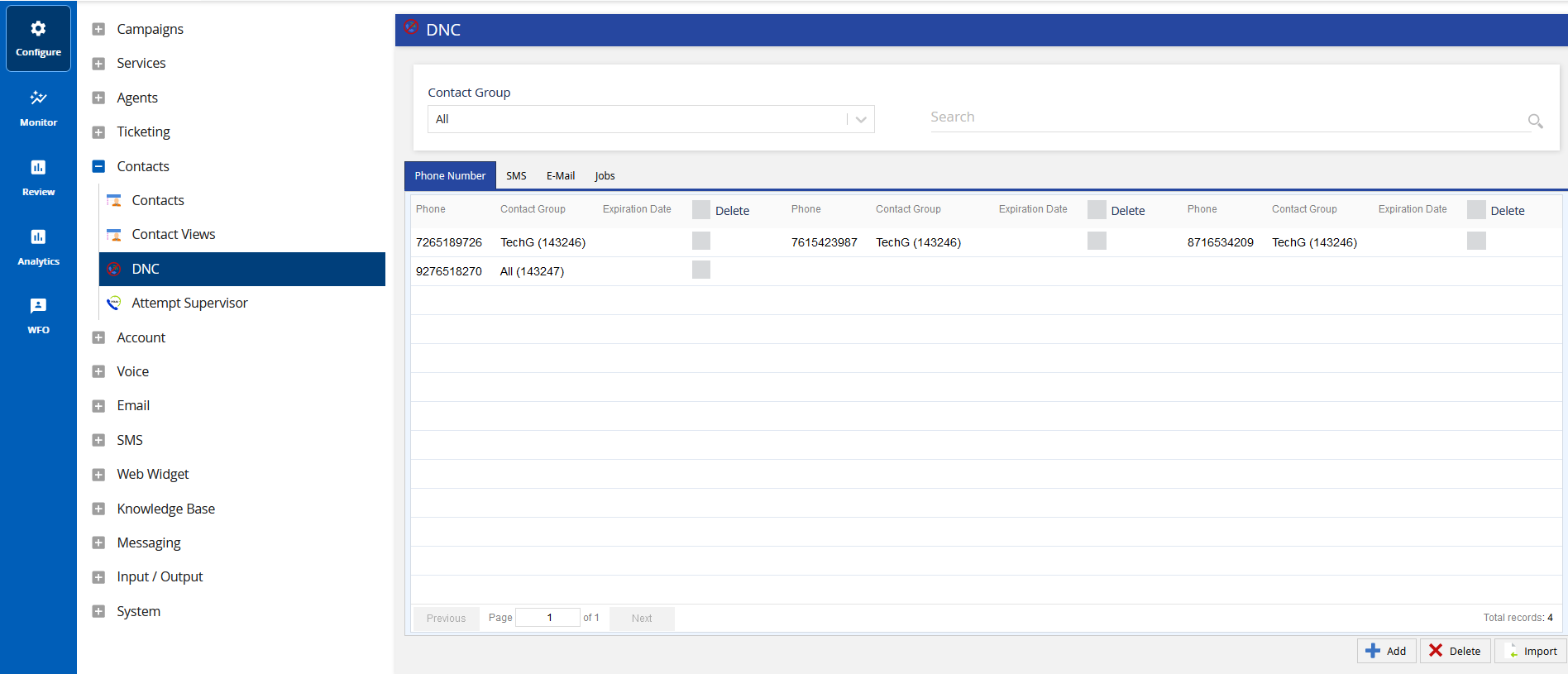
Admin Guides (U17, LV19, and Fall 23) Introduction to LiveVox Ensuring Compliance Do Not Call (DNC) Tools Legacy DNC Current: Accessing Legacy DNC Configuration Accessing Legacy DNC Configuration To access Legacy DNC editor, on the Configure tab of the LiveVox portal, click Contacts > DNC. The DNC window displays the following buttons:Add DNC: To create a DNC entry. For more information, see Legacy DNC - Individual DNC Entries and Legacy DNC - Service Based.Delete DNC: To delete the selected DNC entry. For more information, see Legacy DNC - Deleting Entries.Upload DNC File: To upload a DNC list of entries from a file. For more information, see Legacy DNC - File Upload. ×