Navigate to the DNC editor by selecting Configure > Contacts > DNC from the .
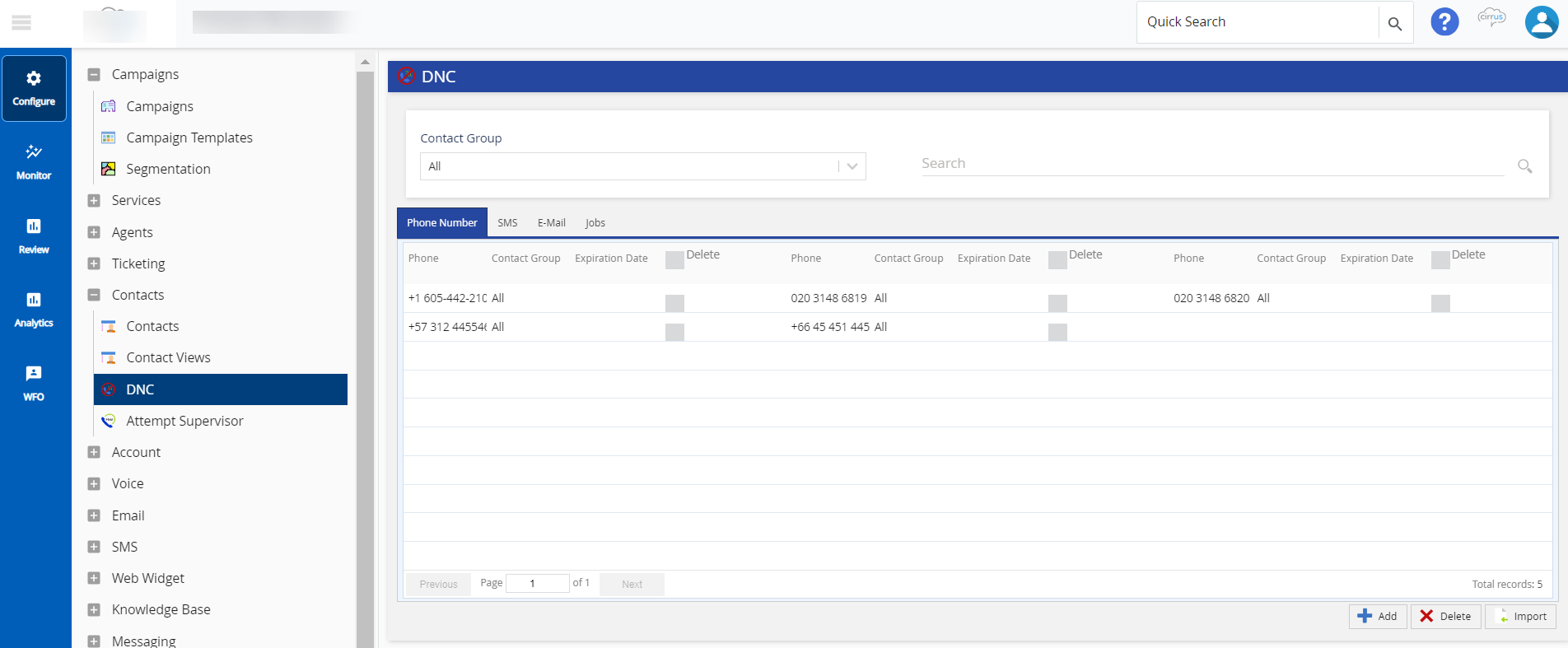
The DNC window offers the following fields, tabs, and buttons:
- Fields
- Contact Group: Select All or specific contact group from the drop-down to view or search the DNC.
- Search: Enter the entire or a partial phone number for search. For detailed information, see Dial-Time Phone DNC - Searching DNC Entries section.
- Tabs
- Buttons
- Contact Groups are assigned at the service level (Configure > Services > Settings > DNC Contact Group).
- By default, the Days of Contact Retention is set to 90 days since the last load date. Send the updated file within the set retention time frame before the contact records are purged.
