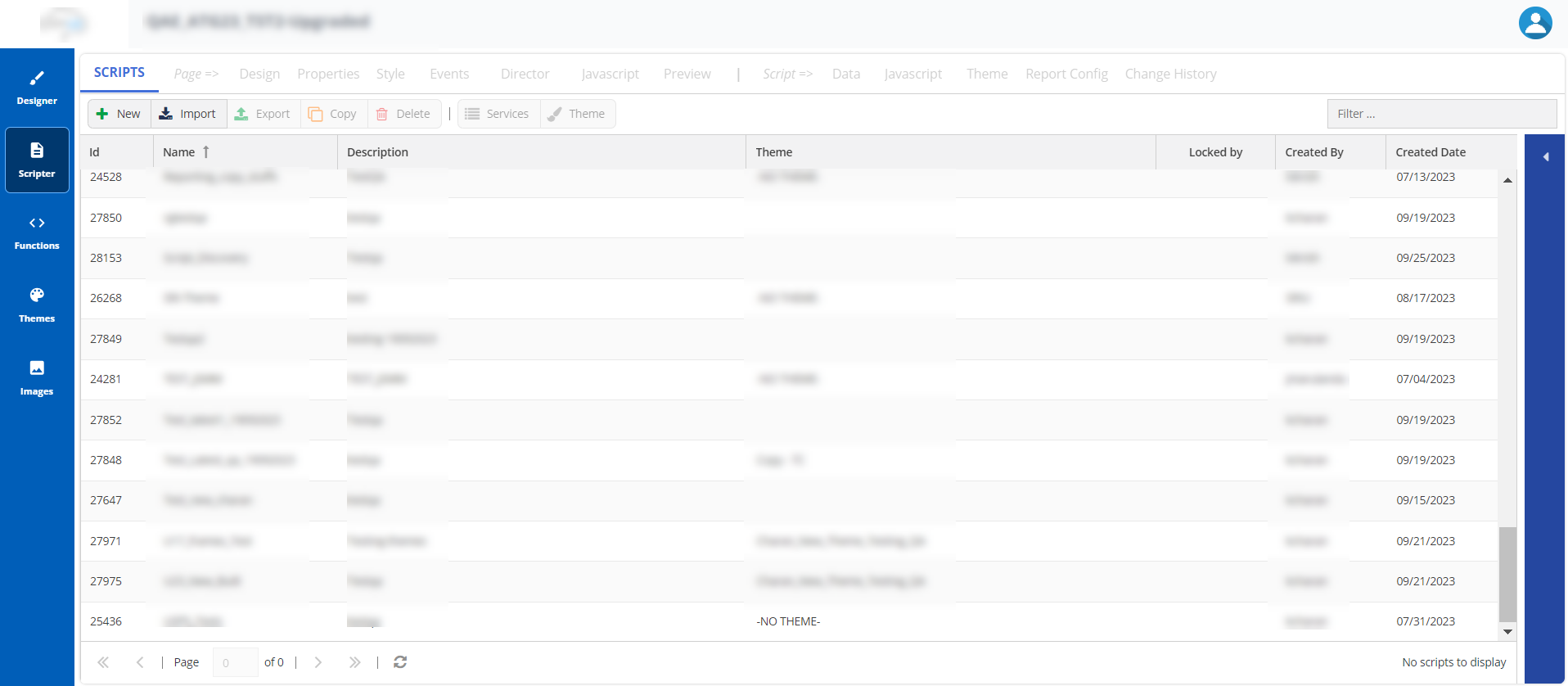
| Subtab | Description |
|---|
| SCRIPTS | Enables you to view and manage scripts and assign scripts to services. |
| Page=> |
|---|
| Design | Enables you to design a script page, including its layout. |
| Properties | Enables you to specify the properties of a script page. |
| Style | Enables you to specify a style for the script page. |
| Events | Enables you to define actions or events for the script page. |
| Director | Enables you to create and manage events for use within the script. The ability to create and manage events is vital to providing a flexible and dynamic workspace for agents. |
| Javascript | Enables you to define or embed custom JavaScript code to be used at the script-page level. |
| Preview | Enables you to preview and test the script page from an agent's perspective. |
| Script=> |
|---|
| Data | Enables you to define a new variable to be used within the script and import screenpop variables from the LiveVox platform. |
| Javascript | Enables you to define or embed custom JavaScript code to be used at the script-page level. |
| Theme | Enables you to change the style of the elements within a script. You cannot edit the default theme; however, you can create a new theme and apply it to the following elements:
- Page: Change the background image and the color of the page.
- Text: Change the displayed text's size, font, and color.
- Button: Select the shape, size, and color of the button.
|
| Report Config | Enables you to retrieve information stored in the database that is collected during a call. |
| Change History | Enables you to view all the changes made to the script. |