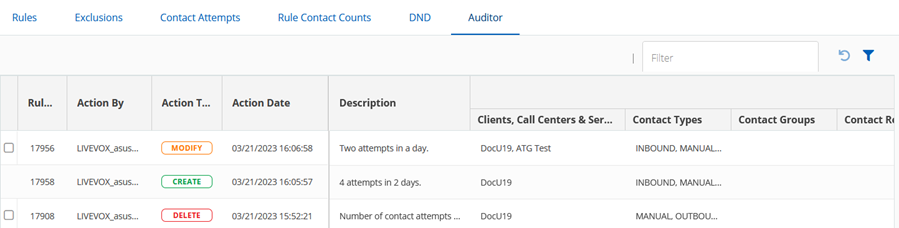
The Auditor tab lists all the changes made to the Attempt Supervisor rules, including the creation and deletion of rules. The records are color-coded according to their type. The date of the changes is listed, as well as the configuration values of the rule as it appeared before the change. Bold values indicate a setting that was changed.
Searching a List
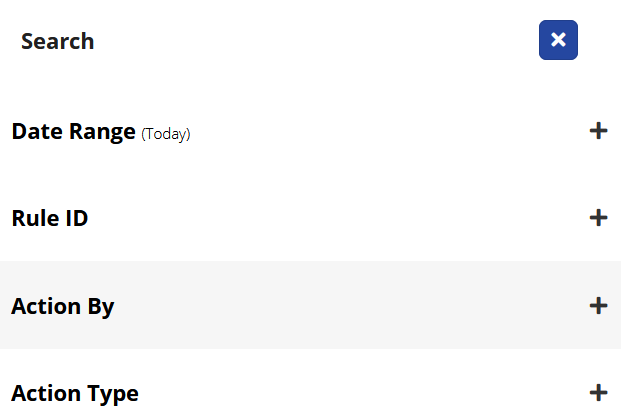
Enter the filter value in theFilterbox to get the list, orclick the filter icon in the upper-right corner to specify multiple filter values.
Depending on your search criteria, enter the Date Range, Rule ID, Action By, or Action Type to narrow the search.
ClickApplyto view the required rule list.
Reverting a Rule Change
You canrevert changes madeto a rule by clicking the revert icon. Thisreverts changes made to a rule.
You cannot revert audit records with theCreateaction type because it does not contain any values.