Download page Uploading Files Using the SFTP Browser.
Uploading Files Using the SFTP Browser
To upload your files using the SFTP browser:
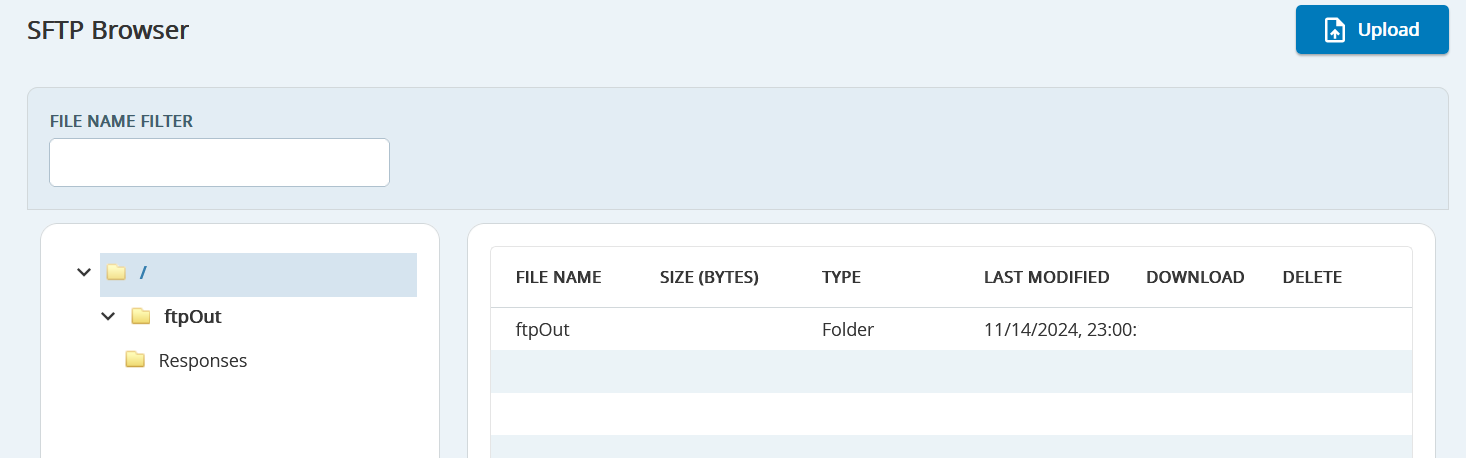
Go to Config > Input/Output > SFTP Browser. TheSFTP Browserwindow opens displaying a list of available folders and subfolders and their contents.
Upload a production file by selecting theFTPInfolder (has to be set up) from the available list to upload.
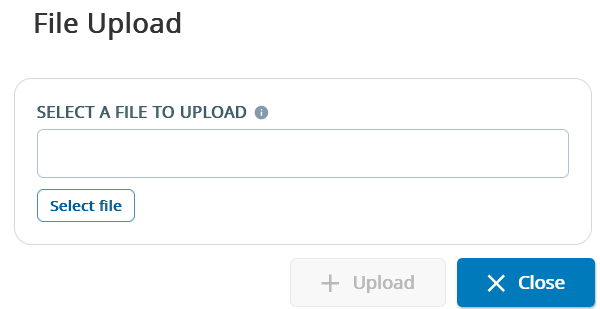
ClickUpload. TheFile Uploadpopup appears.
Click on theSelect a File to uploadfield to browse and select a file on your computer.
Click Upload. The new file appears with the list of files in the selected folder.
Files uploaded via the SFTP browser to the ftpIn directory are automatically processed and loaded in the client's campaigns' view in SmartReach. For more information,contact the SmartReach Customer Care Team.