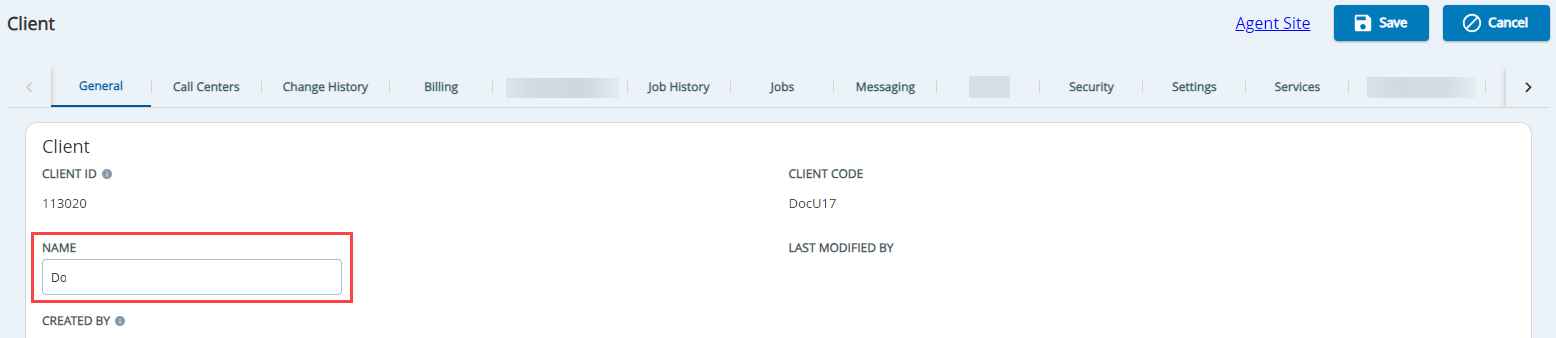
Outbound Engagement and CXone Integration Guide Admin Guide Getting Started Managing Client Sites, Call Centers, and Services Working with Clients Current: Updating Client Name PDF Download PDF Download page Updating Client Name. Current page All pages Updating Client Name The client name is configured during the initial setup for your portal. You can change the name of your client according to your requirement.To update the name of the client: Update the NAME field on the General tab.Click Save. ×