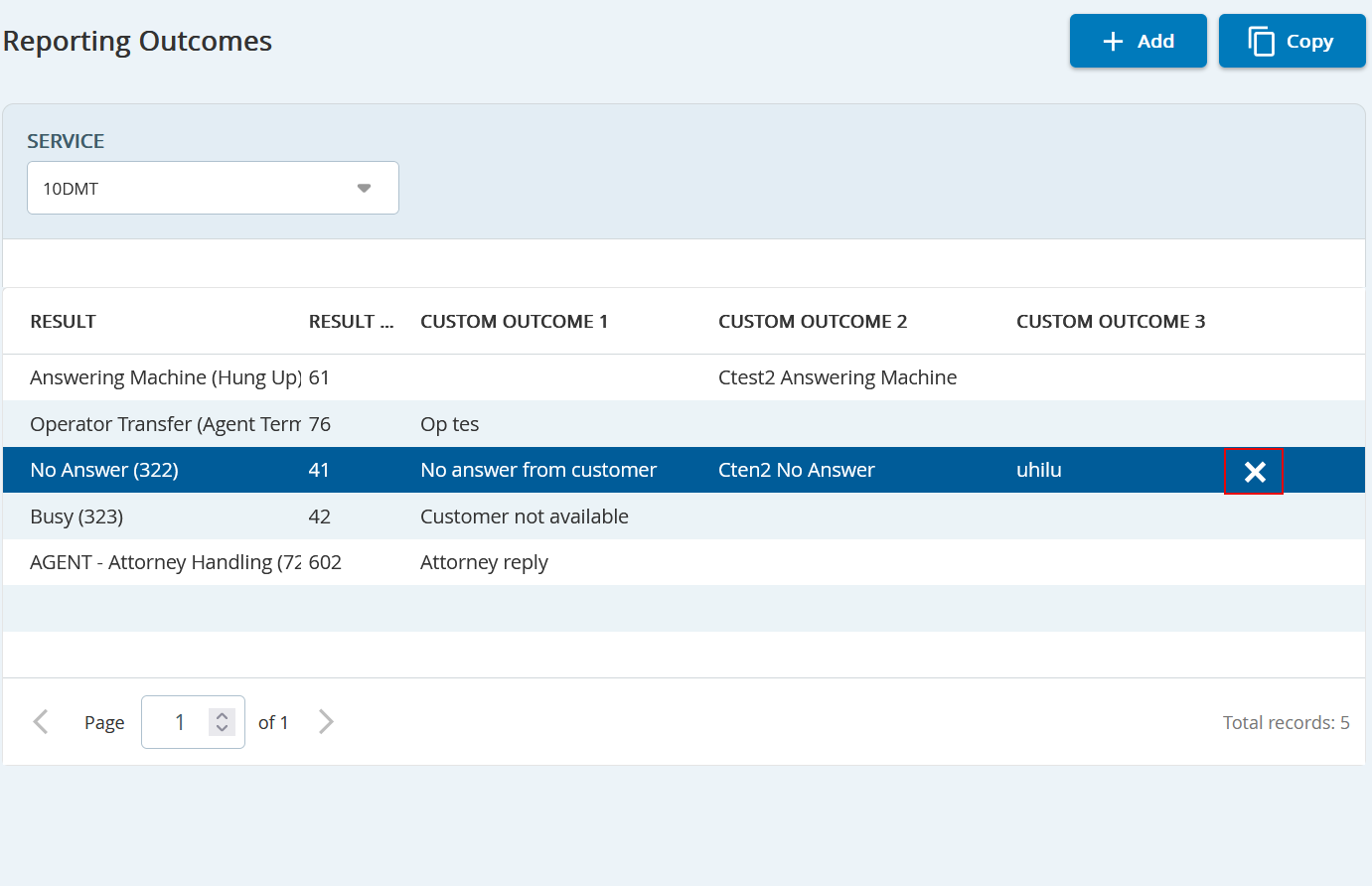
Outbound Engagement and CXone Integration Guide Admin Guide Contact (Customer) Management Configuring Data Input and Output Formats Reporting Outcomes Manager Current: Deleting a Reporting Outcome PDF Download PDF Download page Deleting a Reporting Outcome. Current page All pages Deleting a Reporting Outcome To delete a Reporting Outcome from a Service:On the Config tab, click Input/Output > Reporting Outcomes.Select the Service from which you want to delete a Reporting Outcome from the drop-down menu.Click the delete button . ×