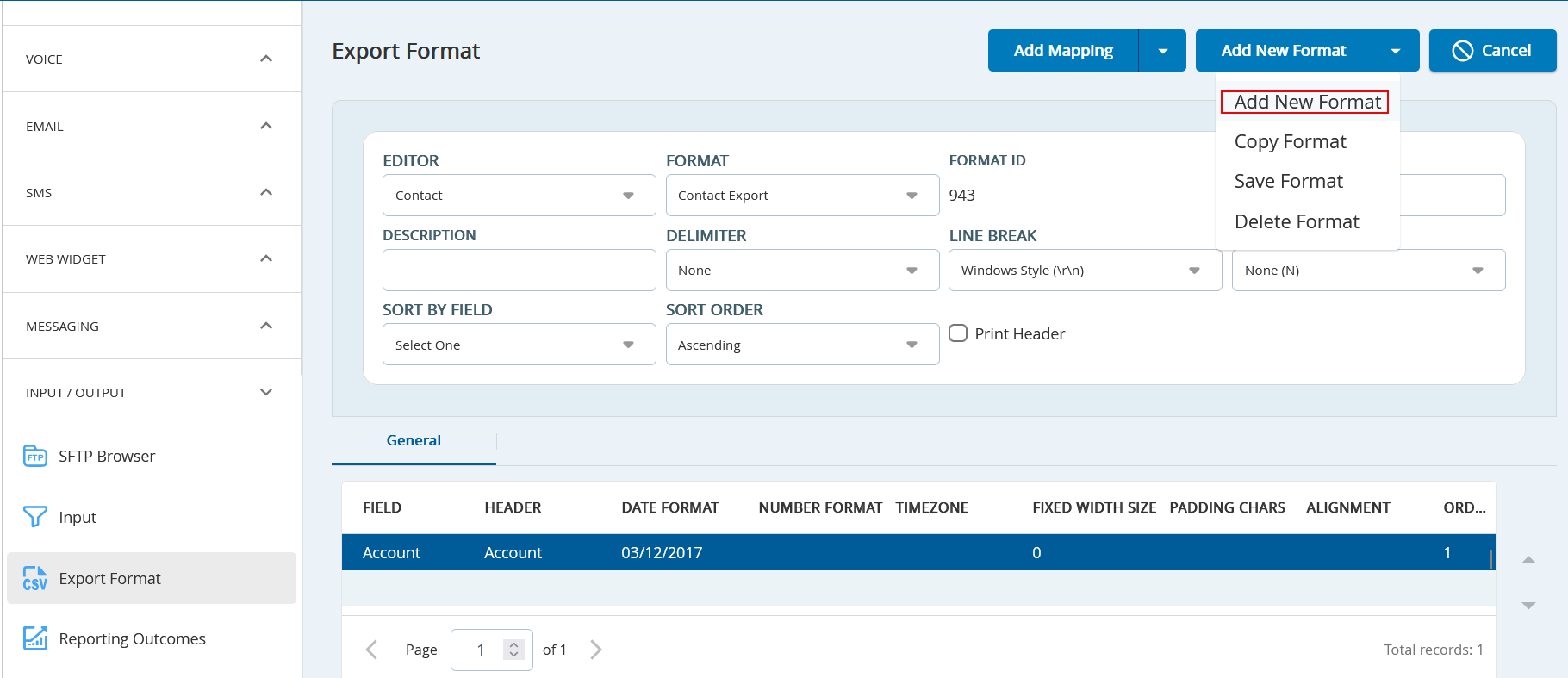
Click theAdd New Formatdrop-down, and then clickAdd New Format.
Select the required editor from theEditordrop-down list. Currently, you have three options;Agent, Contact,andReport Map.
Each format is represented by a uniqueFormat IDonce it is created.
Enter theNameof the format. ThisNameis used to refer to the export format throughout the configuration manager.
Enter theDescriptionto provide additional information about the export format.
Selectthe desired field delimiter from theDelimiterdrop-down menu.
Select the line break style from theLine Breakdrop-down menu.
SelectSort By Field from the drop-down list. This defines how the results should be arranged in the export file.
SelectSort Order from the drop-down list to set the results in Ascending or Descending.
SelectAdd Quotes To from the drop-down list. You can use this option to specify if no fields, all fields, or only those containing the delimiter should be placed in quotes.
SelectthePrint Headercheckbox if you want to include a header row in the export file.
Add the mapping to the format. For more information, see Adding a Mapping.