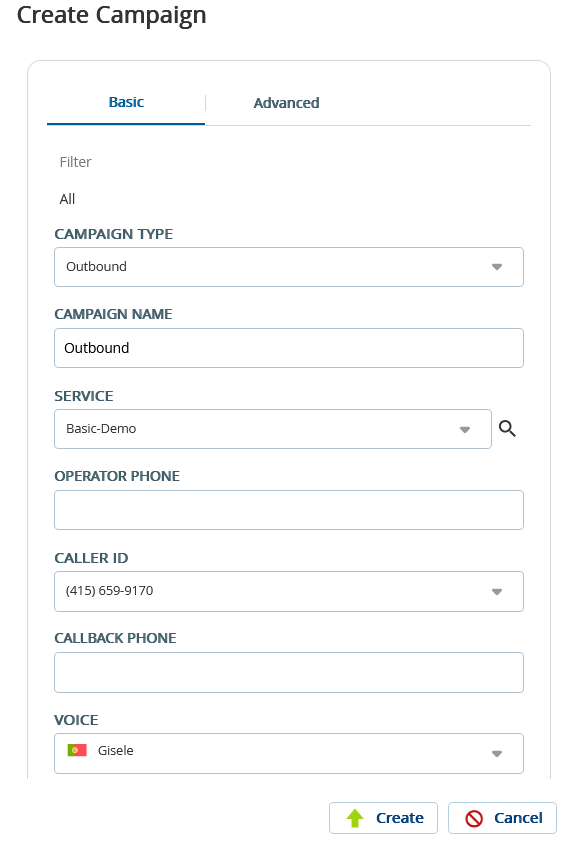
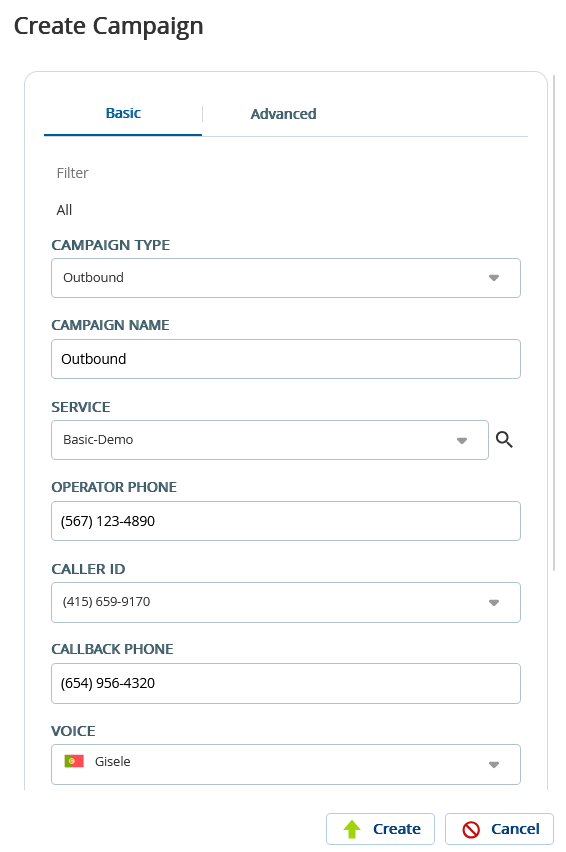
A contact campaign is a marketing campaign that focuses on building and maintaining relationships with potential and current customers. You can create contact campaigns fromContacts Managementfor email marketing, social media engagement, or customer service outreach. A campaign file is a list of the contact records of your customers.
Depending on the configuration, you can create the following types of campaigns through Contact Manager:
Email
Messaging
Outbound
SMS
Only the contacts for which theEmailandSMScheckboxes are selected (on theChannelstab) are included in the email campaign and SMS campaign, respectively.
To create a campaign from Contact Manager (contact campaign):
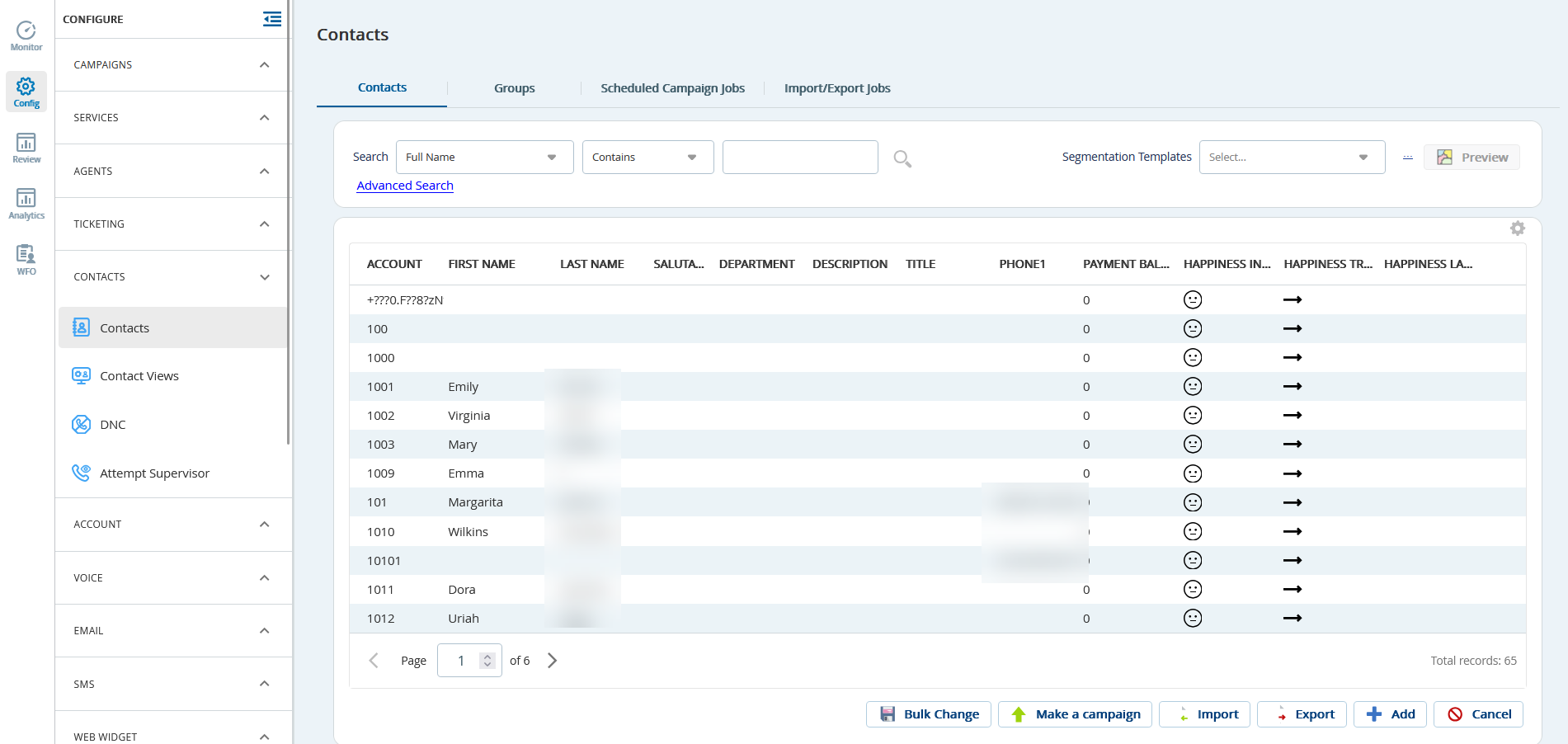
On the Configure tab of the LiveVox Portal, click Contacts > Contacts. The Contacts window appears.
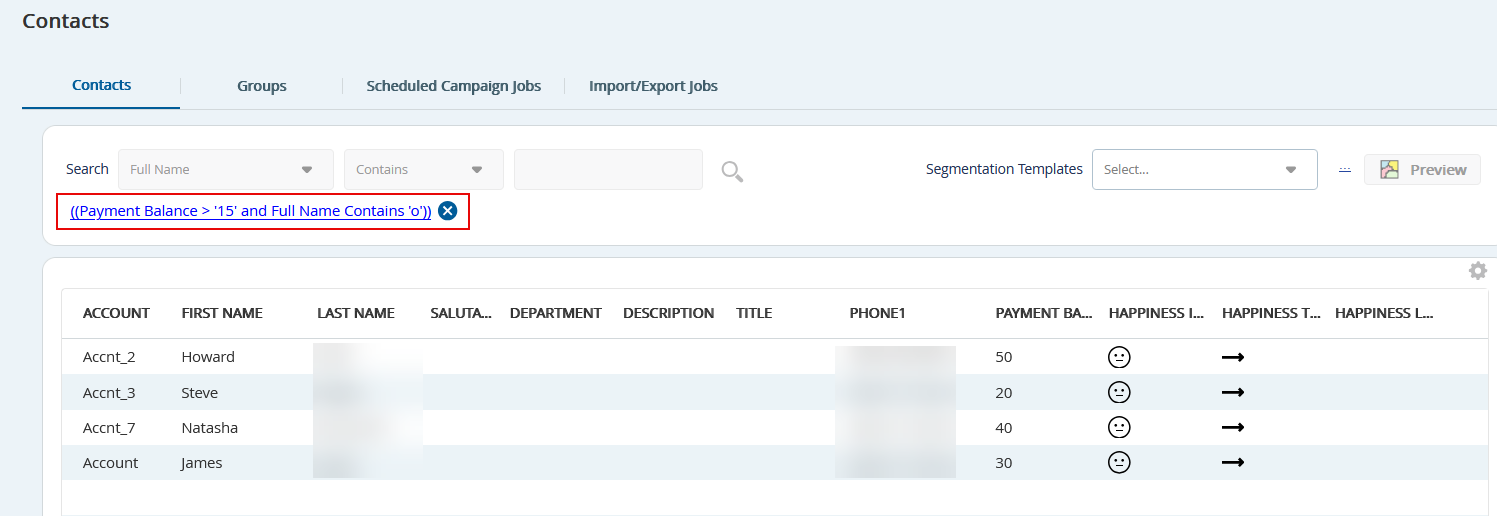
On the Contacts tab, use the Search or Advanced Search option to filter the contacts for the campaign.