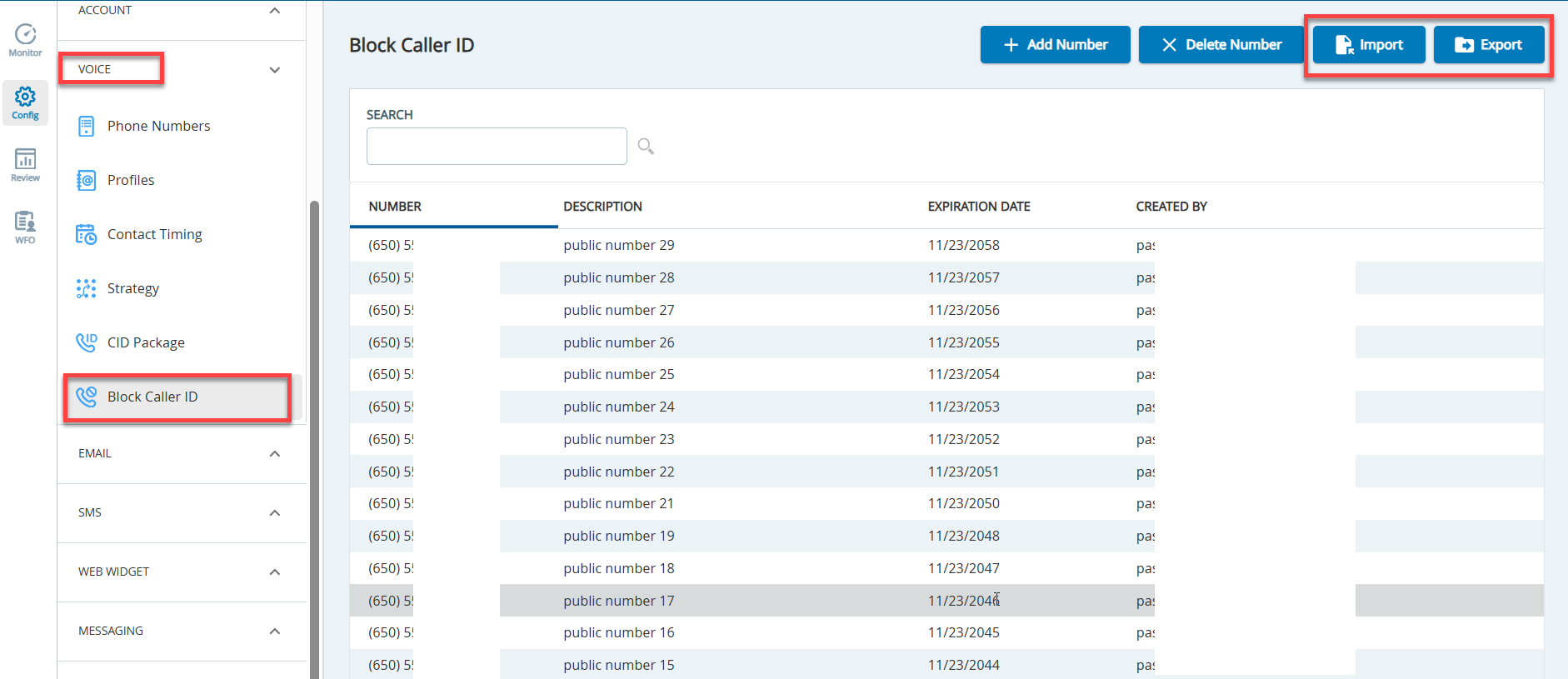
In the Block Caller ID editor, click theImportbutton. TheImport Filewindow appears.
Click theSelect a File to uploadfield to select a file from your local computer.
To ensure that your file is in the correct format required for uploads, you can export your current list of phone numbers to view the required columns and other information.
Your upload file must include the following fields: Number, Description, and Expiration Date. For example: 10020202020, public number 1, 11/23/2030
Your file must include valid or blank data in appropriate fields to successfully import bulk phone number lists.
Enable theInclude Headercheckbox if the import file has column headers in the first row.
Open the required file and clickImport. If successful, you will see a notification, and the phone numbers will be visible in the editor. If not, you may have to correct your file and try again.