The Work Queue (tasks) list enables you to search for a task, filter tasks based on parameters, such as due date, priority, status, and so on.

Searching the Work Queue List
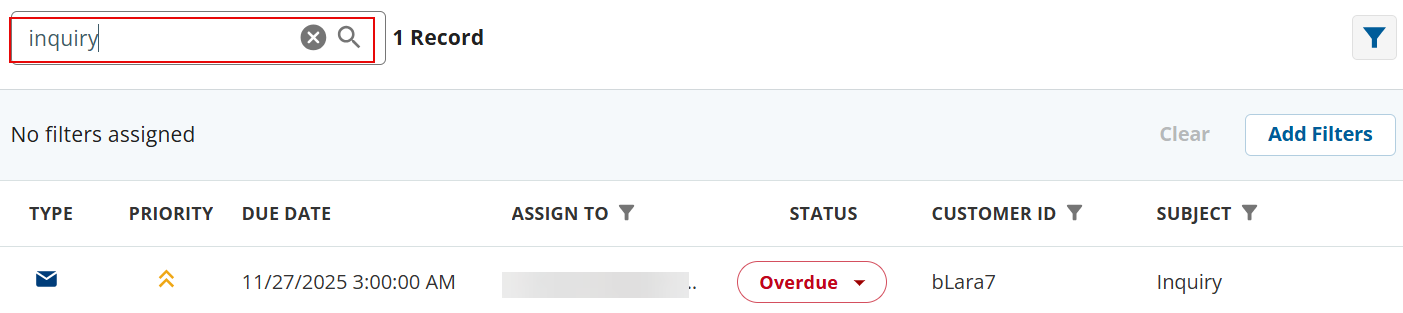
You can use the Search box to search for specific tasks. You can search for tickets based parameters such as due date, status, customer ID, subject, and so on.
Filtering the Work Queue List
You can filter the task list based on the available filter options, such as date, priority, status, and so on.
To filter the task list:
- In the Work Queue list section, click the Add Filter (
 ) button.
The Add Filters window appears.
Fields in the Filter window might be different depending on what is configured on Desk.
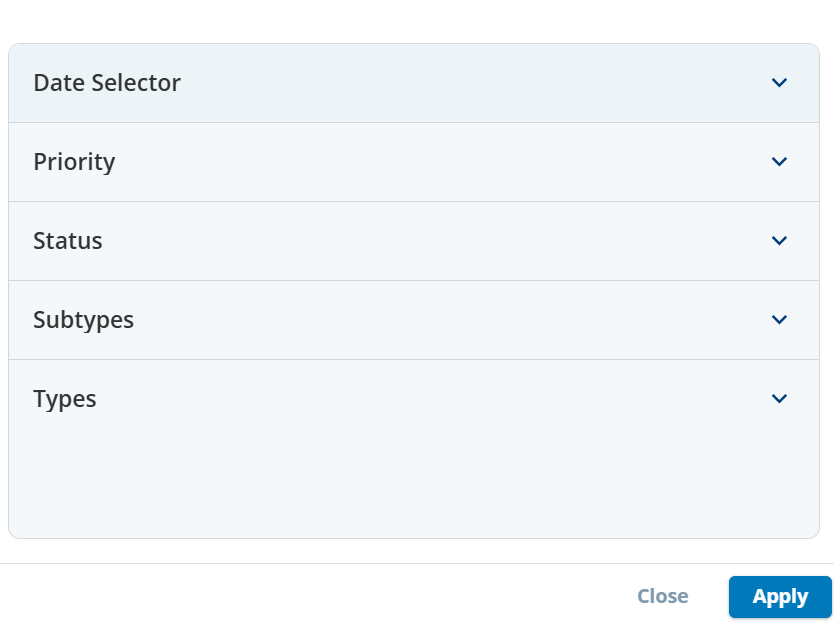
Expand the required sections, and then specify the filter criteria.
- Click Apply.
The records that meet your filter criteria appear in the Work Queue list section.
The Type column in the Work Queue list section shows different types of tasks, such as call, email, SMS, or alert tasks.
The Priority column shows the priority of the task.
The Status column shows the status of a task. You can change the status of a task by clicking the drop-down option.
You can also update a task, add notes, view history, and so on. For more information, see Working with a Work Queue Record.
