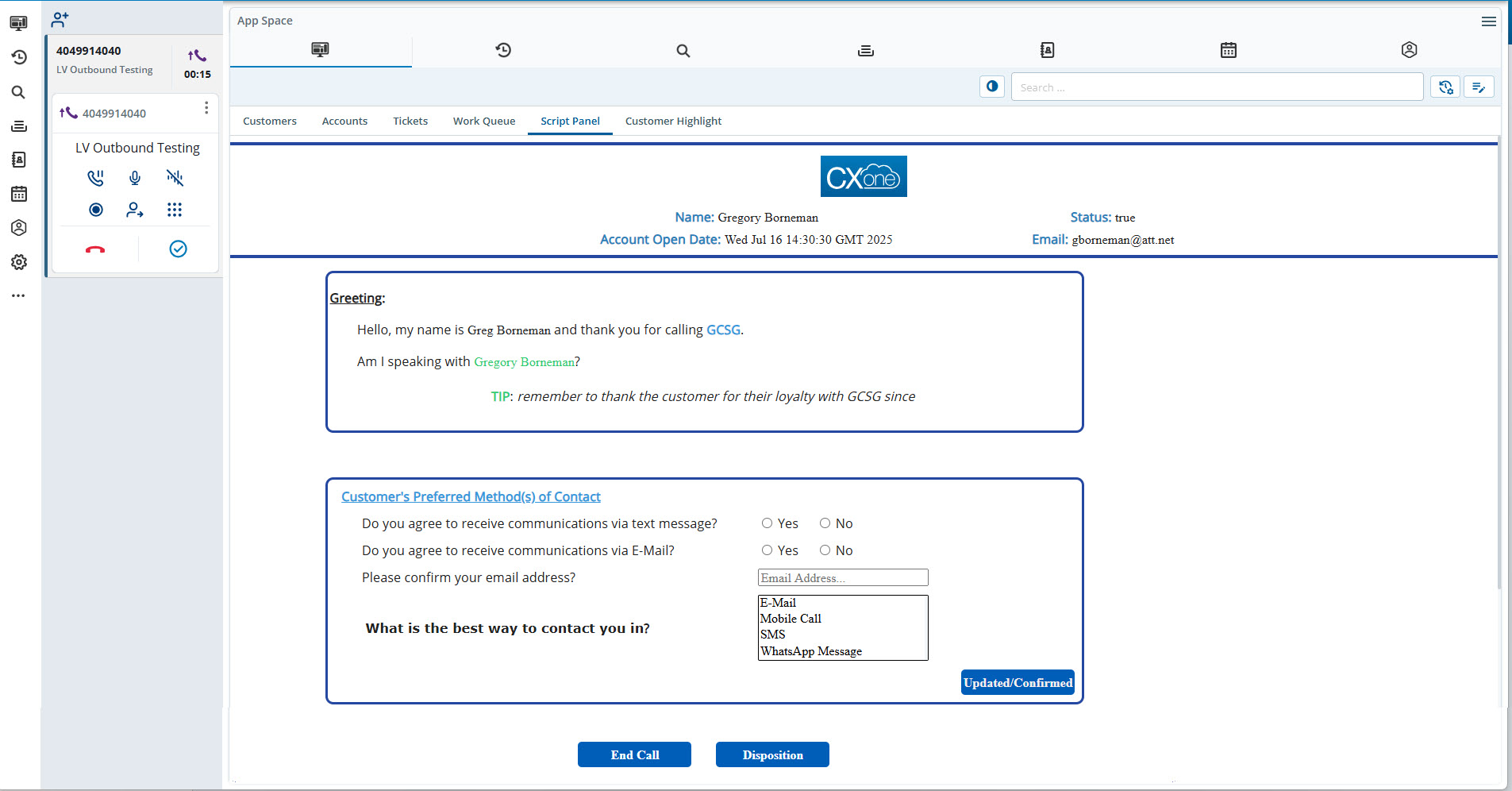
The Scripter feature provides you with specific information and instructions to help your customers during a call. Based on specific actions, this section enables you to navigate through the different windows.
You can work on the scripts that are assigned by your manager.
The script is active when an agent is on a call with a customer.
Depending on the configuration, a script can provide you with options, such as the following:
If Yes, Next:Proceeds to the next page of the script.
If No, End this:Ends the conversation.
You can update and save the contact details by using the Script Panel section at any time and during a call.