Download page Working with Enhanced Customer Card.
Working with Enhanced Customer Card
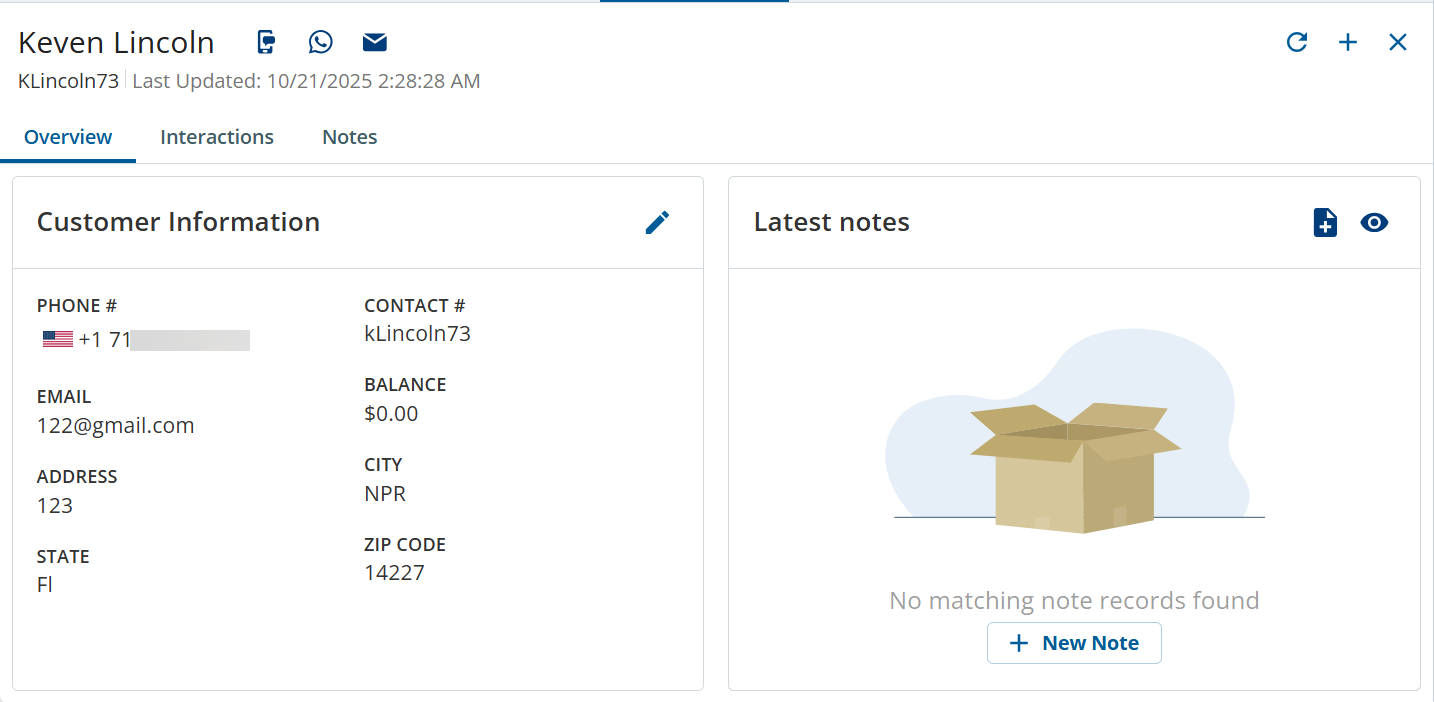
The EnhancedCustomerCard (ECC) or Card feature provides you with a streamlined view of customer information, interactions, and notes. Card provides the following features:
Overview: Consolidated view of customer details, notes, and click-to-contact actions in a single tab. For more information, seeWorking with a Customer Record.
Interactions: View the interaction history for the customer in a streamlined journey-like fashion.Interactions are linked to customer profiles and this gives you additional details about the customer and all the associated interactions. For more information about interactions, see the Interactions section in Working with a Customer Record.
Notes: View the three most recent notes related to the customer, providing quick context for ongoing support. For more information about notes, see the Notes section in Working with a Customer Record.
Digital Case Custom Field Mapping:
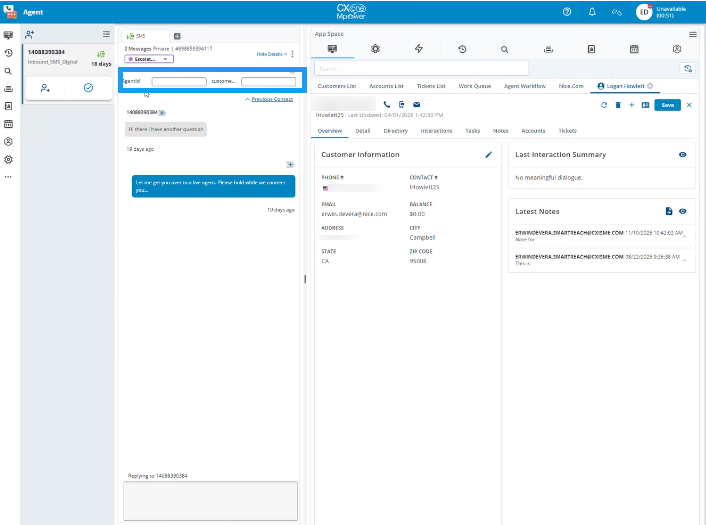
When an agent initiates communication using click-to-email or click-to-text, the system automatically transfers the mapped attributes to the corresponding Digital Custom Fields.