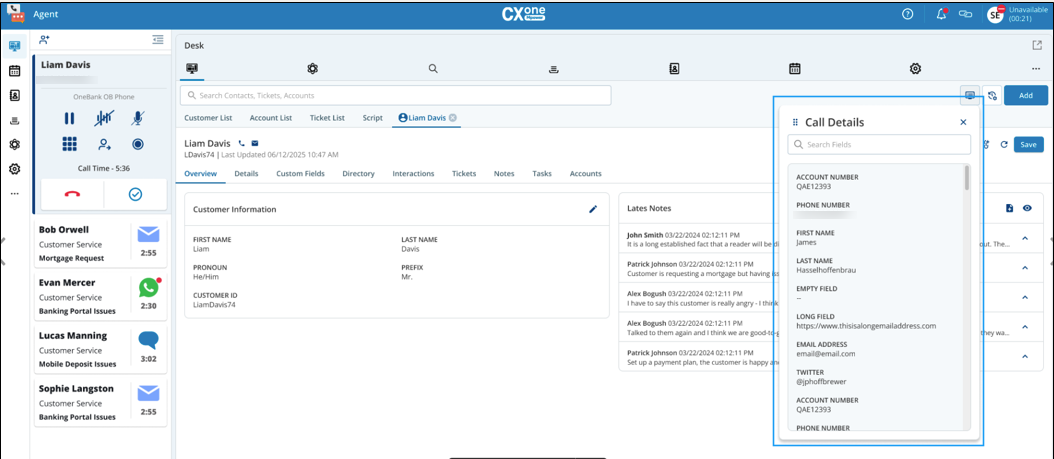
When you connected to a SmartReach call, theCall Detailsscreen is automatically displayed (auto pop-up). You can also access it anytime by clicking the Call Details icon on the agent panel.
This screen includes all configured fields and provides you with the most current information about the ongoing call.