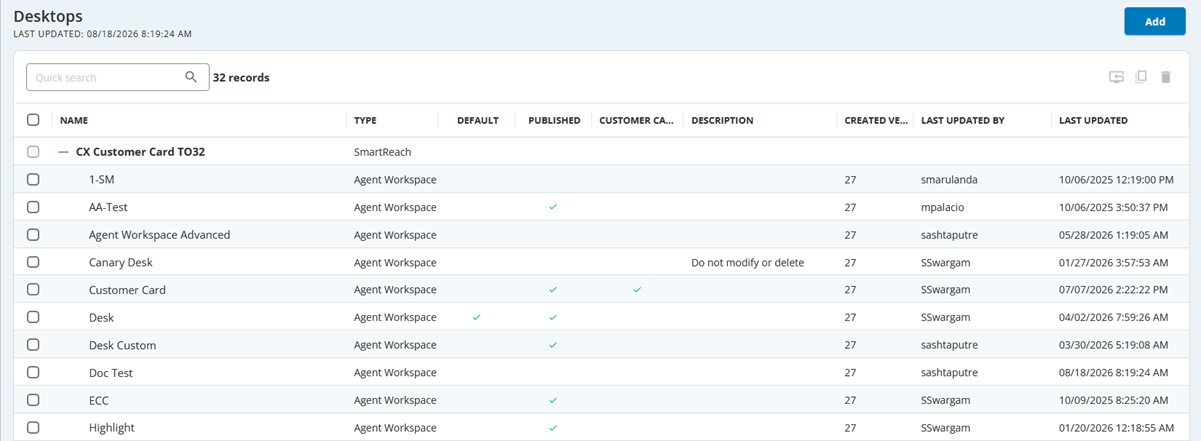
Agent Workspace Premium Admin and Agent Guides Agent Workspace Premium for Administrators and Managers Working with Agent Workspace Premium Current: Managing a Desktop PDF Download PDF Download page Managing a Desktop. Current page All pages Managing a Desktop You can manage the desktop by modifying, copying, or deleting it.To manage a desktop:Access the desktops window.Select the checkbox next to the desktop that you want to manage.To copy a desktop: On the Desktops window, select the desktop you want to copy, and then click the copy icon.The Copy window appears.Modify the values in the Name and Description fields, and then click Save.To delete a desktop: On the Desktops window, select the desktop you want to delete, and then click the delete icon.The Confirm window appears.Click Yes. ×