This section covers steps to configure and set the property values for the components in the Other section. The Other section contains the following components:

The Home Bar component is used to improve navigation to the pages. For more information on the Home Bar, see Home Bar Component.

The HTML component enables you to include an HTML page or a webpage that is rendered on the agent desktop.

To configure and set the HTML component:

  1. From the Desktops window, open the desktop in which you want to add the HTML component. 
  2. Click the Add Component icon.
    The Components window appears.
  3. Double-click the HTML component to add the components to the canvas.
    The HTML component appears.

  4. After updating the required changes, Save the desktop.
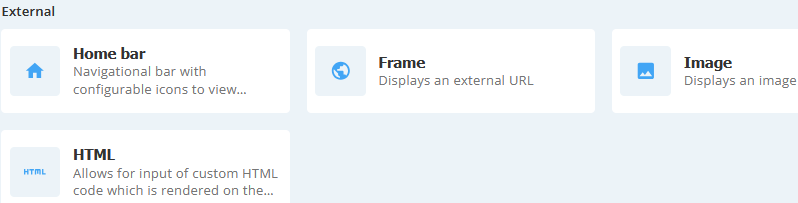
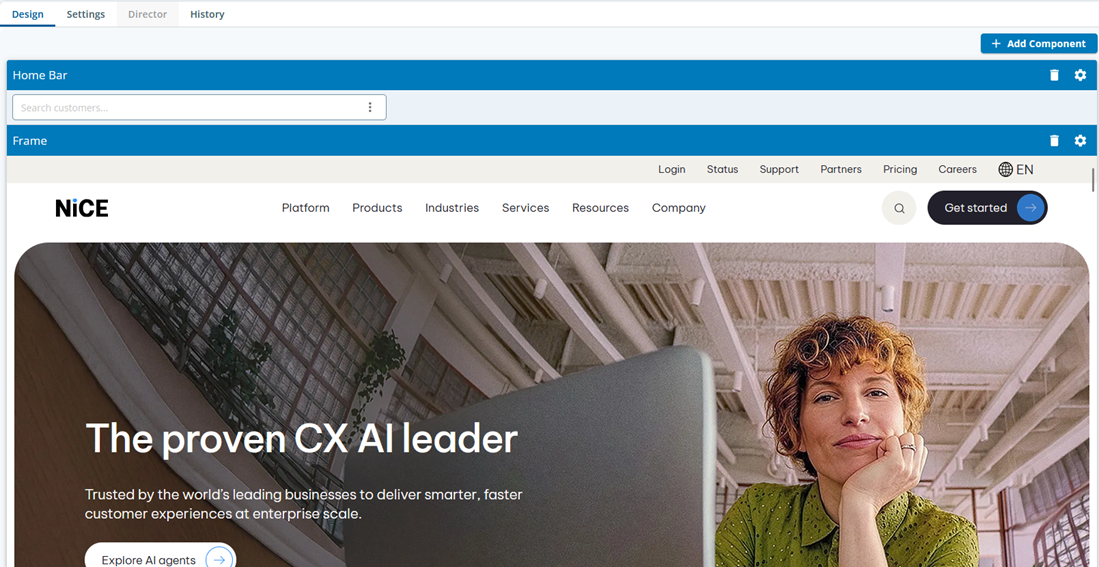
The Frame component displays an external URL on the agent desktop. To configure and set the Frame component:

  1. From the Desktops window, open the desktop in which you want to add the Frame component. 
  2. Click the Add Component icon.
    The Components window appears.
  3. Double-click the Frame component to add the components to the canvas.
    The Frame component appears.
  4. After updating the required changes, Save the desktop.

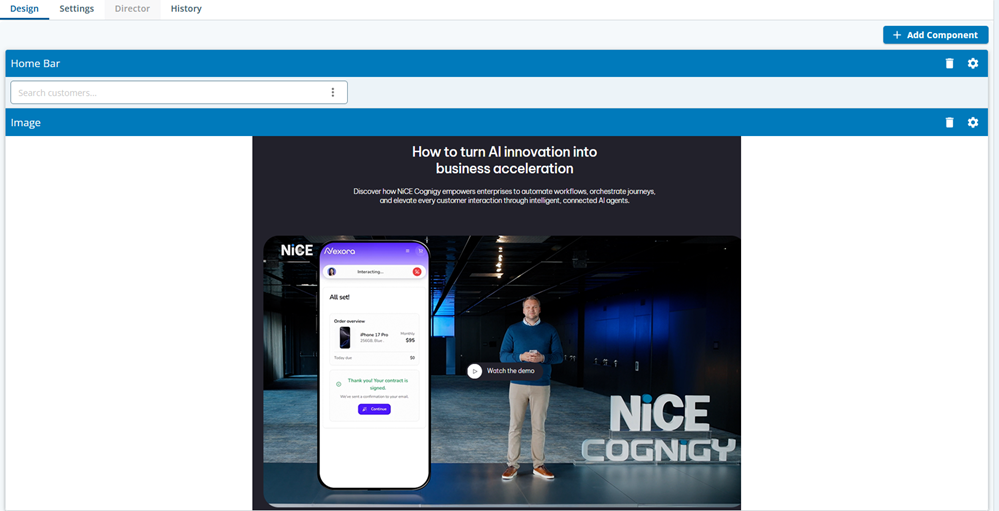
The Image component displays a banner or image on the agent desktop. 

To configure and set the Image component:

  1. From the Desktops window, open the desktop in which you want to add the Image component. 
  2. Click the Add Component icon.
    The Components window appears.
  3. Double-click the Image component to add the components to the canvas.
    The Image component appears.
  4. Click the gear icon and then select the image that you want to add.
  5. After updating the required changes, Save the desktop.