You can access Agent Workspace Premium from the CXone Application Hub or SmartReach portal window.
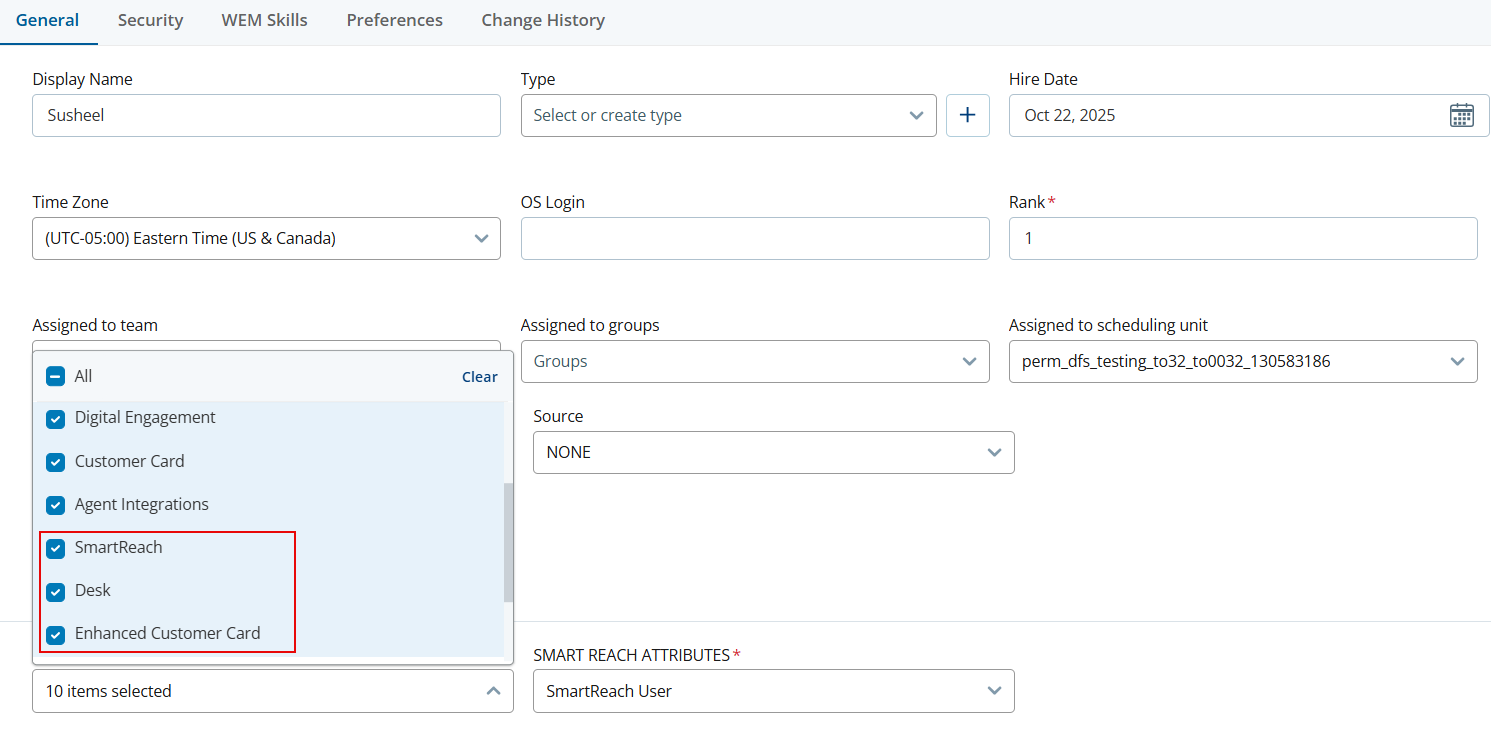
In the CXone Application hub, ensure that you have set the following attributes: SmartReach, Desk, and Enhanced Customer Card are enabled for your system. Your Account Representative can help with this.
Important
For 25.4 and 26.1 releases, contact your Sales Representative to configure Agent Workspace Premium.
For more information about attributes, see Attributes.
Accessing Agent Workspace Premium through the CXone Application Hub
Before accessing Agent Workspace Premium, ensure that the SmartReach Attributefor you is set as User.
Log in to CXone application as an administrator.
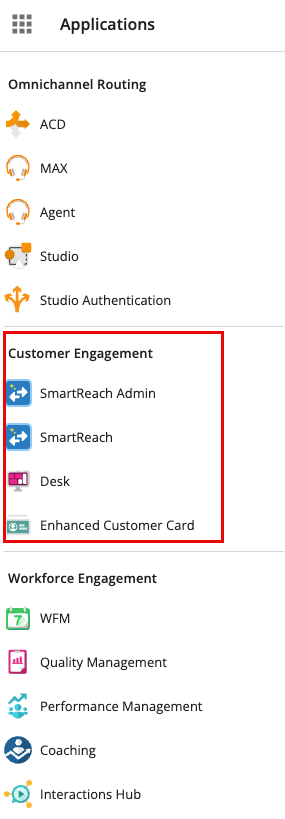
Click theApplicationsmenu
ClickCustomer Engagement(the options displayed in the previous screenshot appear depending on your access permissions:
Click SmartReach Admin to log in to SmartReach as an administrator.
Click SmartReach to access the SmartReach portal.
Click Desk,toaccess and set up Agent Workspace Premium.
Click Enhanced Customer Card to access Agent Workspace Advanced.
Accessing Agent Workspace Premium through the SmartReach Portal
To access Agent Workspace Premium from the SmartReach portal:
In the SmartReach portal, click and then click . TheDeskwindow opensalong with the other available options.
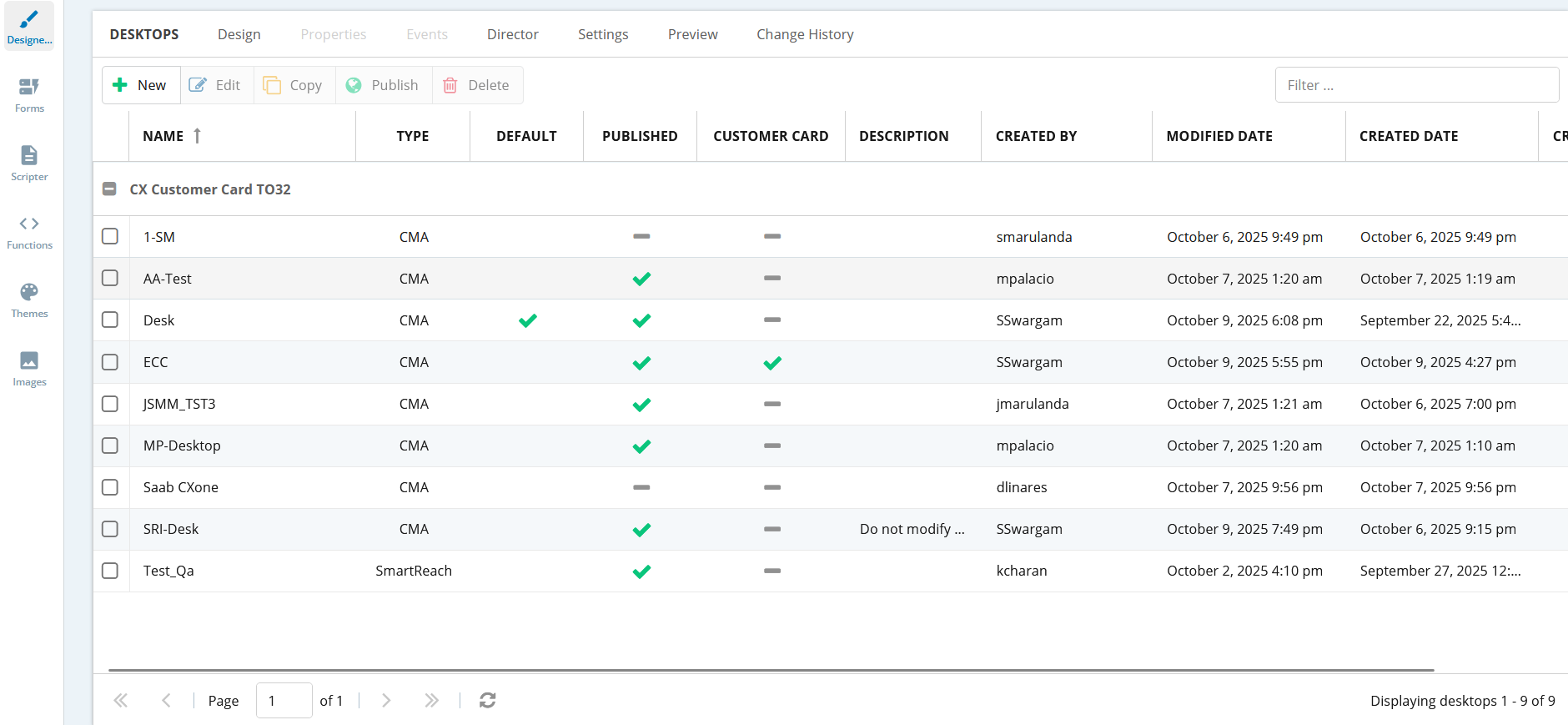
Note: SmartReach provides a default Agent Workspace Premium application for CXone agents.