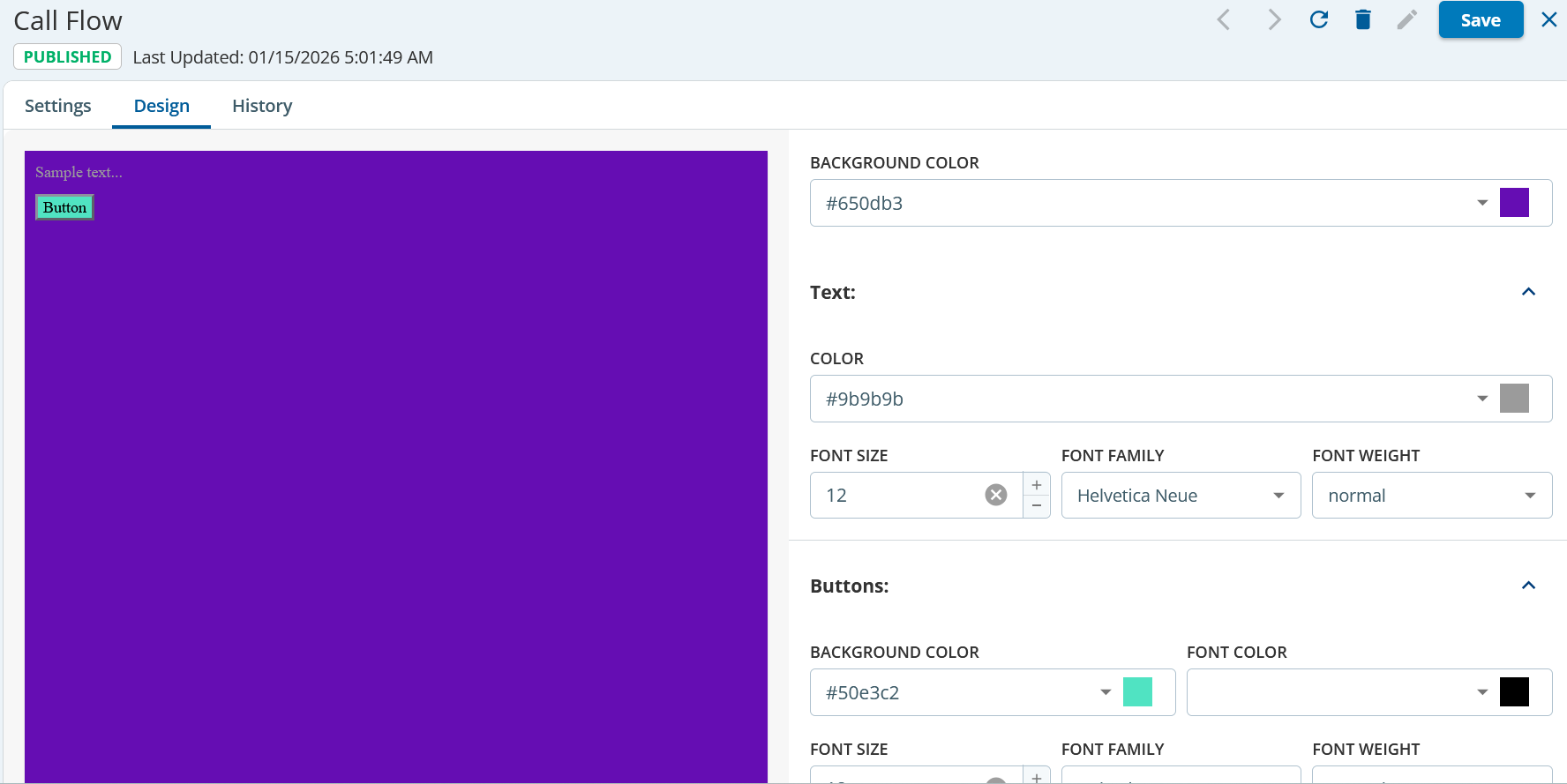
A theme is a preconfigured design thatenhances the presentation of a script. It is a consistent and unified set of visual elements and styles applied to backgrounds, text, and buttons.Implementing a theme feature in your Script application can enhance the agent's experience and streamline the design process.
Numbered Item
Description
Themes:Click Themesto view the list of available themes. You can create a theme from the Themes window.
Name:Indicates the name of the theme.
Client-Specific Themes:Enables you to view a list of client-specific themes that you create.
Status:Indicates the status of the theme.
Description:Provides a descriptionfor a theme.
Assigned Scripts:Indicates how many scripts are assigned to the theme.
Last Updated By: Identifies who updated the theme last.
Last Updated: Displays the date and time on which the theme was last updated.
Publish:Publishes a theme.
Copy Theme: Enables you to copy the design from an existing theme and create a new theme.
Delete Theme:Enables you to delete a theme.
Features of Themes
The following lists the types of items you can include in a script:
Theme Selection:Select and apply a theme to your existing script projects. For information, seeApplying a Theme to a Script.
Theme Customization:Customize an existing theme or create a new theme. You can customize or create the following:
Background Color:Set a background image or color for each page in the script.
Text Styles:Define text size, font, and color preferences.
Button Styles:Specify the button size, border rounding, and color.
Button Styles:Specify the button size, border rounding, and color.