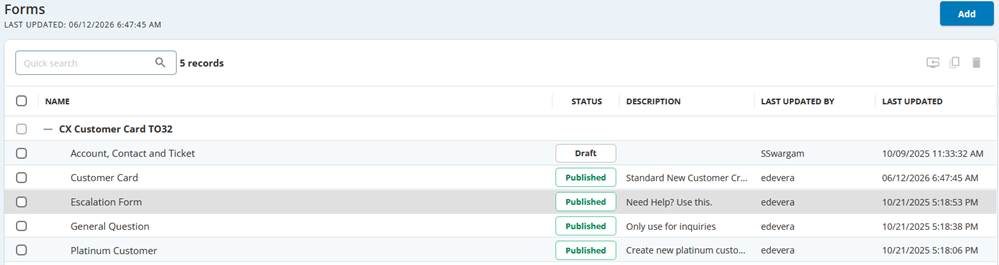
You use forms to create a customized template to process your requests. Forms help agents gather customer information using predefined fields to retrieve data. This enables faster issue resolution and enhances the customer experience. System administrators, superusers, and managers with permissions can create forms to support various customer requests. For example, using the forms' attachment option, you can provide customers with survey forms to collect feedback and automatically route tickets to the appropriate department with all the key information. The Formsoptions available in theTicket Configand Designer features perform similar functions.
Benefits
Faster Issue Resolution:
With predefined fields, you can have the flexibility to design and create forms, which speeds up the processing time.
Improved Customer Experience:
Well-designed forms make it easier for customers to submit their requests.
Better Data Collection:
Collecting structured data helps to understand customer issues.
Feedback forms provide insights into customer satisfaction and areas for improvement.
For more information on designing and creating a form, refer toForms.