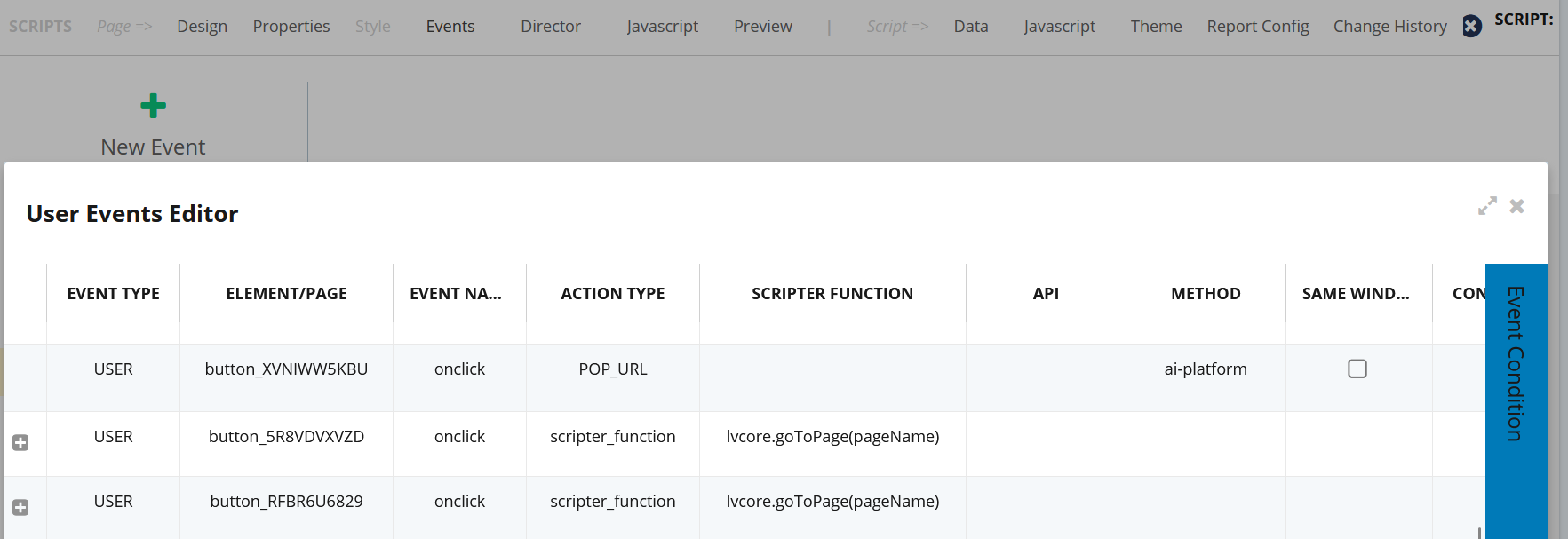
Agent Workspace Premium Admin and Agent Guides Agent Workspace Premium for Administrators and Managers Working with Scripts Understanding Scripter Pages Current: The Events Tab PDF Download PDF Download page The Events Tab. Current page All pages The Events Tab You can set conditions and call an event for an element from the Events tab.To create an event:Select the element for which you want to create an event.From the Event drop-down, select an event.From the Function drop-down, select a function.Click New Event.The User Events Editor window appears.Update the fields in the User Events Editor and then click Save. ×