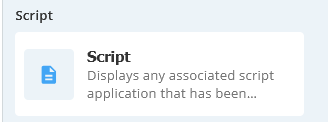
TheScriptsection enables you to guide your conversation with your customers by reading pre-configured text. This section enables you to navigate through different windows based on specific actions.This section covers steps to configure and set the property values for the Script component. The Script section contains the following component:
To configure and set theScriptcomponent:
ClicktheScript component. The Script information appears on the page.
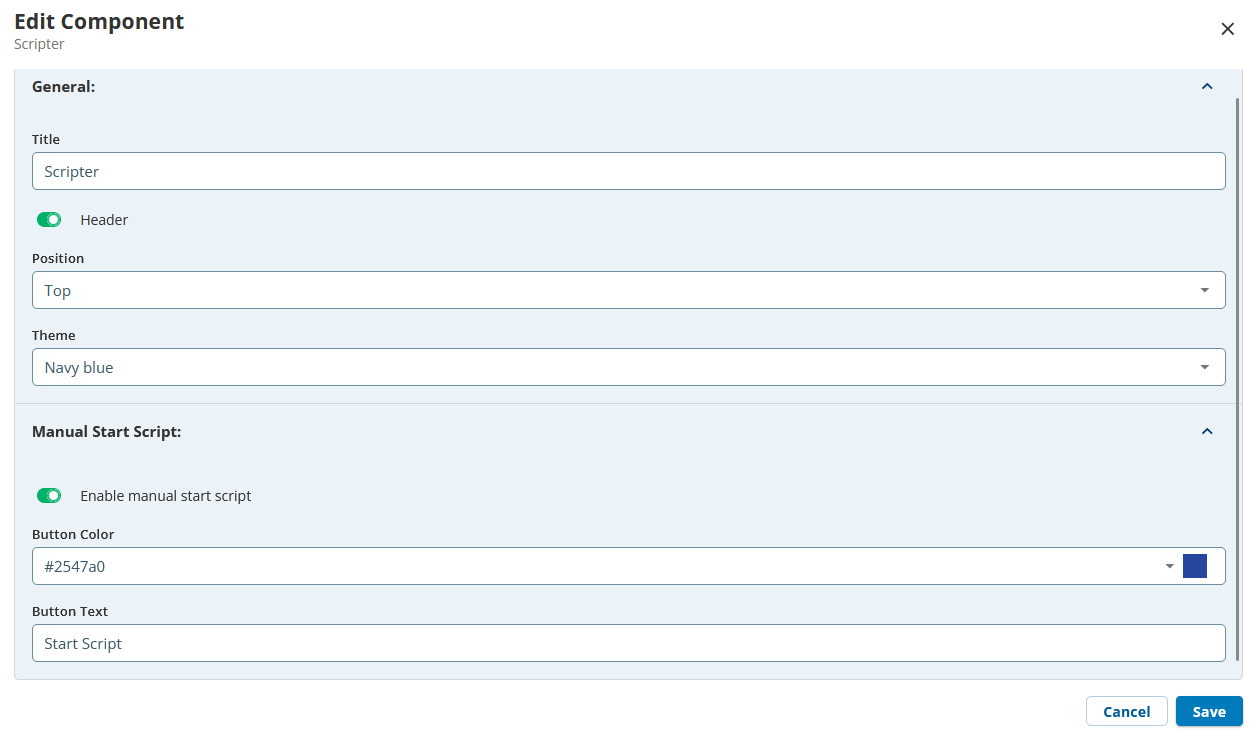
Select the Scriptcomponent on the canvas and then click the gear icon. The component properties are listed here:
Property
Available Features
Description
Title
Content
You can change the default title of an element. When you change the title, the element name on the canvas is updated to the new title. For example, you can change the title from Scriptto Script Panel, and the name is updated on the tab on the canvas.
Position
Theme
Header, Header Position, and Theme
To change the current formatting, change theHeader PositionandTheme. When you enable theHeader Positionoption and select theHeader Positionin the drop-down menu, the header position is updated.
Manual Start Script
Script start button and button text options
When you enable the optionEnable Manual Start Script, an agentshouldmanually start the script by clicking theScriptbutton. When you disable this option, the script starts when the agent changes to the ready state.