You can configure the ticketing forms for the desktop. For more information, see Ticket Forms.
To configure and set the Forms component:
- Click the Forms component.
The Forms window appears on the page. - Select the Forms component on the canvas, then click the gear icon.
The component properties are listed here:
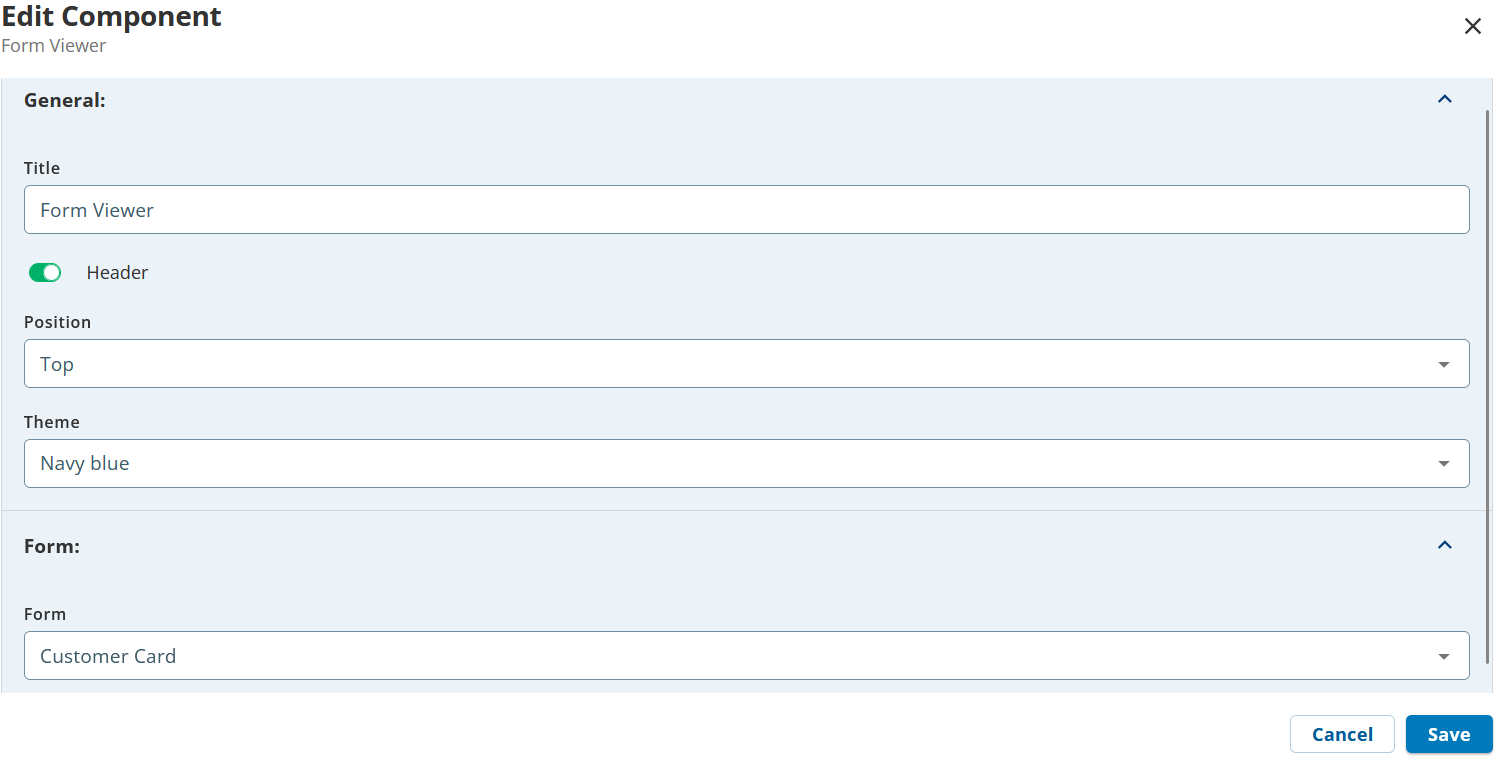
- After updating the required changes, click Save.