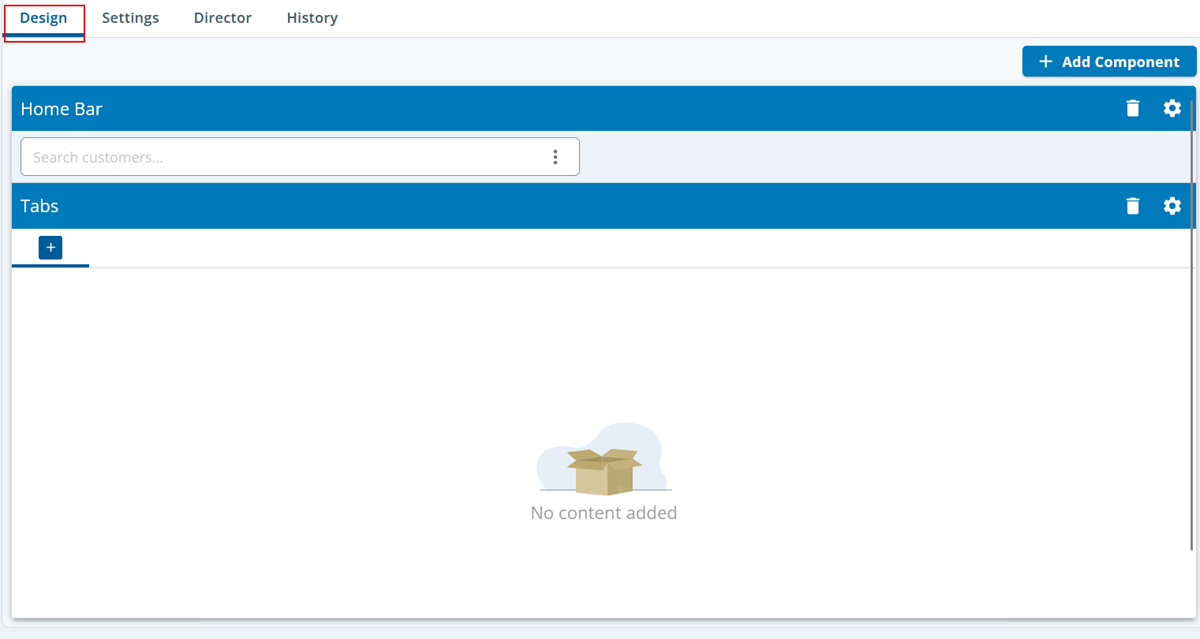
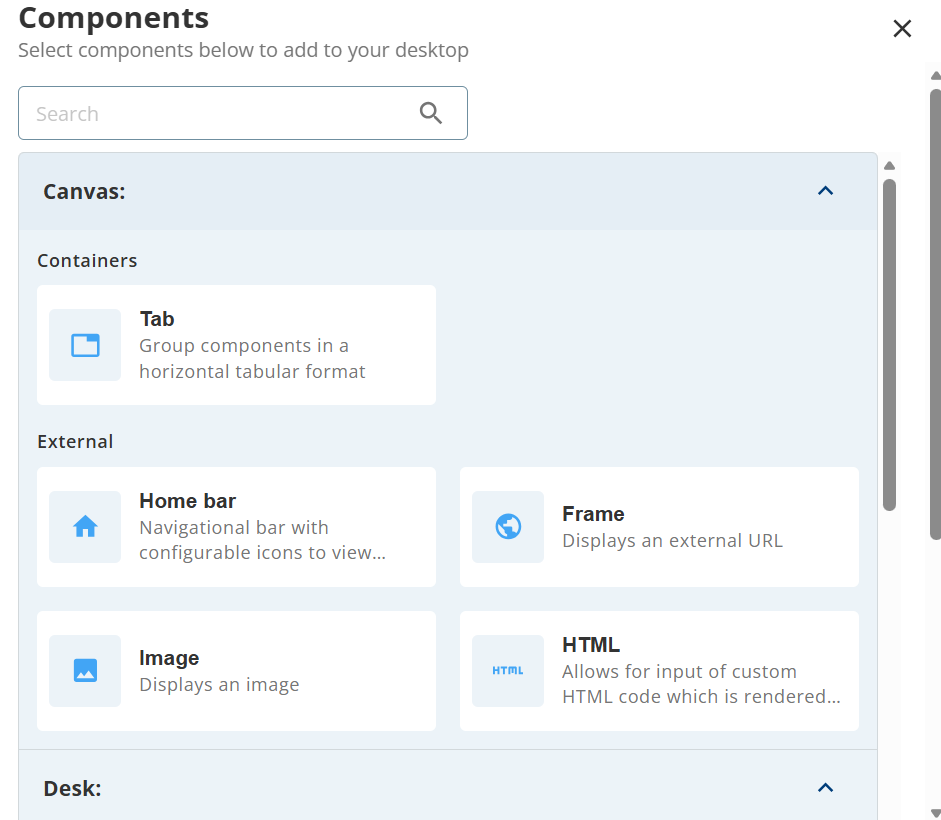
Agent Workspace Premium Admin and Agent Guides Agent Workspace Premium for Administrators and Managers Working with Agent Workspace Premium Current: Designing a Desktop PDF Download PDF Download page Designing a Desktop. Current page Include child pages All pages Designing a Desktop You can define which components you want to be displayed on each page, how you want the components to be displayed, and the themes for the pages.To design the desktop page:Access Agent Workspace.From the Desktops window, double-click the desktop that you want to design.The Design subtab appears.Click the Add Component button.Click the component that you want to add to the layout. You can delete a component by using the delete icon.You can edit a component by using the gear icon. Click Save. ×