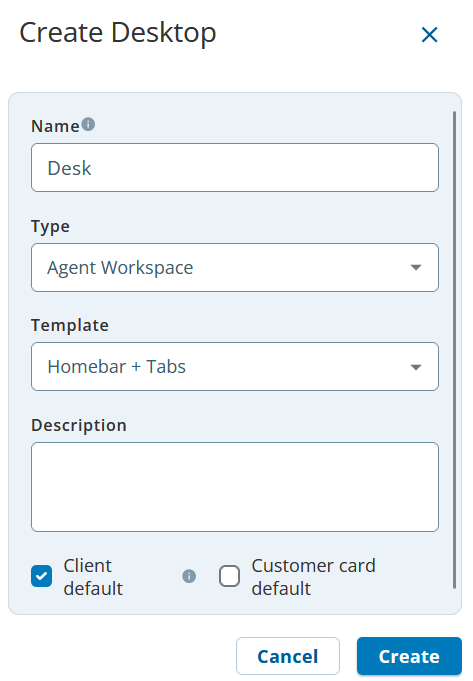
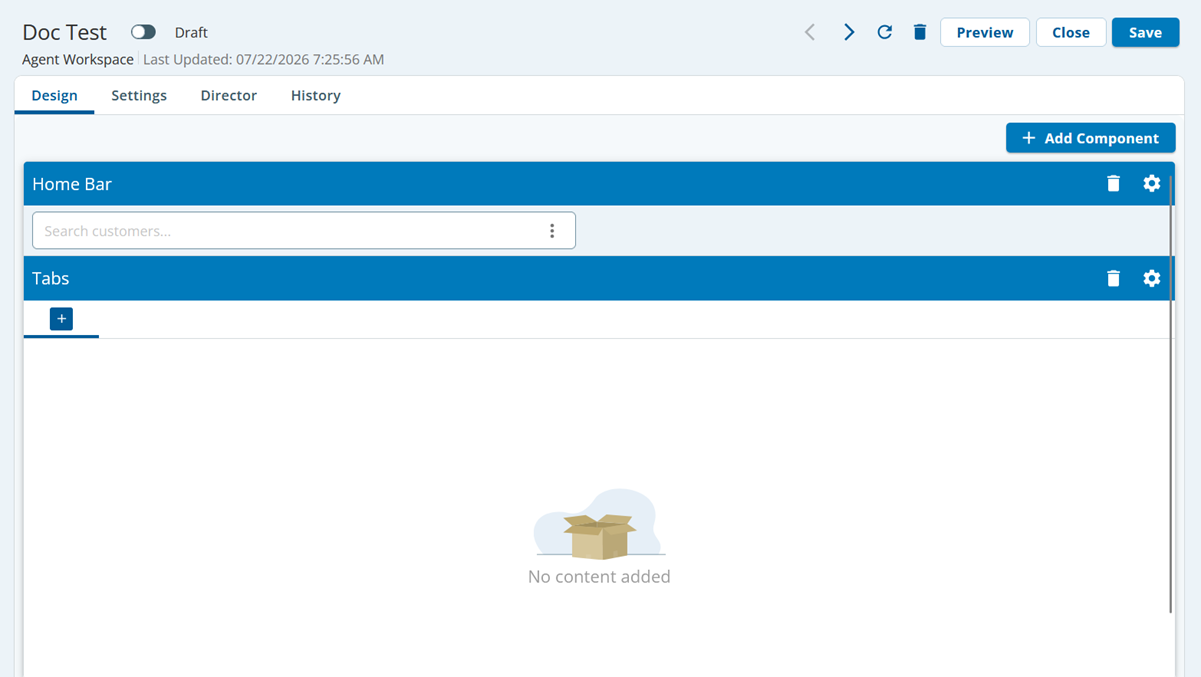
Agent Workspace Premium Admin and Agent Guides Agent Workspace Premium for Administrators and Managers Working with Agent Workspace Premium Current: Creating a Desktop PDF Download PDF Download page Creating a Desktop. Current page All pages Creating a Desktop To create a desktop:Access Desk.The Designer Builder window appears.Click the Add button.The Create Desktop window appears.Specify values in the fields.FieldsName: Name to identify the desktop.Type: Select Agent Workspace.Template: Select the template that defines how components are arranged and displayed in Agent Workspace.(Optional) Description: Description of the desktop. Important Client Default: Displays the screen that appears by default for Agent Workspace Premium layout.Customer Card Default: Displays the screen that appears by default for Agent Workspace Advanced layout. Click Create.A desktop is created. The canvas appears. ×