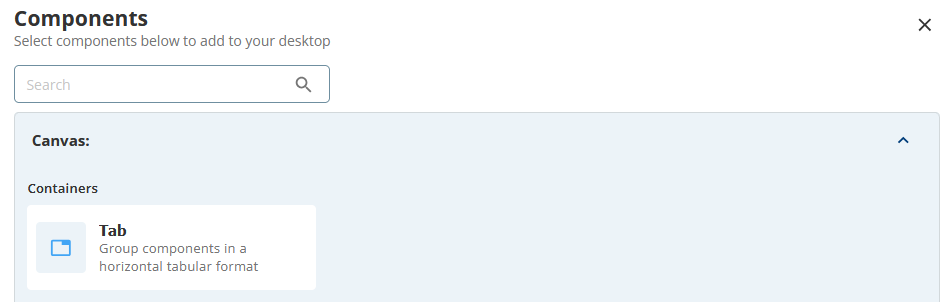
You can control how components are arranged on a desktop by using the Tabssection. The Tabs component groups components in a horizontal tabular format.
To display the components in a tabbed layout:
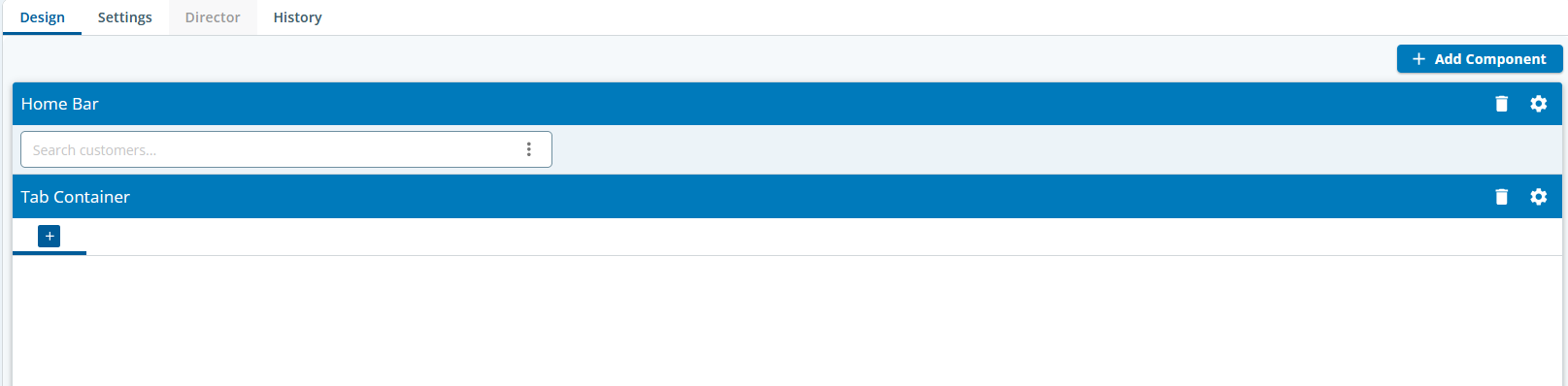
On the toolbar, expand theCanvas section, and then click theTabcomponent. The Tab Container is added to the canvas.
Click the Add Component button or the + icon to start adding components.
Managing the Properties for Containers
If you want to change the container properties, use thegear icon. For example, if you want to change the Tab title from Tabto Details.
On the Tab Container header, select thegear icon. The Edit Component window appears.
Click theTitlefield and change the title fromTabtoDetails.
To change the position for the title to appear and the color of the title bar, use theHeader PositionandThemeaccordingly from the list.