You can transfer calls to either another phone number or a phone number with an extension. This feature is typically used when sending a caller to a supervisor, an agent that is not signed into LiveVox, or another party that can provide assistance in handling the call.
To initiate a manual transfer:
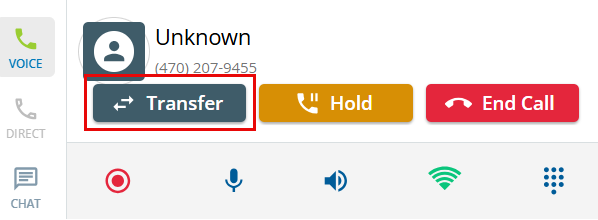
Click the Transferbutton to display theCall Transferwindow.
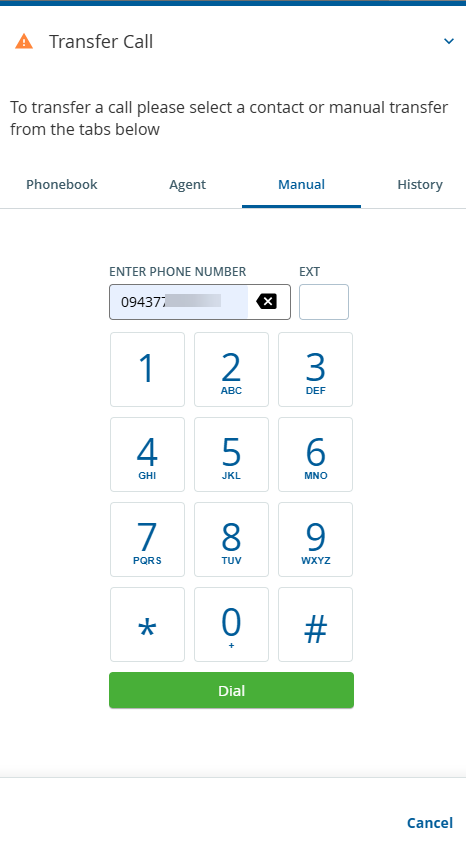
Select the Manualoption from theTransfer Callwindow.
Enter the phone number or a phone number with an extension (no dashes) to transfer the call and click theDialto initiate the call.
Call transfer supports three or more digit extensions.