Messagebook

A Messagebook is a list of prerecorded audio messages and/or predefined text messages that you can use when interacting with your customers. These template messages ensure that your messages are consistent and adhere to your business standards. 

Messagebook is not available for the following types of services:

  • 10-Digit Manual with Transfer (10DMT)
  • Human Call Initiator (HCI)
  • Human Text Initiator (HTI)
  • Manual
  • Preview All

If a Messagebook is created for your agent desktop, when sending a transaction email/SMS or responding to an inbound email/SMS, the email/SMS messages in the Messagebook appear in the Template field.

Messagebook Target

The Messagebook Target configuration setting determines who hears the message:

  • Customer: Only the customer hears the message.
  • Both: The agent and the customer hear the message.

Playing a Message to a Customer

Before you play an audio message to a customer, ensure that your manager has enabled the Messagebook on your agent desktop.

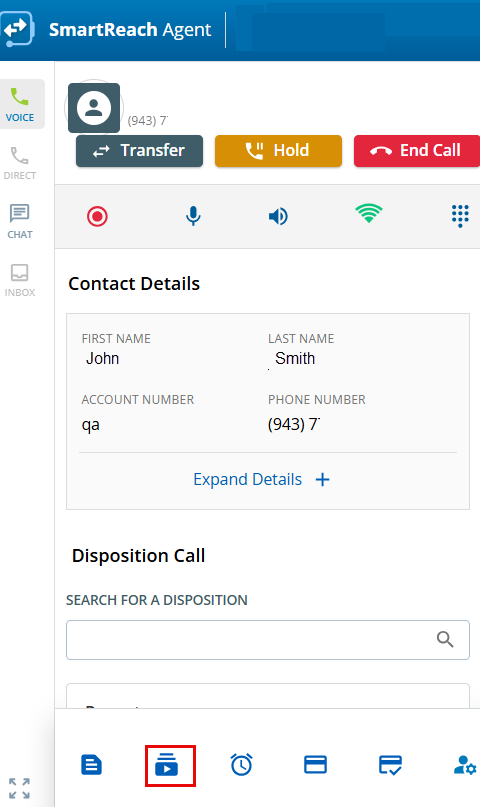
When you are on a call, you can play an audio message to a customer. To do so:

  1. In the Voice section, click .
     
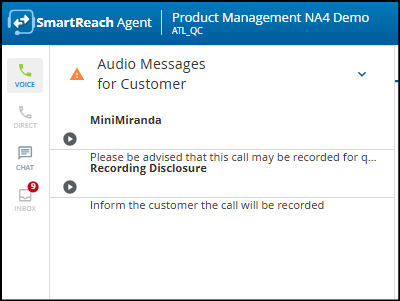
    1. The Audio Messages for Customer window displays a list of audio messages from the Messagebook.

    2. Select the row displaying the message that you want to play to the customer, and then, in the Play column, click the icon.
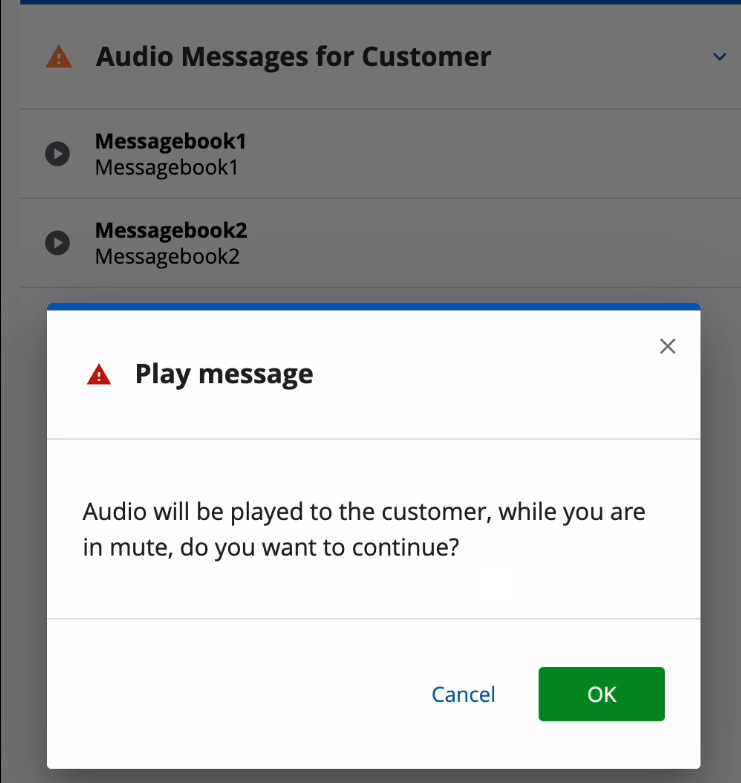
      A confirmation message stating that the audio message will be played to the customer while you are on mute appears. 

    3. Click OK.
      The audio message is played to the customer or to both you and the customer, based on the Target configuration in Messagebook.

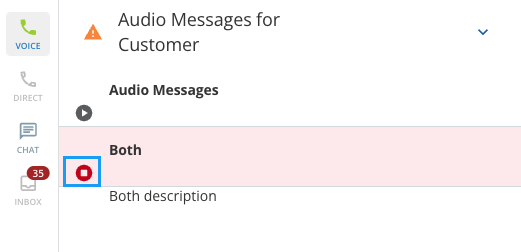
    You can stop playing the audio message to the customer any time by using the Stop button.

    When the MessageBook Target is set to Both, you and the customer hear the message. By listening to it, you know when it has finished and can continue the conversation.